Want your children to have iPads and other iDevices but use them with your supervision? Wondering how to childproof your iPad so you keep a lid on what content your children see?
The first thing you can do is enable Content & Privacy Restrictions to prevent your child’s access to specific features.
Use Screen Time (for iOS 12 and above)
Apple totally revamped its parental controls in iOS 12 with the introduction of Screen Time.
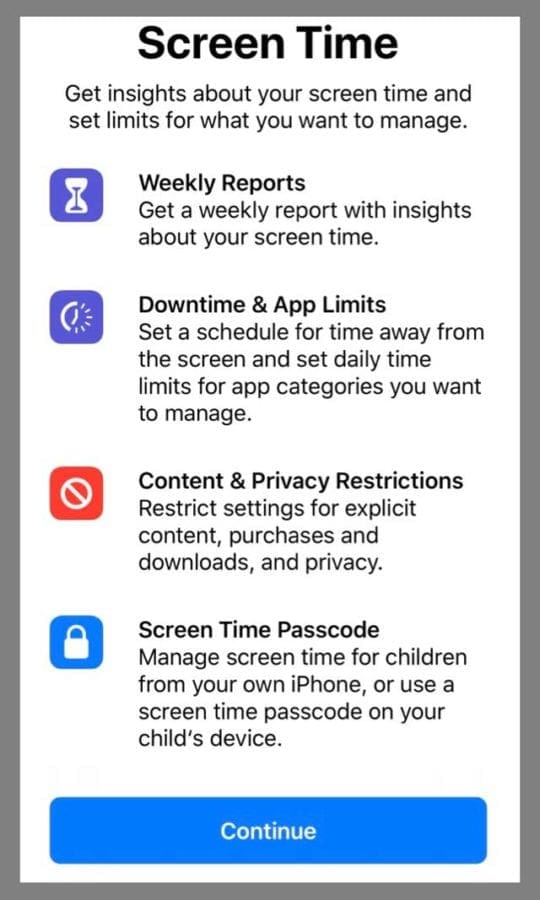
Screen Time is a robust Settings App feature that provides a host of services, including App Limits, Downtime, Always Allowed, and Content & Privacy Restrictions.
For parents, Screen Time lets you know how much time your kids spend on apps, websites, and more.
So you make informed decisions about how your children can use their devices and set limits on what they can access.
Turn on Screen Time
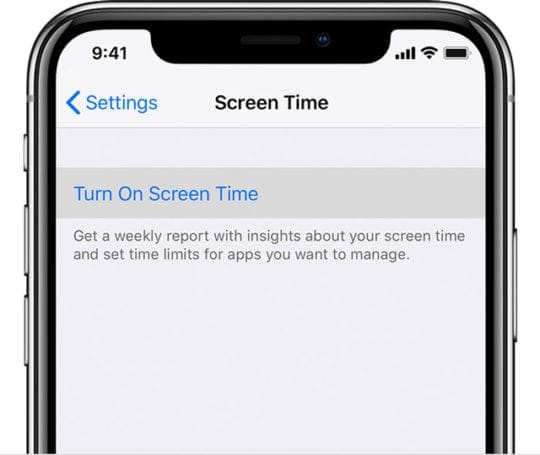
On your iPhone, iPad, or iPod touch, go to Settings > Screen Time
Tap Turn On Screen Time
Tap Continue
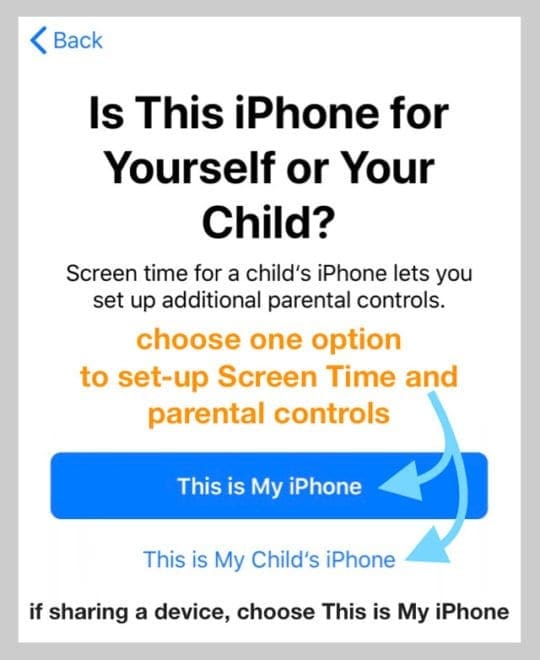
Select This is My Child’s
When setting up Screen Time on your child’s device, follow the prompts until you get to Parent Passcode and enter a passcode. Re-enter the passcode to confirm
Set-Up Content & Privacy Restrictions in Screen Time
Block or limit specific apps and features on your child’s device with Content & Privacy Restrictions.
Or restrict the settings on their iDevices so they cannot view explicit content, make purchases and downloads, and maintain their privacy while online.
And if you use Family Sharing, you can let your child make purchases with an Ask to Buy option.
Check out our article on Screen Time for more guidance on how to use this feature in iOS 12 and above
Use The Restrictions Features in Older iOS (iOS 11 and below)
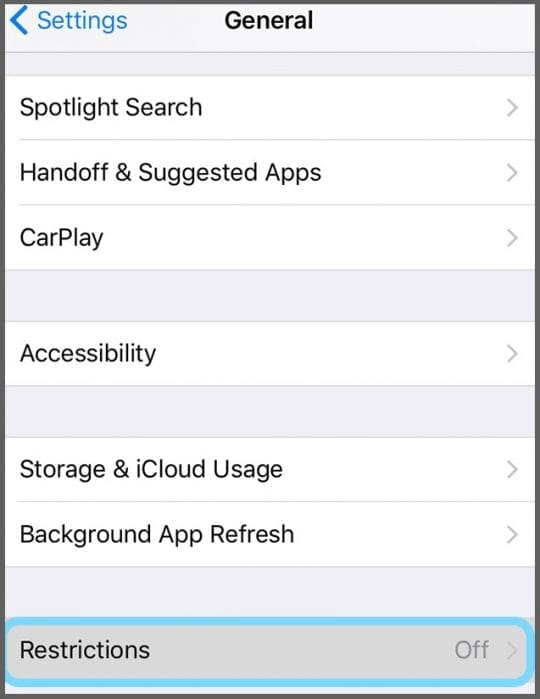
For iOS 11 and below,tap Settings > General > Restrictions
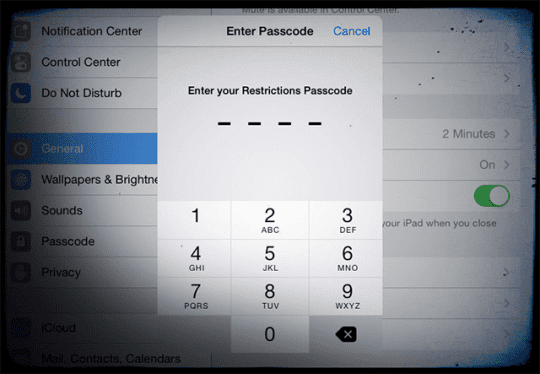
Tap and Choose Enable Restrictions and enter a 4-digit passcode
Remember this code or write it down, you will need it
Set-up all the restrictions you want for your child using the toggles and submenus
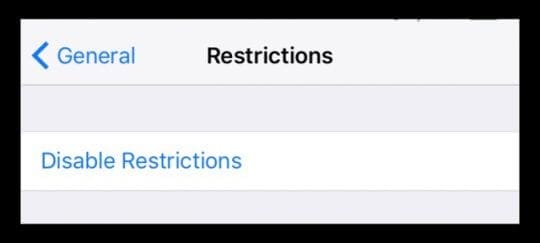
To disable restrictions, tap Disable Restrictions, then re-enter your passcode
If you forget your passcode, you must restore the iPad
There are lots of things you can allow or disallow in Restrictions, so set some time aside to review and update all your choices. Find what’s appropriate for your family and your child’s age!
Essentially Restrictions Provide You Tools!
Controls for what your child can purchase, delete, or install
Limit or block access to apps, services, camera, CarPlay, FaceTime, Game Center, and so forth
Control access to types of content based on age or ratings
Privacy protection for your account, location services, contacts, calendars, etc.
Want More Control Over Content?
For very young children, where you want them to have access to a single app–like watching a show or playing a single game, consider using Kids Mode!
Third party solutions
You may want a secure and safe web browsing for your family. There are various non-Apple, third-party apps for this.
Check the App Store for the latest Parental Control Apps–and don’t forget to review the ratings!
Check Out Our Video On How Apple Devices Help Us Parent!
Obsessed with tech since the early arrival of A/UX on Apple, Sudz (SK) is responsible for the original editorial direction of AppleToolBox. He is based out of Los Angeles, CA.
Sudz specializes in covering all things macOS, having reviewed dozens of OS X and macOS developments over the years.
In a former life, Sudz worked helping Fortune 100 companies with their technology and business transformation aspirations.













Me tooo and my over controlling uncle won’t tell me the password
I have a Apple iPad 2 model.a1396 but don’t have FaceTime app on my ipad