Apple has once again set a new benchmark with the introduction of the Apple Vision Pro. This groundbreaking device represents a significant leap forward, heralding the era of spatial computing. The Vision Pro seamlessly integrates digital content with the physical world, offering users an unparalleled immersive experience. With its innovative design, the device features an ultra-high-resolution display system and custom Apple silicon in a unique dual-chip design, ensuring that every interaction feels incredibly real and immediate.
Apple Vision Pro is not just a piece of hardware; it’s a comprehensive spatial computer that allows users to navigate and interact with digital content using their eyes, hands, and voice. This intuitive input system marks a departure from traditional computing interfaces, providing a more natural and engaging way to interact with digital environments. The device also introduces EyeSight, a feature designed to keep users connected with the people around them, even while immersed in digital content
Apple’s Vision Pro has revolutionized the way we interact with digital content, offering an immersive experience with its high-resolution displays and intuitive three-dimensional user interface. With over 600 apps specifically designed to leverage the capabilities of the Vision Pro, users have a vast selection to choose from. Here’s a curated list of the best apps across various categories for Apple Vision Pro users.
Microsoft 365 has been optimized for Vision Pro, allowing users to work on documents, spreadsheets, and presentations in a virtual space. The integration with VisionOS apps like Copilot enhances productivity with AI-assisted drafting and summarization.
Box provides cloud file management and collaboration, including 3D object interaction, making it a powerful tool for professionals who need to manage and share files on the go.
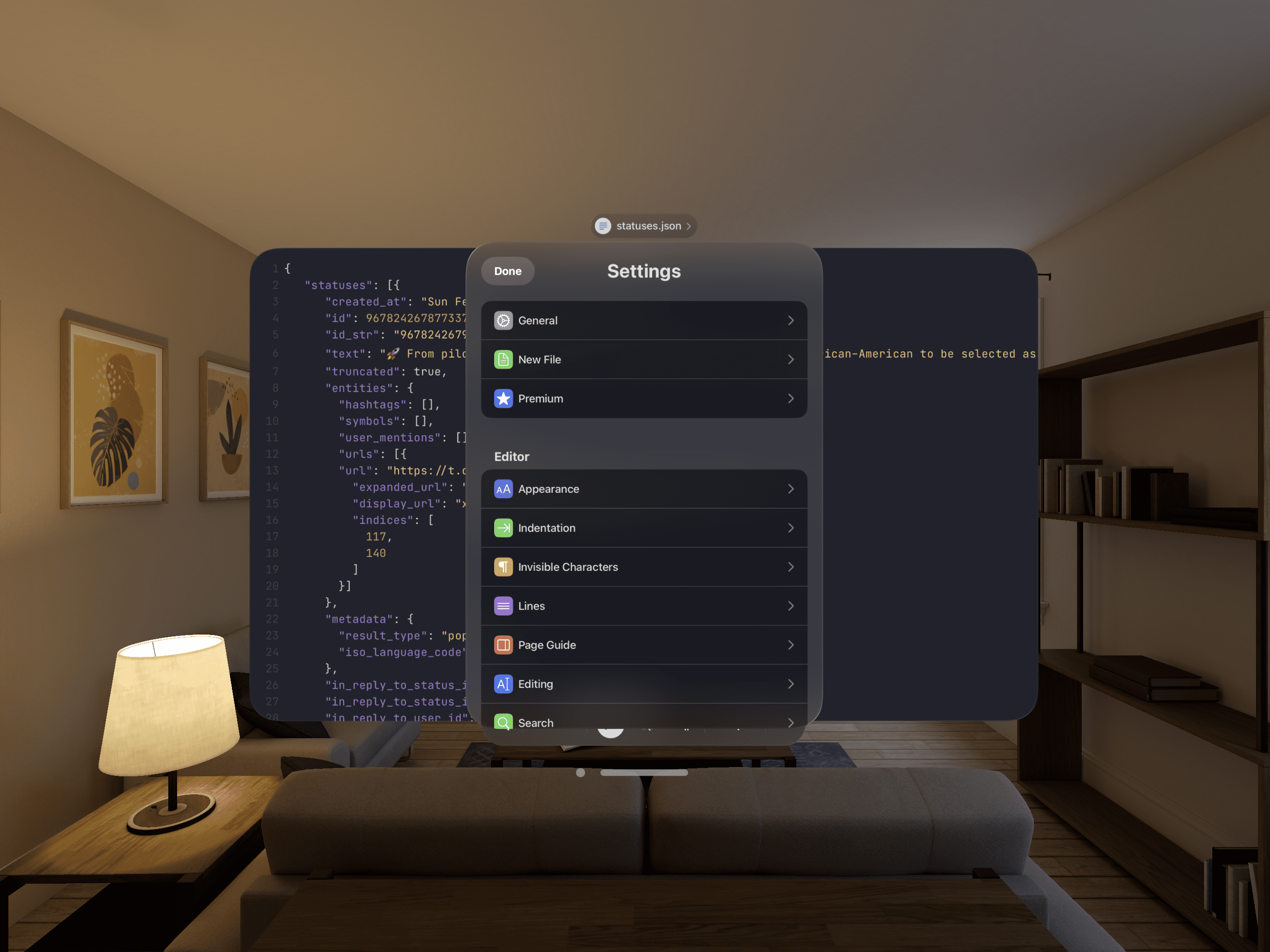
Runestone includes robust syntax highlighting and text editing capabilities tailored for writing code, markup, and other documents on iPhone, iPad and Apple Vision Pro. It competes with apps like TextEdit but has more developer-friendly features. The app was built using an open-source framework by a single passionate developer.
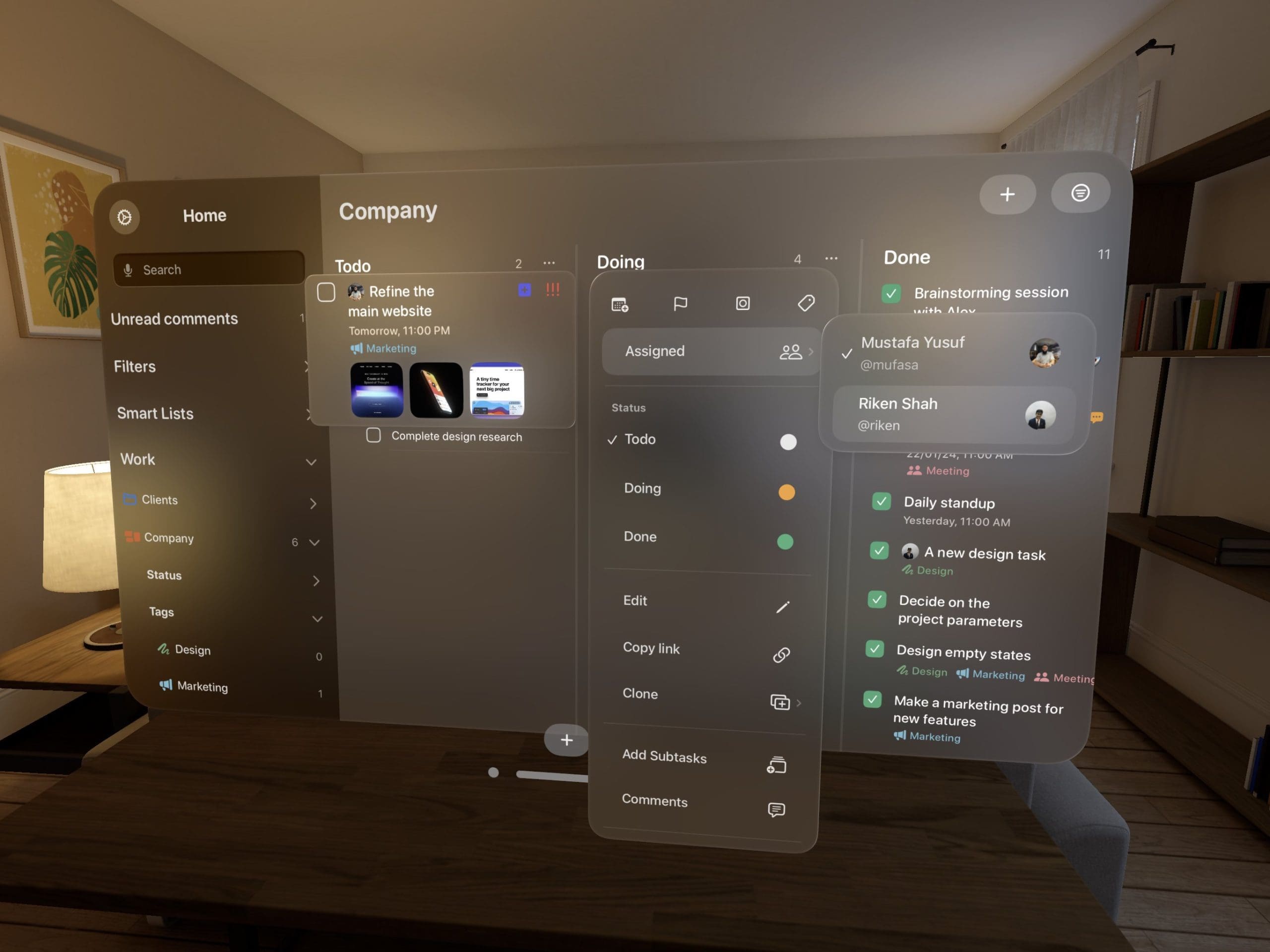
Tasks is an intuitive task manager for Apple devices including Vision Pro that lets you organize personal and collaborative projects into folders, lists, and kanban boards with features like reminders, priorities, tags, and customization. The app syncs tasks seamlessly across iPhone, iPad, Mac, Apple Watch, and now Apple’s new AR/VR headset Vision Pro.
Notion brings your notes, tasks, wikis, and databases into an immersive productivity workspace optimized for Apple’s new extended reality headset Vision Pro; collaborate with others in real-time 3D spaces or focus solo within your personal infinite canvas to organize anything.
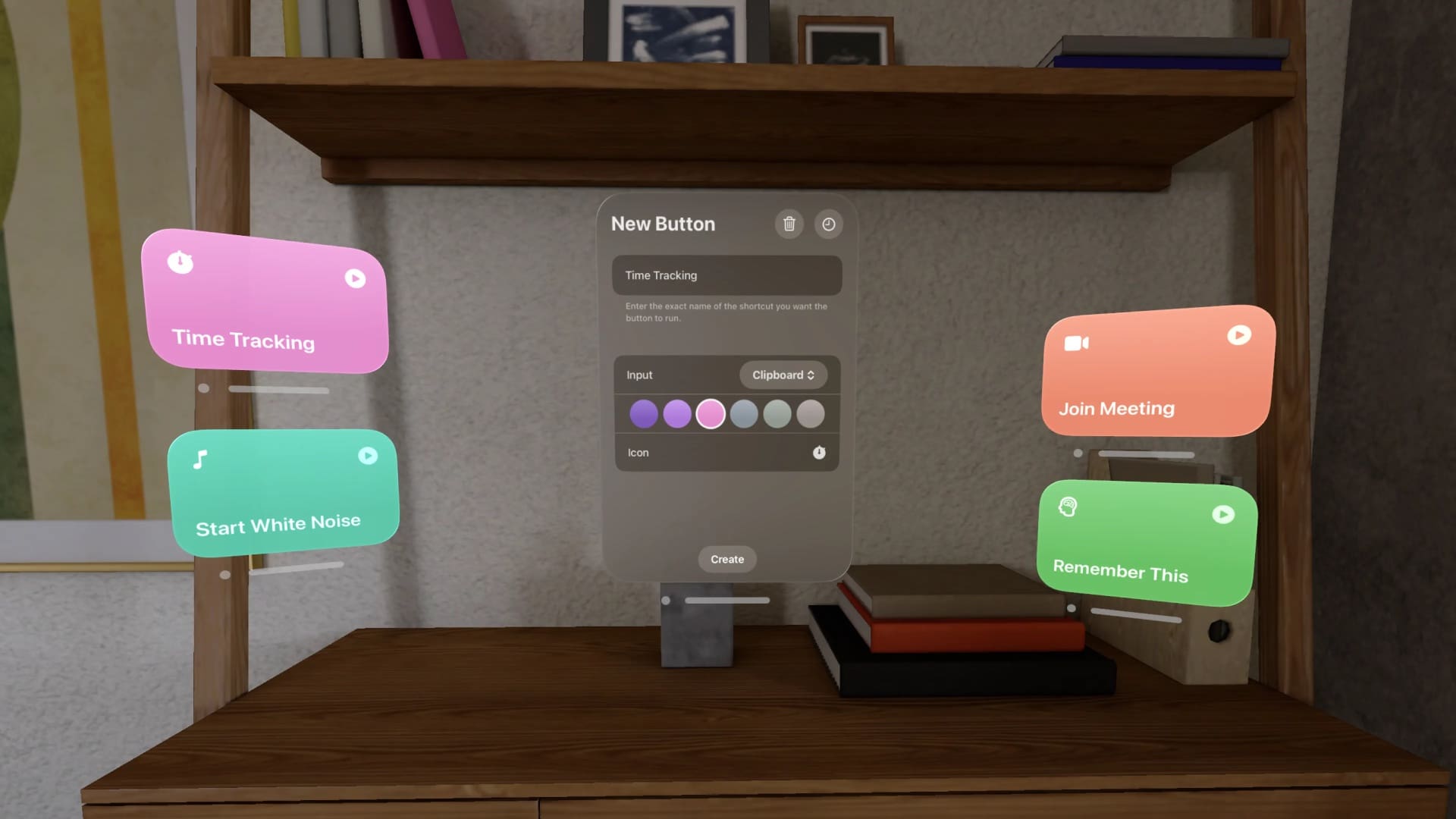
Shortcut Buttons is an app for Apple’s new AR headset Vision Pro that lets you create customizable floating buttons to quickly run Shortcuts automation, with support for clipboard access, history, and home automation triggers.
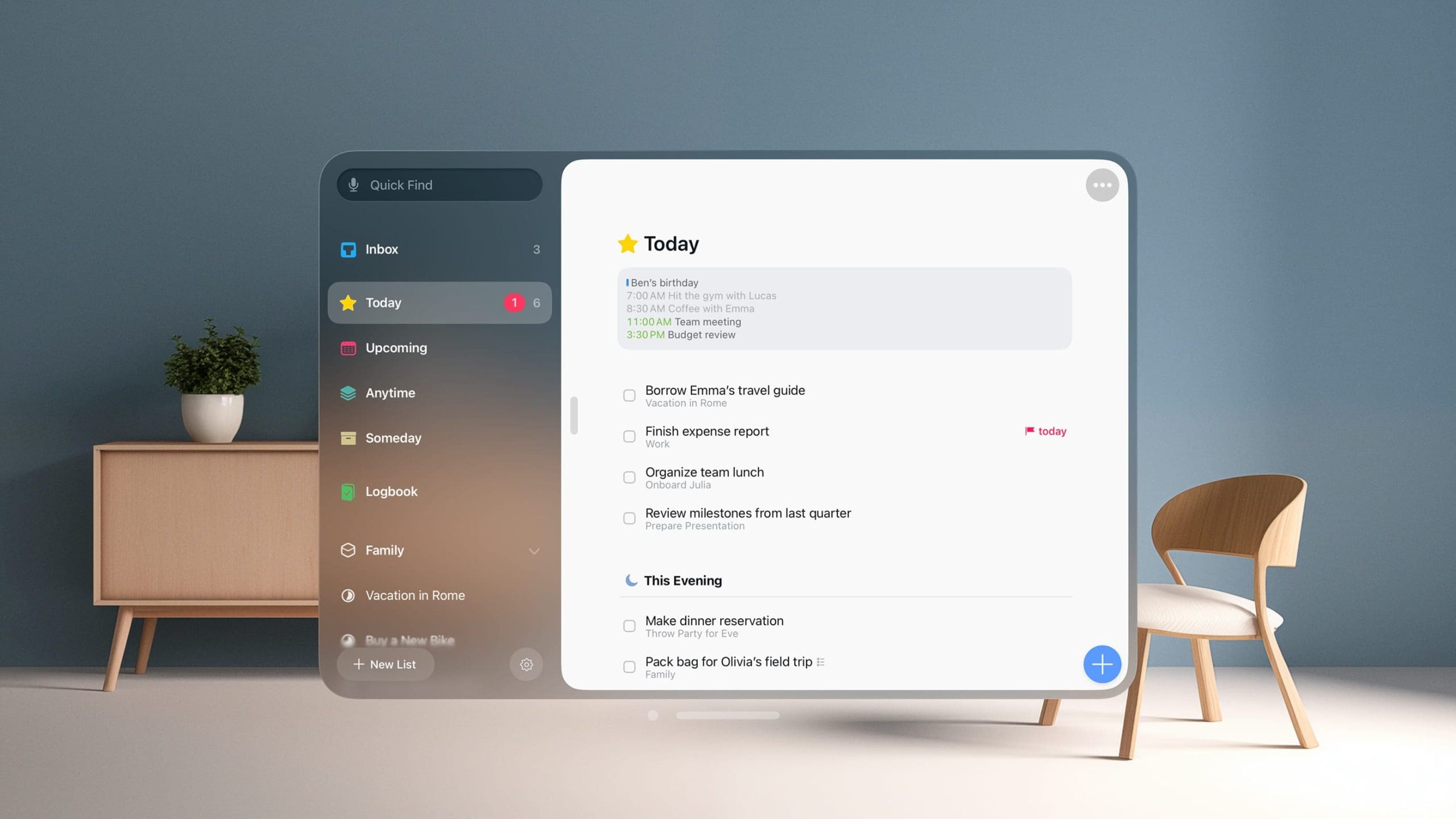
Things 3 brings your to-do lists and personal task manager into an infinite 3D workspace on Apple’s new extended reality headset Vision Pro; arrange multiple windows however, you like or hide the sidebar to focus on a single list floating in space.
With Spark Mail’s productivity-boosting capabilities tailored for spatial computing, Vision Pro owners can transform how they handle email. The app leverages AI to help you manage email more efficiently. Key features include automatically generated summaries of long threads to save you time catching up and smart suggestions that accelerate drafting replies.
Fantastical brings your calendar and events into an infinite 3D workspace on Apple’s Vision Pro headset; quickly create or view upcoming appointments via voice, keyboard, or hand tracking gestures.
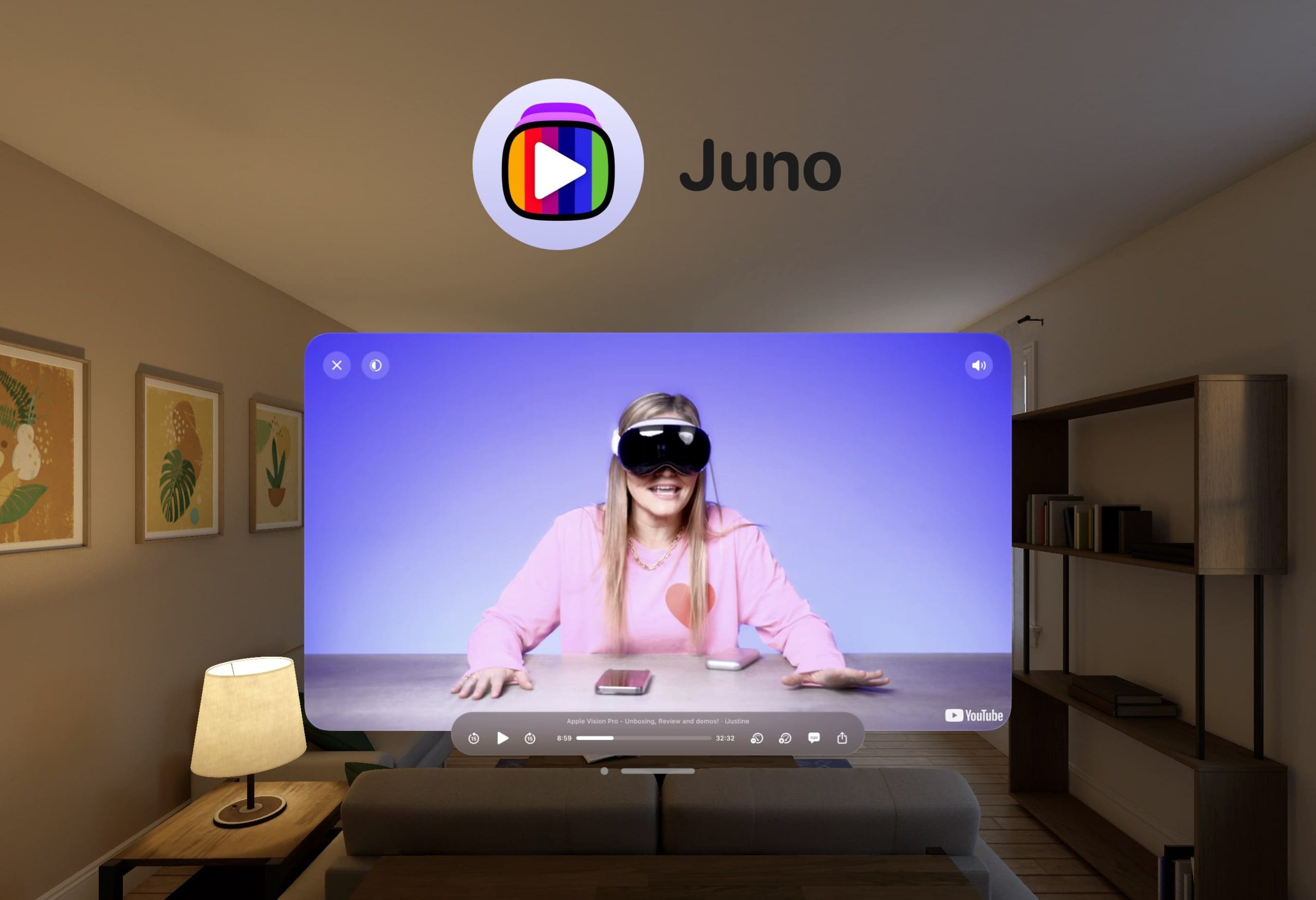
Juno optimizes the YouTube experience for Vision Pro with features like a 3D video theater, floating 2D video panels, and curated content channels across entertainment, music, learning, and more.
Apple Immersive Video Series
Vision Pro users can enjoy a selection of Apple Immersive Video series and films, offering an experience akin to watching content on a 100-foot screen.
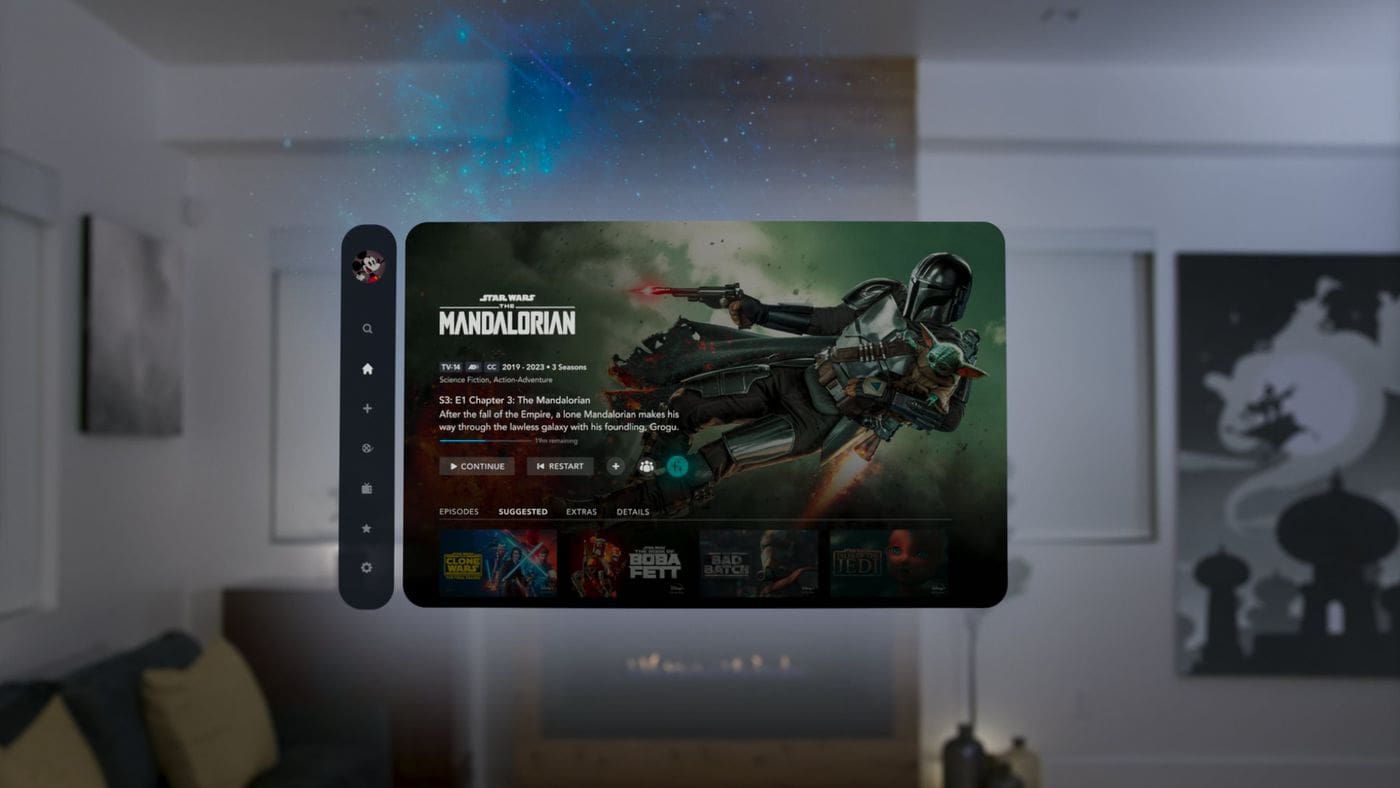
Disney+ offers a vast library of content that can be enjoyed in an immersive format on the Vision Pro, thanks to the longstanding collaboration between Apple and Disney.
Adobe Lightroom arrives on Apple Vision Pro, delivering a photo editing experience like never before. Immerse yourself in your images on a larger-than-life scale, adjust details with unparalleled precision, and experience the magic of wide-frame panoramas in full virtual reality.
Crouton immerses your personal digital cookbook into Vision Pro’s extended reality with hands-free voice-guided recipe steps projected into the 3D environment during meal preparation.
SuperVision+ offers image stabilization for a clearer view when magnifying text or objects, which is especially helpful for users with shaky hands or low vision.
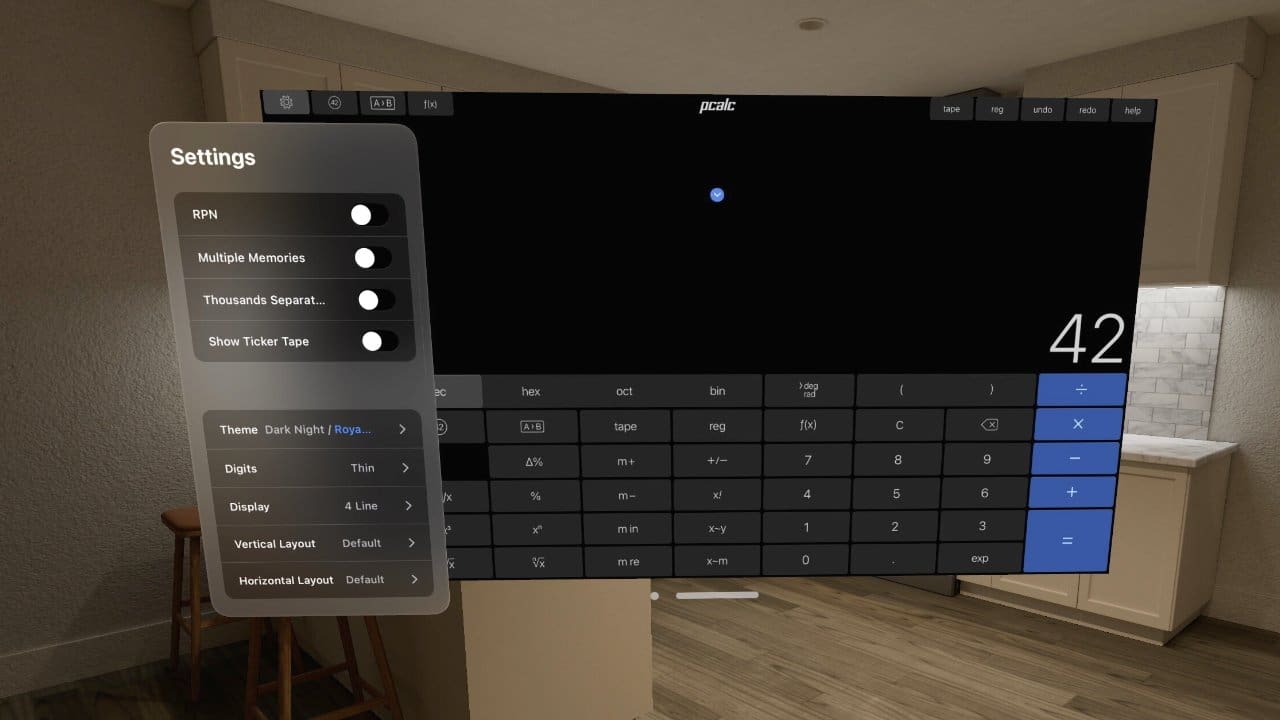
Pcalc brings a fully featured calculator and unit converter app into Vision Pro’s infinite workspace with 3D graphical equation visualization and haptic feedback.
This app offers a flexible way to structure and visualize your life within the spatial canvas of Apple Vision Pro. From simple habit trackers to complex project timelines, create customizable boards with an array of visuals to keep your goals, data, and memories beautifully organized.
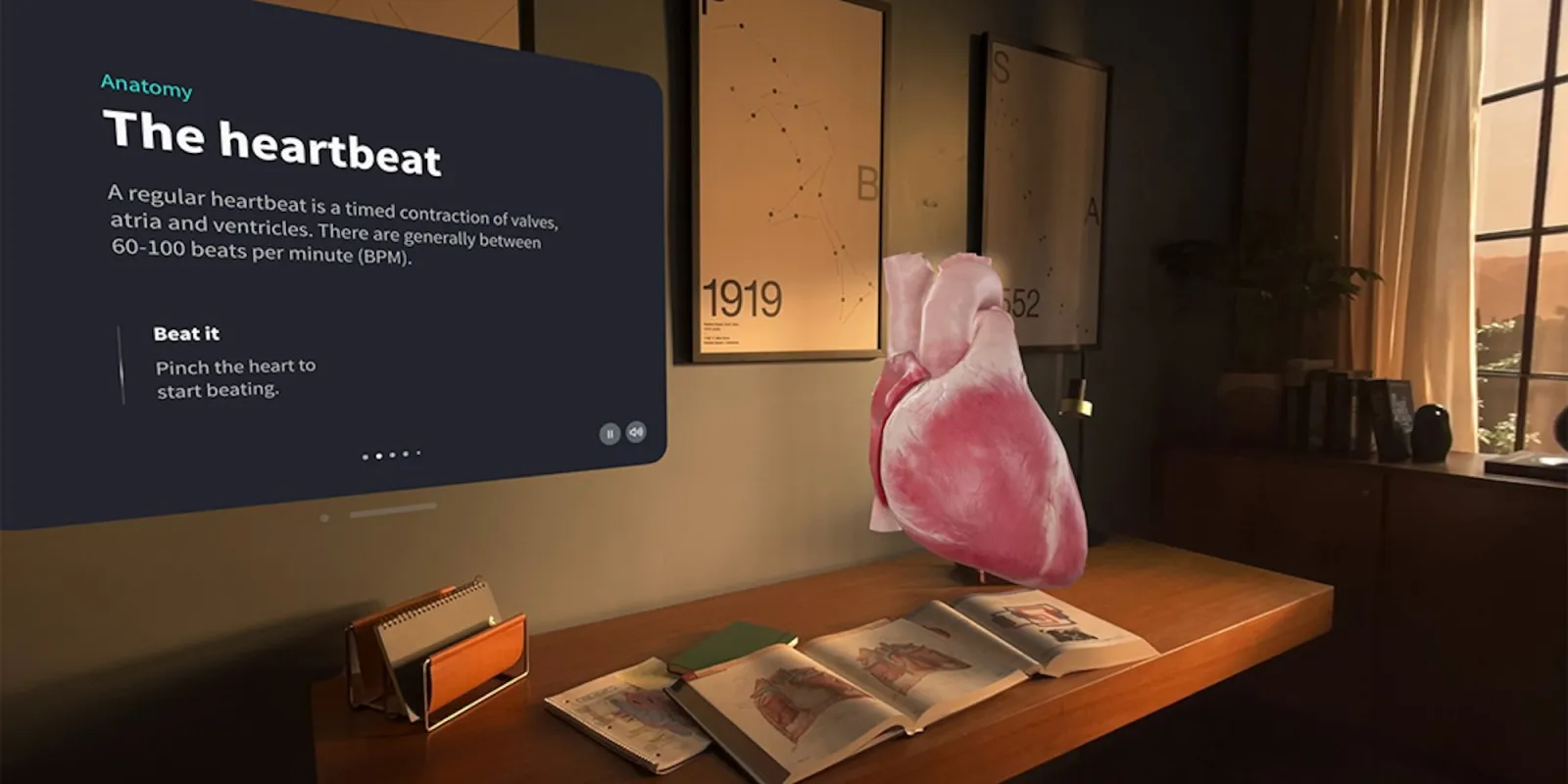
Complete HeartX provides detailed information on human anatomy, diagnoses, and treatments, making it a valuable resource for medical professionals and students.
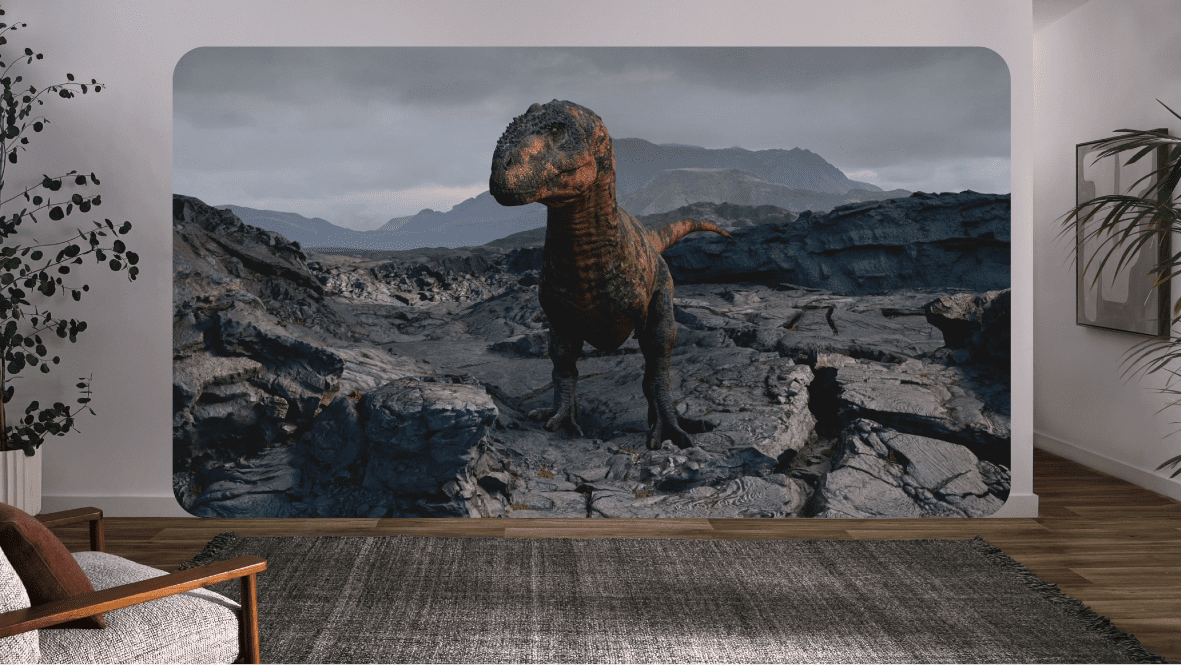
Encounter Dinosaurs fills your Vision Pro space with remarkably realistic simulated dinosaurs that intelligently respond to user movements and actions.
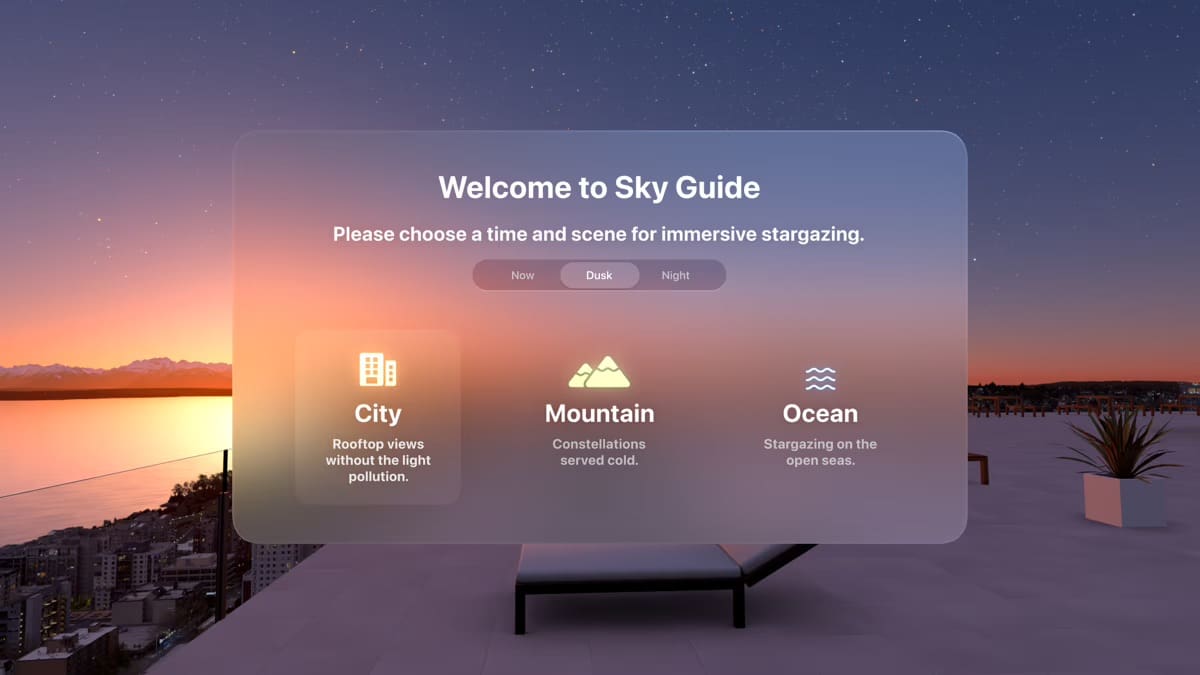
Sky Guide identifies stars, planets, satellites, and constellations seen through Vision Pro cameras, overlaying rich astronomical data in real-time 3D.
Conclusion
In conclusion, the Apple Vision Pro has truly transformed the way we interact with digital content, offering a plethora of apps that cater to a wide range of needs and interests. From productivity and collaboration tools to entertainment and media apps, from educational resources to accessibility tools, the Vision Pro provides an immersive and intuitive user experience.
With the continuous development and release of new apps, the potential of the Vision Pro continues to grow, promising even more exciting and innovative ways to engage with digital content in the future. Whether you’re a professional, a student, a tech enthusiast, or simply someone who enjoys high-quality digital experiences, there’s an app on the Vision Pro that’s perfect for you.
Andrew Myrick is a freelance writer based on the East Coast of the US. He enjoys everything to do with technology, including tablets, smartphones, and everything in between. Perhaps his favorite past-time is having a never-ending supply of different keyboards and gaming handhelds that end up collecting more dust than the consoles that are being emulated.














Write a Comment