If you’re reading this article because of the headline, then you probably know that Intel Unison has already been discontinued. The integration app was an invaluable way to combine the functionality of various computers and smart devices, regardless of manufacturer or OS. After only three years of service, this good thing has come to an end.
But Intel Unison’s end doesn’t mean the end of device connectivity and integration, however. Today, we’ll be looking at the best Intel Unison alternatives for cross-device connectivity and integration.
Though Intel never gave an official reason as to the app’s discontinuation, some suspect that the app’s waning popularity is to blame. Some think Intel’s new CEO and a return to core engineering might be the cause. Others say that the in-house tech of Windows and Apple finally matched Intel’s offering, alongside other third-party apps.
The following alternative solutions are what we’ll all have to use now that Unison has said its goodbyes.
Intel Unison Alternatives
If you’re dreading having to return to using cables and older tech, then don’t worry. These alternatives will keep life without Intel Unison simple:
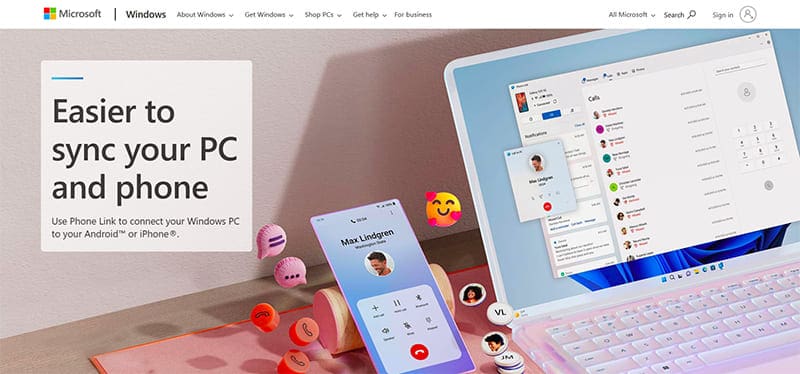
Windows Phone Link
If you have a Windows PC and want to keep your iPhone or iPad synced effectively, then Phone Link provides some great connectivity. While it does play best with non-Apple devices, you’ll still be able to transfer files, use apps, and take and receive calls on your PC. For more advanced functionality, you will need to use a Microsoft account.
AirDroid Personal
You might be an Android device owner and want the same connectivity between your device and an Apple device (mobile or desktop). AirDroid Personal is software that allows such seamless integration between these devices. Not only can you transfer files easily from your Android device, but you can also control your Android device remotely, no cable or root required.
KDE Connect
KDE Connect is free, open-source software that allows for multi-device communication. The app doesn’t work the best for iOS devices (owing to Apple’s limitations on background processes), and offers limited functionality, but if you’re an Android device owner, then you’re in luck. All you need is the app installed on the devices you want to share both files and the clipboard.
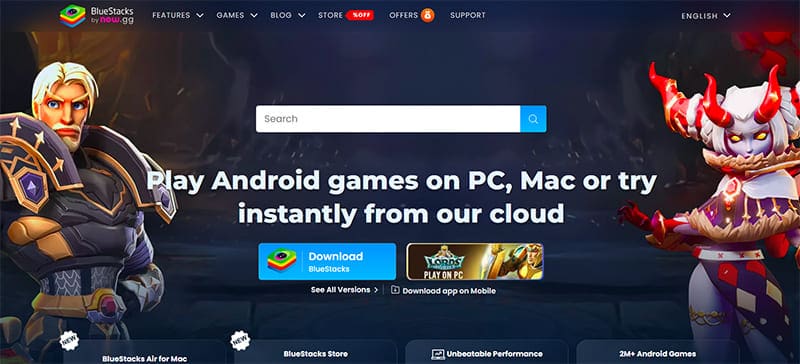
BlueStacks
Are you looking to run your Android device’s apps on your iMac? Well, BlueStacks has got you covered. This software acts as an emulator, allowing for the download and running of apps on your desktop. Though it does run older versions of Android, and access to some apps may be limited, it’s still a great way to play games on your machine.
GlideX
Just like Intel, some other PC manufacturers have also released their own integration offerings. GlideX is one excellent example that works particularly well with ASUS machines and devices, but it can be used with any device. This particular app allows you to mirror and extend your PC screen across multiple devices, and use one mouse for unparalleled control. The app also offers a free tier.
As an avid gamer, I’ve run into my fair share of error codes and weird faults that have forced me to find fixes to problems I never anticipated. That gave me a passion for sharing those fixes with others so we can all game without feeling like our hardware is rebelling against us.











Write a Comment