Discussions about AI and privacy seem to go hand in hand these days. And with Apple’s next-generation Siri still awaiting release, the discussion is coming to the makers of Siri themselves. Is the promise that privacy is first with Siri’s makeover to be believed? In this article, we’ll be exploring Siri AI privacy and what to expect.
In 2024, Apple Intelligence was announced as the tech giant’s version of AI. Compared to the veritable arms race that’s been happening with tech companies in the past few years to develop AI infrastructure and drive advances, Apple’s own efforts have been conspicuously slow and hesitant. For a company at the forefront of design, they’ve missed this cutting edge.
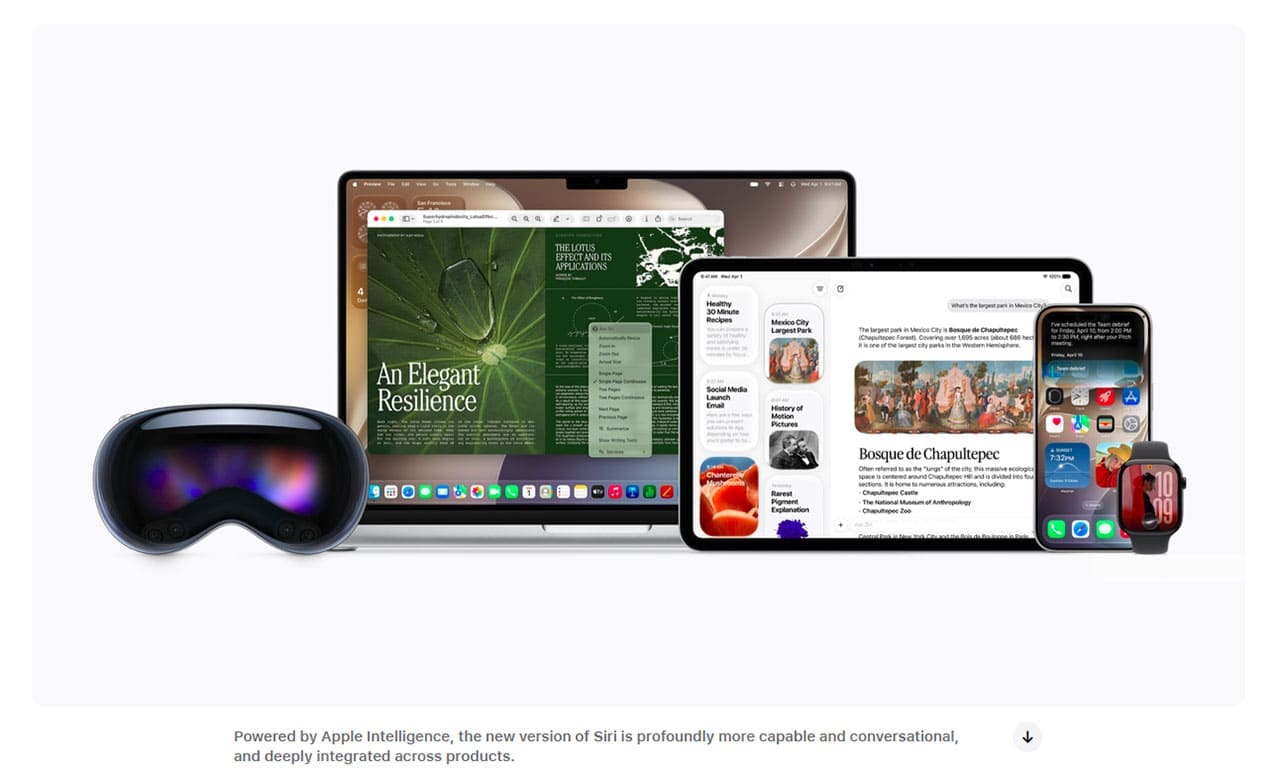
Instead, Apple has placed more focus on privacy and quality, choosing to partner with Google Gemini, using its servers and existing infrastructure to power its own AI. Siri AI is part of Apple Intelligence and is promising an assistant with superior privacy in a future version of iOS.
What Does It Have Access to?
While Siri AI won’t have immediate access to all installed apps on your Apple device, it will be able to access the following:
Your messages and mail
The Photos app
Screen awareness (where supported)
Actions and searches that your Apple device takes, from Spotlight to schedules
This is combined with real-time and real-world information to utilize personal context to provide the best assistance possible.
How Is the Data Used?
Siri AI will use three different levels of data processing, depending on the size of the task at hand:
The first level will use your device’s resources to process the request. Information stays on your iPhone or iPad.
The second level will send your data to Apple’s Private Cloud Compute, a secure server that’s encrypted and denies even Apple a chance to read info.
The heaviest requests will be sent to Apple’s partner – OpenAI (ChatGPT) – when the user explicitly approves sending a request for processing. This data will still be encrypted by Apple for better security.
Siri AI Privacy – Yes and No
The fundamental problem of AI and privacy is in the tradeoff – for better understanding and assistance, more access is needed to private information. A truly private AI would be able to process everything locally and without using data for training, scraping, or marketing.
What’s more, handing over data to an assistant results in what programmer Simon Willison calls the “Lethal Trifecta:” that any assistant can be tricked into handing over information. This isn’t as much a problem with dinner plans and daily routines, but when AI is used to process confidential information and secret documents, things get dicey.
Siri privacy concerns are well-founded, as part of the offering and larger AI use as a whole. Though Apple’s security measures and privacy-first stance arguably make it the safest AI, Apple Intelligence is still AI.
Perhaps the biggest question mark about Siri AI is the reliance on the servers it uses to process data. It’s good to know Apple cannot read or use data run through Private Cloud Compute. Although Apple has published extensive technical docs and invited security researchers to examine Private Cloud Compute, long-term security will continue to be evaluated over time.
All in all, it does seem that Siri AI is shaping up to be a good tool that’ll help your day-to-day life, but as with all AI, data that leaves your device can never be entirely secure.
As an avid gamer, I’ve run into my fair share of error codes and weird faults that have forced me to find fixes to problems I never anticipated. That gave me a passion for sharing those fixes with others so we can all game without feeling like our hardware is rebelling against us.












Write a Comment