iTunes for Windows has long been a popular app for buying, streaming, downloading, and organizing music and other media, but it’s being phased out and replaced with three other apps instead. These apps let you carry out the same functions as iTunes, but with more modern interfaces, stronger performance, and other key features, too.
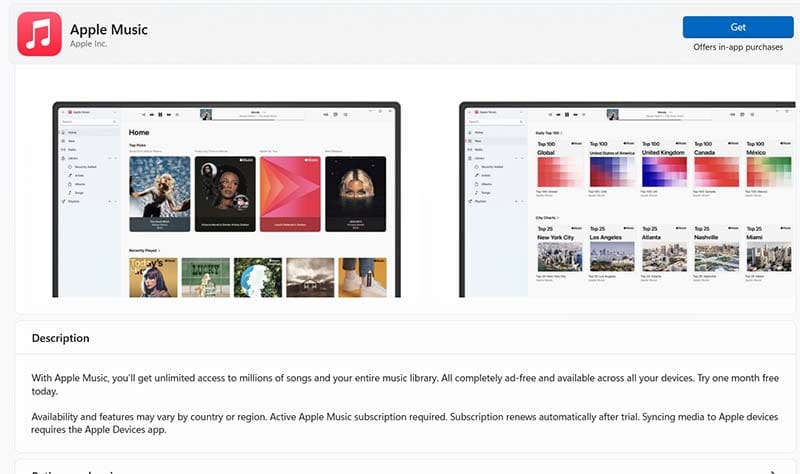
Apple Music is the closest of the new Apple Apps for Windows to traditional iTunes. It’s a streaming music platform you can use to access, play, and download millions of different songs in all genres.
You can also use it to play your own personal music library, create playlists, follow your favorite artists, and listen to various radio stations.
Plus, when used in conjunction with Apple Devices (more on that below) you can sync your tracks to your iPhone and other devices.
This iTunes replacement for Windows can therefore do almost everything iTunes did. It even gives you access to music videos in 4K and also introduces a much sleeker user interface, flawlessly time-synced lyrics, and other advantages.
Apple TV
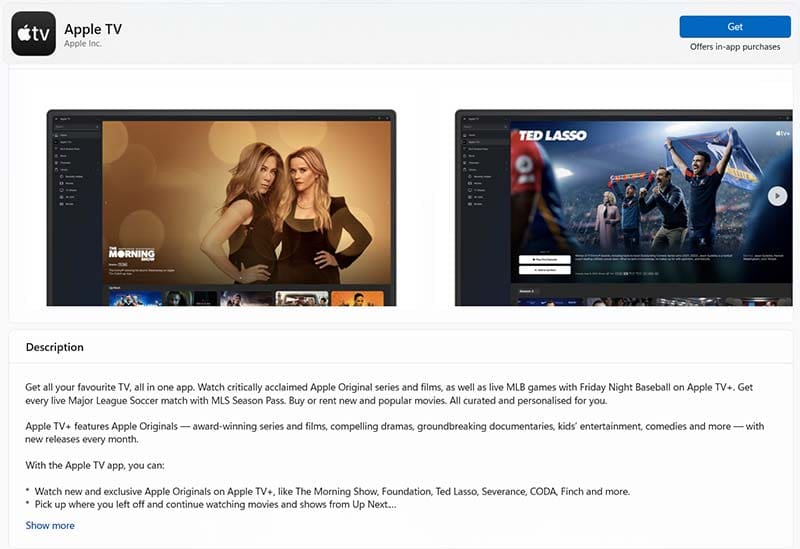
While Apple Music is concerned with music and audio entertainment in general, Apple TV is all about visual entertainment.
With the Apple TV app for Windows, users can download and stream a wide range of shows and movies. This includes famous Apple Originals, like “Ted Lasso,” as well as live sports, and more. Note, however, that you’ll need an Apple TV+ subscription for full access.
You can also use this app to access and manage your library of video content (either bought or rented) and enjoy playback in 4K.
Apple Devices
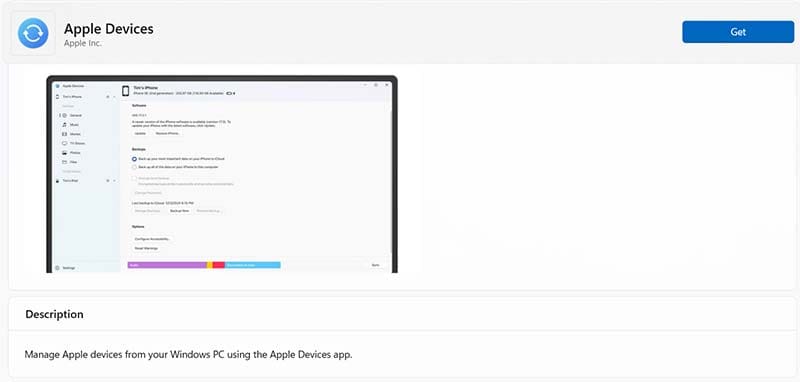
The last of the new Apple apps for Windows is Apple Devices. This is effectively the glue that holds the system together and syncs content across your various devices.
With Apple Devices, you can connect your Apple iPhone, iPad, or other devices together with your Windows PC and sync content across them all. That way, if you want to start watching a show on your computer and then continue later on your phone, you can do that.
The Apple Devices app also supports backups, so you can create and store important backup data for your devices, just in case anything happens to them.
Is There Any Use in Holding onto iTunes for Windows?
This new trio of apps is being marketed as the official iTunes replacement for Windows. However, it’s worth noting that the three new apps don’t replace all of iTunes functions.
Specifically, at least for the time being, iTunes is still the Apple app to use on Windows for listening to podcasts and audiobooks.
If you’re heavily invested in the podcast scene or have a big library of downloaded audiobooks on your iTunes account, it may be worth holding onto iTunes for now.
It’s possible that Apple will release dedicated apps, like Podcasts and Books for Windows, in the future to address this.
How to Get The New Apple Apps for Windows
If you’re ready to leave iTunes behind and move on to the new Apple apps for Windows, it’s quite easy to get everything set up.
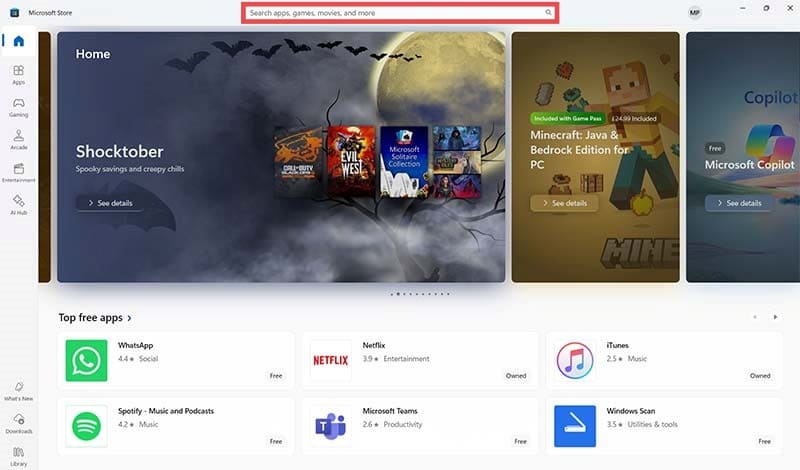
You can find all three of the new apps – Music, TV, and Devices – in the Windows Store.
Step 1. Click on the Windows Store icon to open it from your taskbar or Start menu.
Step 2. Type the app names into the search bar to find each one, then click the “Get” button to download and install them.
Note that you’ll need to install all three apps together to get the most out of them. If you just install one, you’ll receive prompts from iTunes asking you to get the other apps.
As an avid gamer, I’ve run into my fair share of error codes and weird faults that have forced me to find fixes to problems I never anticipated. That gave me a passion for sharing those fixes with others so we can all game without feeling like our hardware is rebelling against us.












Write a Comment