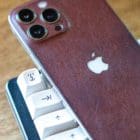
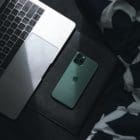
On the outside, the iPhone 13 may not really look like much of an upgrade compared to last year’s iPhone 12 series. It’s not until you start diving beneath the surface that you can see how much has really changed with Apple’s latest iPhone. Along with the new camera modules, larger batteries, while retaining the squared off design, there’s another new feature that could be a game-changer for iPhone fans.
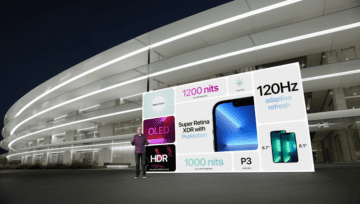
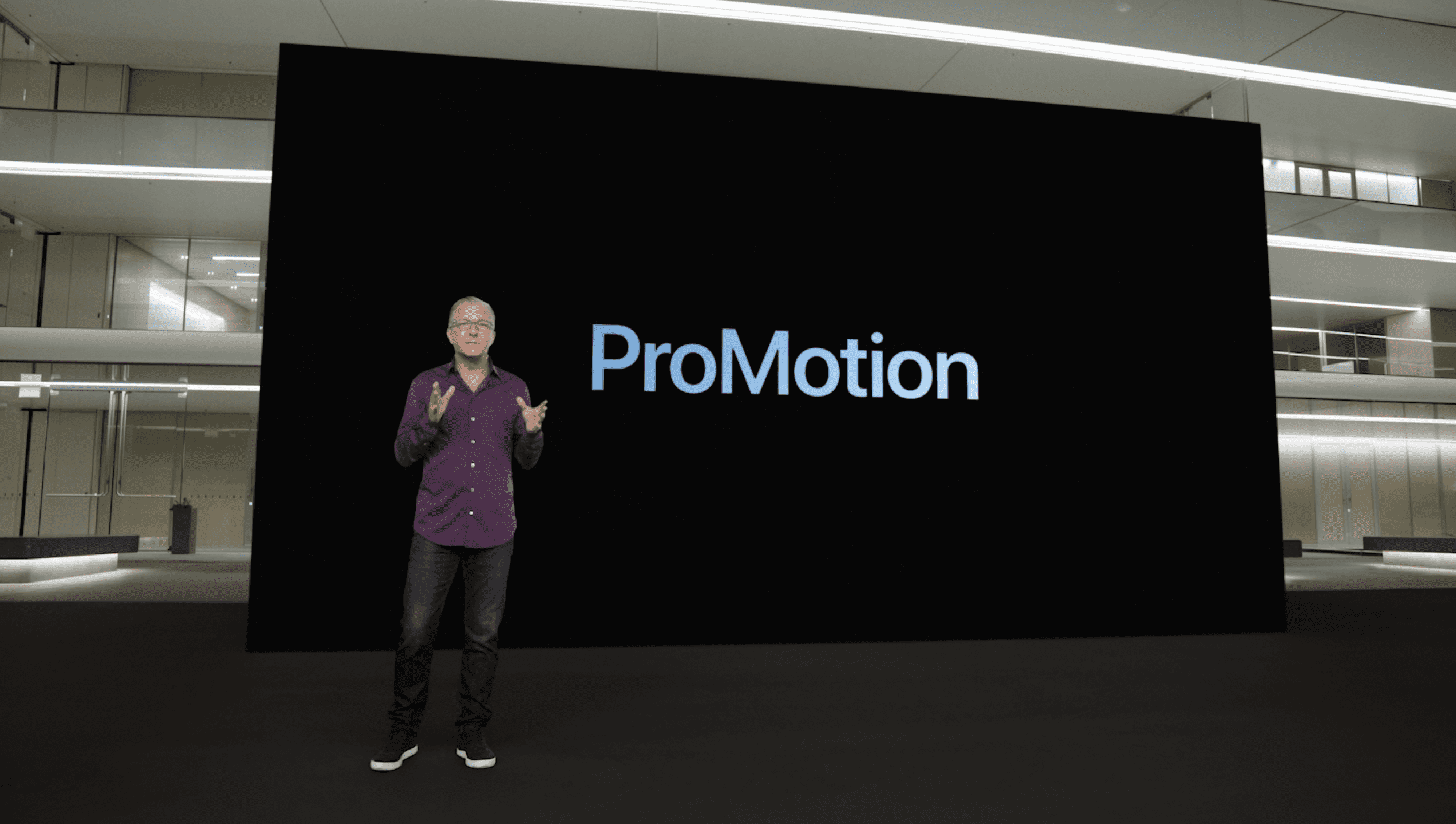
You have to go all the way back to 2017, but this is when Apple introduced its first “ProMotion” display. In layman’s terms, ProMotion provides a faster refresh rate to make your display look and feel smoother. This is achieved by reaching limits of 120Hz refresh rates, compared to the 60Hz that has been available on iPhones for years.
Here’s Apple’s official description:
A new technology that delivers refresh rates of up to 120Hz for fluid scrolling, greater responsiveness and smoother motion content. ProMotion also improves display quality and reduces power consumption by automatically adjusting the display refresh rate to match the movement of the content.
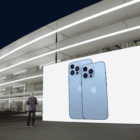
iPhone 13 Pro and iPhone 13 Pro Max introduce the most advanced display ever on iPhone, Super Retina XDR with ProMotion, supporting an adaptive refresh rate from 10Hz to 120Hz, for fast frame rates when users need it and preserving battery life when they don’t.
The “adaptive refresh rate” is the key here, as your iPhone automatically changes how fluid your screen looks. Currently, ProMotion Displays are available on the iPhone 13 Pro, iPhone 13 Pro Max, and both iPad Pro sizes (11 & 12.9-inches). Using one of these displays may not seem that impressive at first, but if you turn off ProMotion on iPhone 13, you’ll definitely notice the difference.
Turn off ProMotion on iPhone 13 Pro
One reason you might find yourself wanting to turn off ProMotion on iPhone 13 Pro has to do with battery life. Although Apple claims the adaptive refresh rate will provide better battery life, that doesn’t mean that your iPhone still isn’t doing more work. This can result in your battery draining just a little bit faster, and that could make the difference between making it though the entire day, or not.
There were some concerns that Apple may just force this feature on users, and not allow you to turn off ProMotion on iPhone 13 Pro. Luckily, that’s not the case, but you’ll need to jump into the Accessibility settings in order to do so. Here’s what you’ll need to do:
Open the Settings app.
Scroll down and tap Accessibility.
Under the Vision section, tap Motion.
Tap the toggle next to Limit Frame Rate.
After you limit the frame rate, we recommend restarting your iPhone 13 Pro or Pro Max, just to ensure that the settings have “stuck.” But if you end up changing your mind, you are not stuck with a 60Hz display refresh rate forever, as you can just jump back in and turn off the limitation.
Andrew Myrick is a freelance writer based on the East Coast of the US. He enjoys everything to do with technology, including tablets, smartphones, and everything in between. Perhaps his favorite past-time is having a never-ending supply of different keyboards and gaming handhelds that end up collecting more dust than the consoles that are being emulated.





Write a Comment