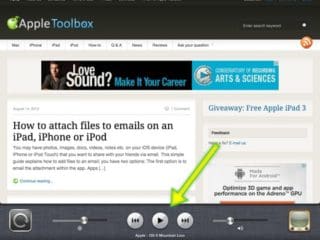
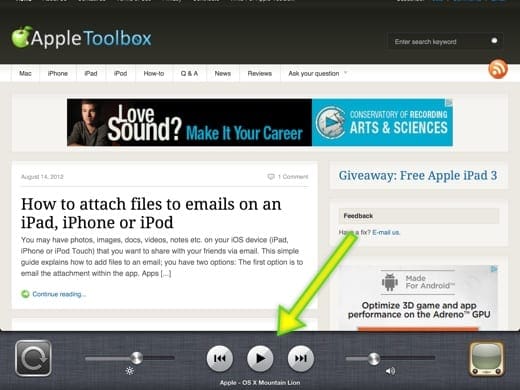
This simple tip explains how to listen YouTube while not actively viewing the YouTube app on your iOS device (iPad, iPhone or iPod Touch). This allows you to listen to music from YouTube while using your device to perform other tasks such as surfing the web, creating notes or reading books. By default when you exit the YouTube app, the sound stops as well. Here is how you can listen to YouTube or any other video, audio in the background:
Launch YouTube app and find your media files to listen to OR simply launch your web browser and launch YouTube by visiting youtube.com (web YouTube works now without opening the YouTube app).
Obsessed with tech since the early arrival of A/UX on Apple, Sudz (SK) is responsible for the original editorial direction of AppleToolBox. He is based out of Los Angeles, CA.
Sudz specializes in covering all things macOS, having reviewed dozens of OS X and macOS developments over the years.
In a former life, Sudz worked helping Fortune 100 companies with their technology and business transformation aspirations.







it doesn’t work with my wife’s ipad air. Been trying several ways…. 🙁
Doesn’t work. It only accesses the music app not the you tube one. This is incorrect
Apple has problems
H8 6.2!!!
I’ve been having problems with this sadly…:(
you guys should download play tube same thing as you tube exept it lets you play it while not on the app . I had the same issue aswell.
this is so stupid how it dosent work for 6.2 up dat really bad mess up apple people really bad !!!!!
How do you do it for 6.2 : ( I hate this update!!!
it seems that the new 6.1 update has blocked this for some reason. I have tried on multiple iPhones running 6.1 . WHYYYYYYYYYY!
Zzz I think so cuz u know I tried but it works but only when I’m safari not on other apps anymore! It used to work. Help!!! >_<
This is still not working. Is it because I have an ipad 2?
Wow awesome. Thank you very much for this tip. I didn’t think it was possible.