The MacBook Pro has long been a staple for professionals seeking power and performance. In October 2023, Apple took a giant leap forward with its latest iterations of the 14-inch and 16-inch MacBook Pro models.
Dubbed the “Scary Fast” event, this announcement showcased not only hardware advancements but also significant aesthetic upgrades. Here’s everything you need to know about these cutting-edge machines.
Audio: Built-in speakers, 3.5 mm headphone jack with advanced support for high-impedance headphones
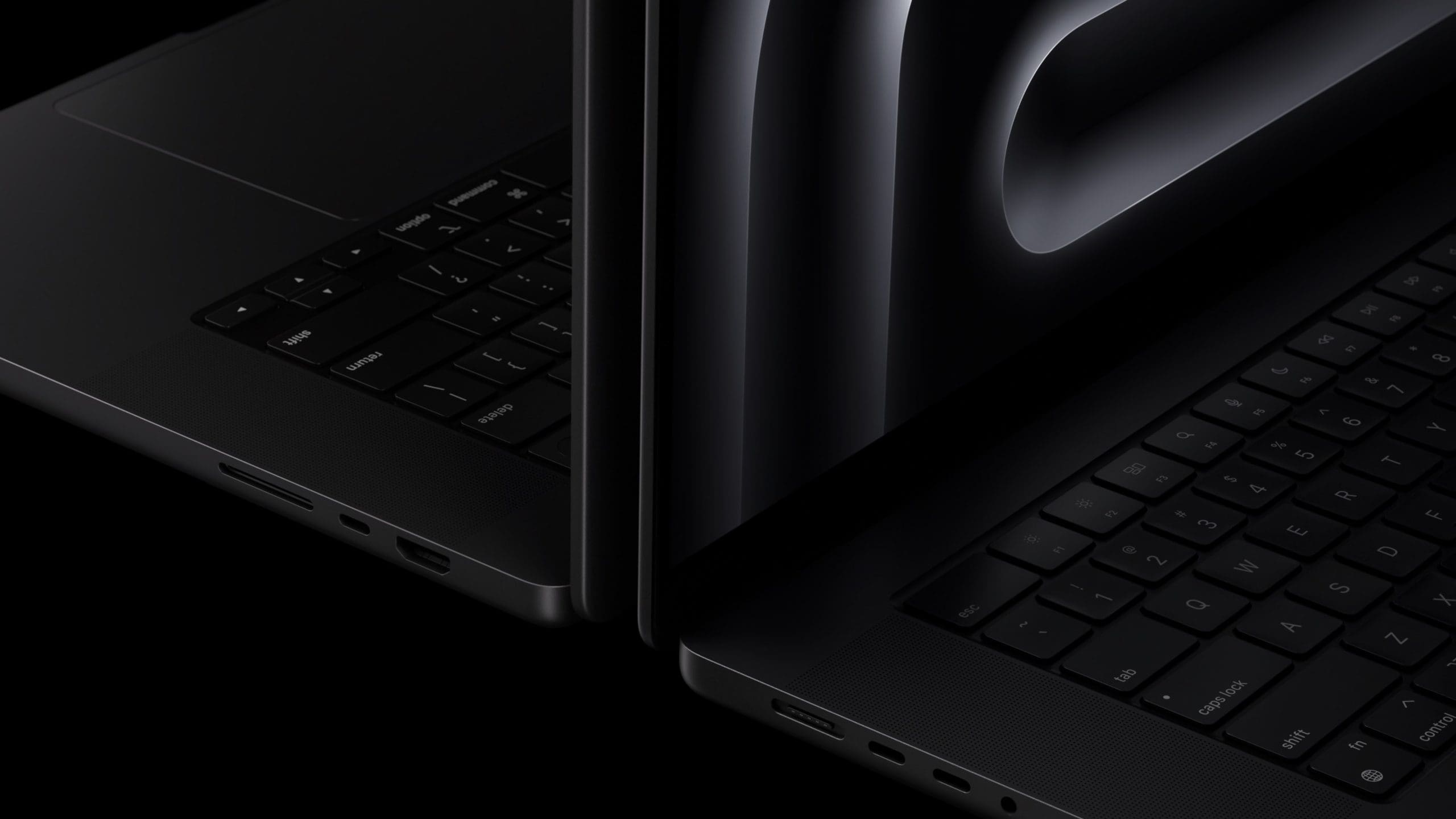
Ports:
M3
2x Thunderbolt 3 (USB 4) / HDMI / SDXC
M3 Pro and Max
3x Thunderbolt 4 / HDMI / SDXC
Battery:
14-inch M3:
Up to 22 hours
14-inch M3 Pro or Max:
Up to 18 hours
16-inch M3 Pro or Max:
Up to 22 hours
Connectivity: Wi-Fi 6E (802.11ax) / Bluetooth 5.3
Price: Starts at $1599
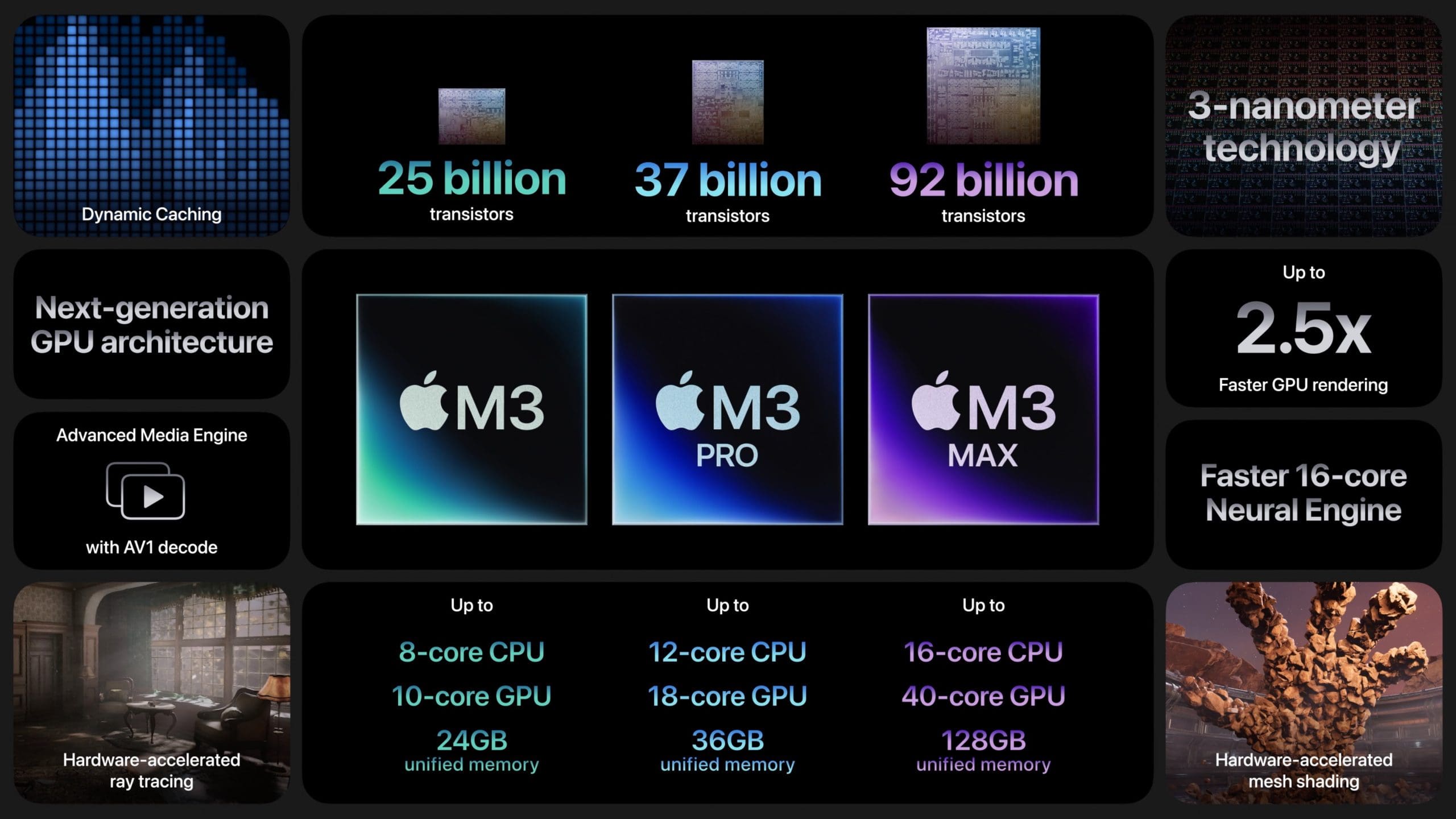
Apple unveils M3, M3 Pro, and M3 Max
Apple’s latest M3 chip lineup, encompassing the standard M3, M3 Pro, and M3 Max, are all crafted using advanced 3-nanometer process technology. These chips showcase enhanced GPU capabilities, with features like hardware-accelerated ray tracing, mesh shading, and Dynamic Caching.
The latter ensures optimal memory distribution for tasks, enhancing both specialized graphics functions and regular computing processes. Touted to be 2.5 times swifter than the M1 series, the M3 chips promise a 30% speed boost in CPU operations.
Apple’s M3 chips stand out, boasting a rendering speed that’s 2.5 times swifter than the M1 and a CPU that’s 30% more efficient than its predecessor. A notable enhancement contributing to this performance is the expanded RAM support, now accommodating up to 128GB—a leap from the previous 96GB ceiling seen in the M2 Max.
A marked focus of the M3 chips is their GPU prowess, catering to the needs of graphic designers, video editors, and gaming enthusiasts. Features like hardware-accelerated ray tracing and mesh shading are especially beneficial for 3D modeling and immersive gaming experiences.
Performance enhancements demand adept thermal management. Apple’s meticulous design and engineering underscore improved thermals, ensuring that devices maintain optimal temperatures even during intense tasks, thereby delivering unwavering performance without compromise.
Other Hardware Changes
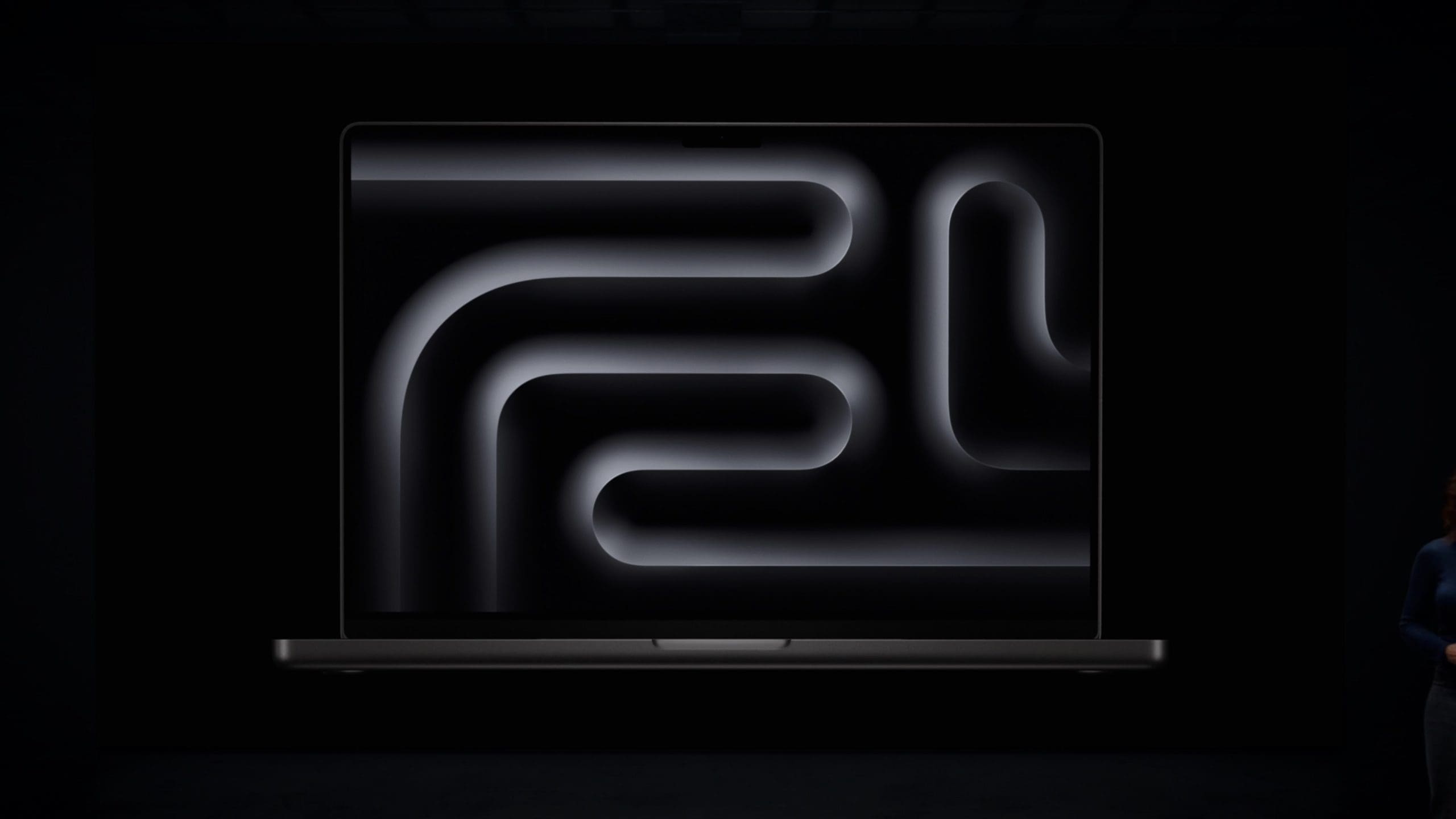
It’s no secret that the display used in recent MacBook Pros is widely touted as being some of the best. Between being able to view HDR content and having the excellent ProMotion display, we didn’t really think that Apple could do much better, at least for now.
Well, the company did just that, even if it might seem like a minor improvement. Content viewed in Standard Dynamic Range (SDR) now maxes out at 600 nits. XDR and HDR peak brightness levels remain the same at 1000 nits and 1600 nits, respectively. However, Apple is long relied on 500 nits of peak brightness for its MacBook models, so to see a 20% increase is rather surprising.
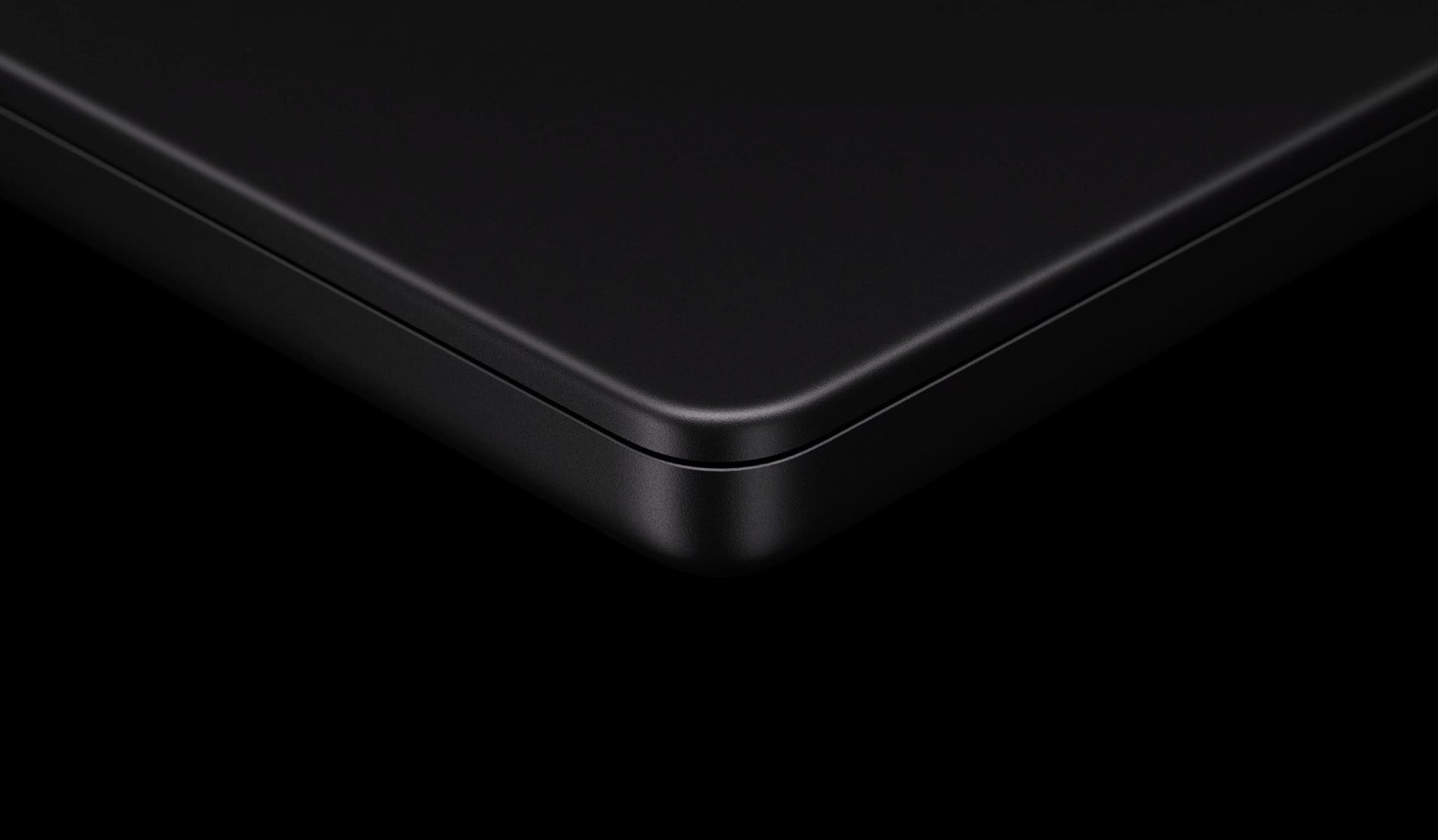
Besides performance, there is one other reason that might tempt potential buyers into upgrading, and that’s the new Space Black color. Apple is ditching the “Space Gray” that was found on previous models, in favor of this new colorway. The company claims that this new finish “features a breakthrough chemistry that forms an anodization seal to greatly reduce fingerprints.”
We’re hoping this is true, as the Midnight M2 MacBook Air picks up fingerprints just about as fast as any other device on the market. While the Space Gray and Silver models did an admirable job at covering up fingerprints without making feel the need to reach for an Apple Polishing Cloth every time you looked at it.
Are There Any Caveats?
Not everything is sunshine and rainbows with the new M3-powered MacBook Pro models, at least for those interested in the M3 or M3 Pro versions. Starting out with the base M3, not only will you only find two Thunderbolt ports, but Apple is relying on Thunderbolt 3 as opposed to Thunderbolt 4. In most instances, you probably won’t notice much of a difference, but it’s definitely a potential sticking point if you need the benefits of Thunderbolt 4.
Because of this, the standard M3 still only supports one external display, as opposed to the three external displays supported by the M3 Pro and M3 Max. This is something that we expect to see from the MacBook Air, but when purchasing a “Pro” device, you should expect “Pro” features, and supporting only one external display isn’t cutting it.
Lastly, and perhaps even more egregious than the external display support is the amount of RAM included in the base configuration. If you’re on a budget but need a MacBook Pro, you’ll be paying $1,599 for a laptop with just 8GB of RAM. And as a reminder, the “unified memory” cannot be upgraded after the fact, so you’ll be stuck with that until you upgrade to something newer.
Because of the decision to get rid of the 13-inch Touch Bar MacBook Pro, this likely played into why Apple is offering such a limited entry-level MacBook Pro. It’s also probably why Apple was able to “lower” the price down to $1,599, as the company didn’t offer the 14-inch or 16-inch MacBook Pro with the standard M2 chip.
M3 MacBook Pro: Price and Availability
In the realm of premium laptops, the MacBook Pro has always been a notable contender, and the 2023 models are no exception. With the introduction of advanced M3 chips and superior features, Apple has priced these machines to reflect their elevated status in the market.
14-inch MacBook Pro with M3: The base model of the 14-inch MacBook Pro starts at $1,599. If you’re in the education sector, Apple offers a slight reduction, pricing it at $1,499.
14-inch MacBook Pro with M3 Pro: For those looking for a bit more power, the 14-inch model equipped with the M3 Pro chip begins at $1,999. Again, educators and students can avail of a discounted price of $1,849.
14-inch MacBook Pro with M3 Max: Those who need more power but in a smaller form-factor will want to opt for the M3 Max. Pricing for this model in the 14-inch configuration starts at $3,199.
16-inch MacBook Pro with M3 Pro: The larger 16-inch variant of the MacBook Pro has a starting price of $2,499. The educational discount brings this down to $2,299.
16-inch MacBook Pro with M3 Max: If you want the largest and most powerful MacBook Pro, you’ll be looking at a starting price of $3,499.
In terms of availability, Apple wasted no time in ensuring these devices reach the hands of eager consumers. The new MacBook Pro models were made available to order immediately after the announcement, with an official launch date set for Tuesday, November 7, 2023.
It’s worth noting that, as always, prices can vary based on region, specific configurations (like increased storage or RAM), and any additional software or accessories you might choose to include.
Conclusion
Apple’s 2023 MacBook Pro models mark a significant evolution in the tech giant’s journey of innovation. With the introduction of the M3 chip series and the nostalgic yet refreshing ‘Space Black’ colorway, Apple has once again set a benchmark for laptop performance and design.
Whether you’re a creative professional or someone seeking a powerful computing companion, the new MacBook Pro promises a blend of performance, aesthetics, and efficiency that’s hard to match.
Andrew Myrick is a freelance writer based on the East Coast of the US. He enjoys everything to do with technology, including tablets, smartphones, and everything in between. Perhaps his favorite past-time is having a never-ending supply of different keyboards and gaming handhelds that end up collecting more dust than the consoles that are being emulated.










Write a Comment