Whisky was a fantastic, if slightly intimidating, way for Mac users the world over to enjoy many of the games their Windows PC counterparts take for granted. Sadly, as of April, 2025, the app is no longer supported by its developer. Sad news, to be sure, but that doesn’t mean game over for Mac users. In this article, we’ll be looking at some good MacOS Whisky alternatives.
The Apple Silicon range has completely redefined gaming for Mac users, yet unfortunately, the biggest hurdle remains compatibility. The games you love to play have to find a way to play well with your Mac first. Let’s take a look at some alternatives to Whisky that can keep the fun going:
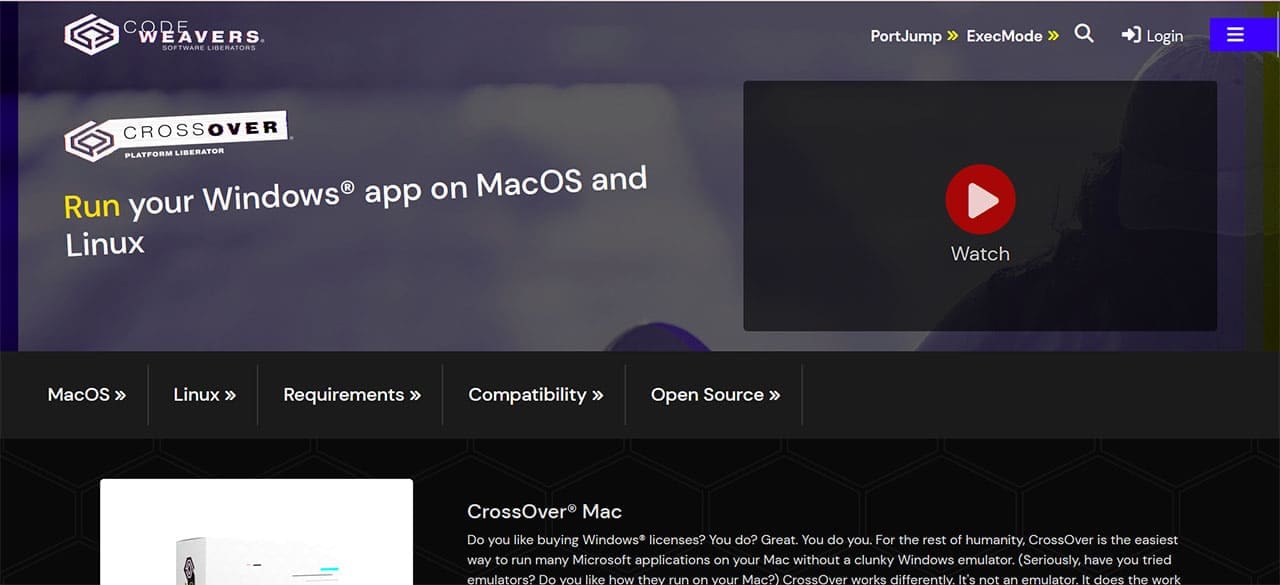
Crossover
We’re starting this list with the most recommended cross-platform utility. Crossover is your go-to if you want to enjoy the same professional games that you would on PC, including such high-end titles as Cyberpunk 2077 and Elden Ring. Running off compatibility layers like Wine, Crossover is a paid service (and quite a hefty price at that), but does allow access to Steam Games, Epic Games, and Heroic.
Keep an eye out for their Cyber Monday deals if you want to score.
Compared to Whisky, Crossover is a bit more intimidating in terms of interface, though not impossible to get the hang of. In addition, multiplayer games that rely on kernel anti-cheat software won’t run on the app. That said, there’s a vibrant community behind Crossover, and plenty of support. You’ll be hard-pressed to find another pro-gaming alternative.
Cloud Gaming Services
An excellent way to bypass the software compatibility issues of Mac is to rely on another PC entirely. Cloud gaming platforms allow you to stream games directly from servers to your Mac, without the worry of ecosystem clashes or system requirements. All you need is a subscription and a reliable internet connection. Two cloud-based industry leaders are Nvidia’s GeForce NOW and Xbox Game Pass Ultimate.
Parallels Desktop
If you’ve got a Mac with the system requirements up to the challenge, then you can try running the virtualization software Parallels and play games through a different operating system entirely. This does come with the caveat of eating up a lot of system resources before even running the game. So, for the best gaming experience, it’s recommended you use a higher-end Apple Silicon Mac (such as an M2, M3, or M4 model with ample RAM).
Even then, the most demanding games aren’t the best idea for Parallels. Keeping it simple with older, vintage titles would be ideal, and that’s where this virtualization software shines.
Keep in mind that you’ll be paying the very hefty subscription of $119.99 annually, unless you can grab it on a flash sale. There’s one currently going on offering Parallel for $65.99 per year.
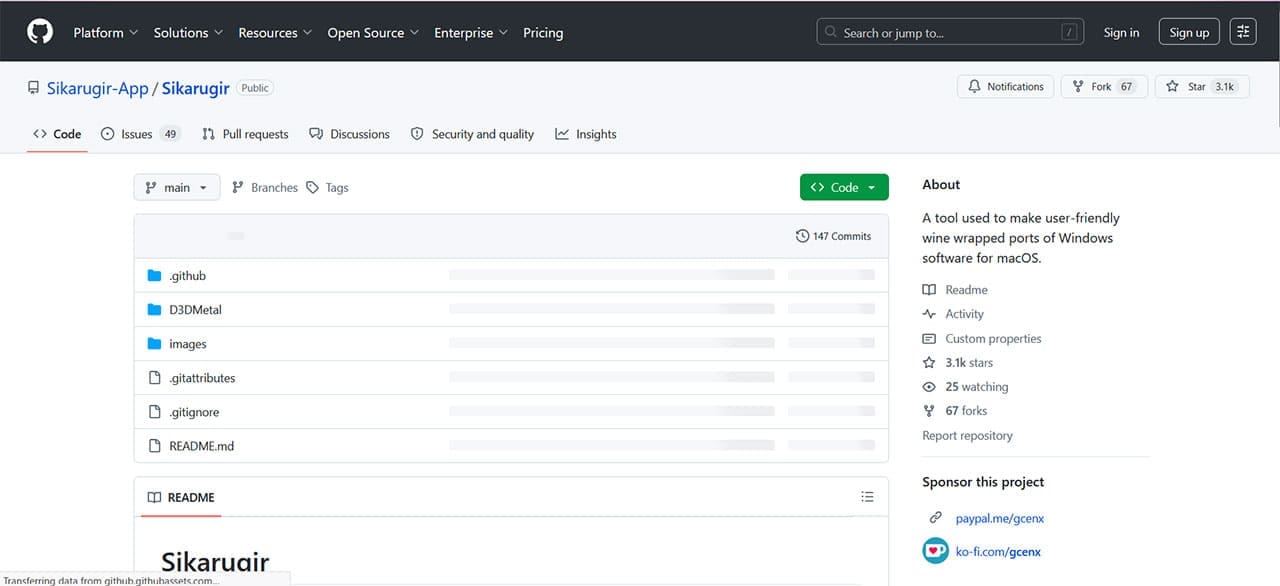
Sikarugir
This list wouldn’t be complete if we didn’t include one open-source tool. Sikarugir is a Wine-based tool that allows you to create wrappers that run many Windows games and applications without a full Windows installation. While there’s no cost, installation and use are quite complicated compared to the other options on this list.
That said, there are plenty of guides available online to help the passionate user along. If you’re dedicated enough, you’ll have a tool that’s second only to Crossover in terms of gaming capability on macOS.
As an avid gamer, I’ve run into my fair share of error codes and weird faults that have forced me to find fixes to problems I never anticipated. That gave me a passion for sharing those fixes with others so we can all game without feeling like our hardware is rebelling against us.














Write a Comment