A clean iPhone camera lens can be the difference between great photos and blurry messes. The slightest bit of dirt or moisture can spoil a pic, which is why regular cleaning is essential.
Learn how to clean iPhone camera lenses safely below, and how your phone can even remind you to do this.
Check if iPhone Clean Lens Checking Is On
You might not realize it, but your phone may actually tell you if your camera lens is dirty. Since the iPhone 15 and iOS 25, there is now a “Lens Cleaning Hints” option that you can switch on. It uses light detection to figure out when there’s dirt on your lens and gives you a heads-up on the screen. Here’s how to switch on your iPhone clean lens hints.
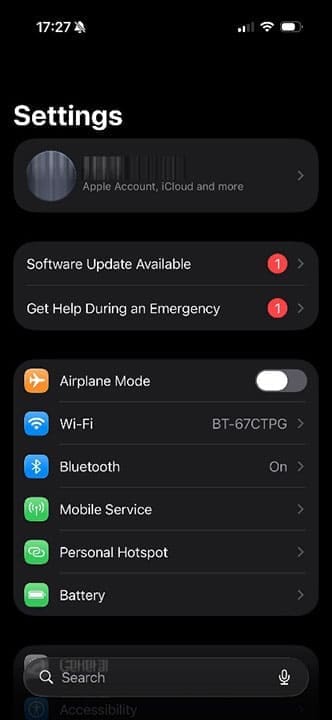
Step 1. Tap on Settings.
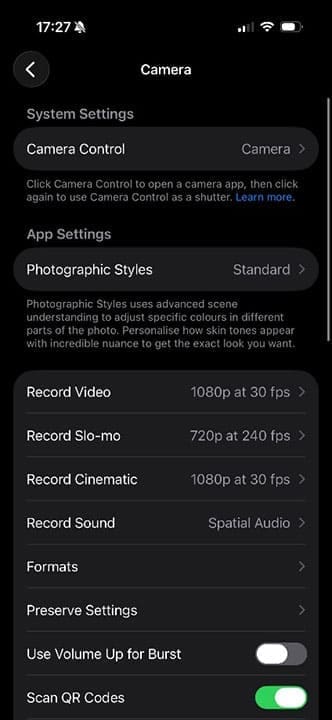
Step 2. Tap on “Camera.” If you can’t find it in the main Settings list, use the search function.
Step 3. Scroll down until you find “Lens Cleaning Hints.” Turn it on by tapping the toggle button, which should turn green. You will now get a message saying, “Clean the camera lens” when taking a photo if your iPhone believes there is dirt on the lens.
How to Clean iPhone Camera Lenses: Step-by-Step
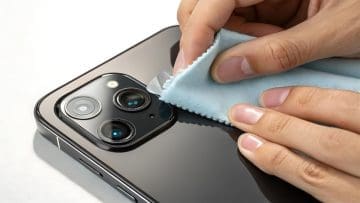
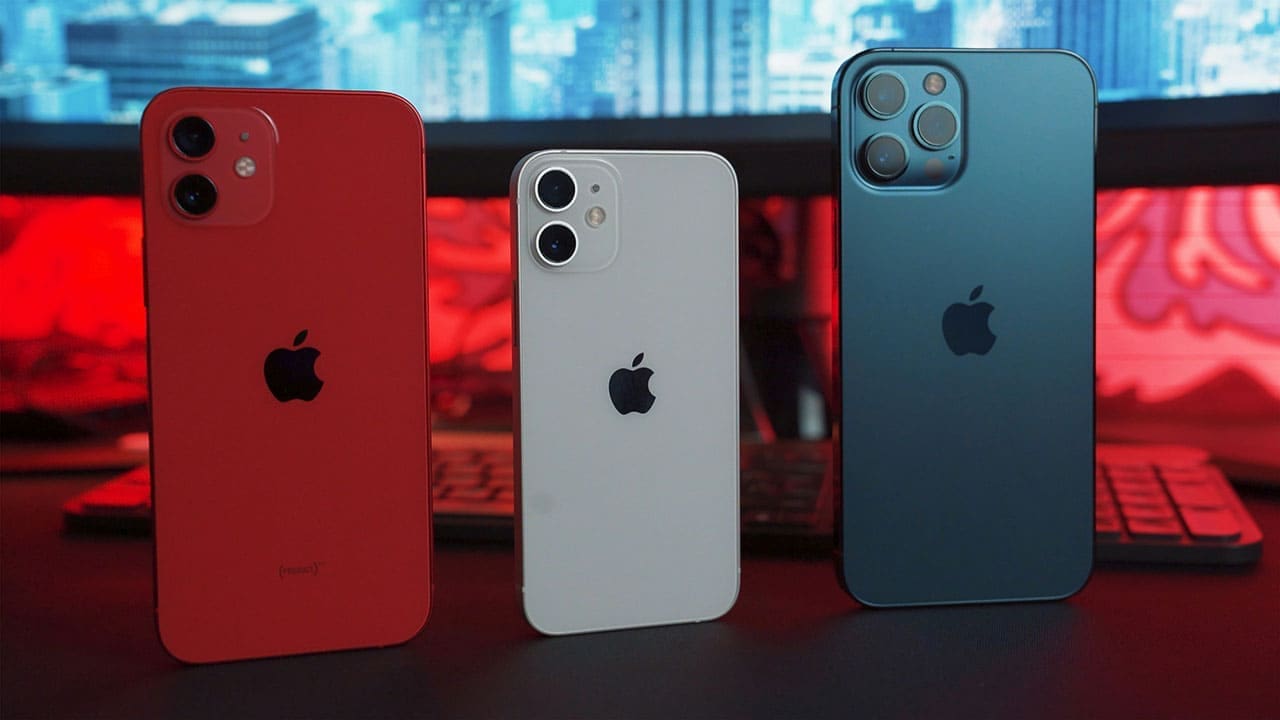
Step 1. Look at the back of your iPhone. You may have two or three separate lenses depending on the model of iPhone, so make sure you follow these steps for every lens.
Step 2. Find a lint-free cloth. Normal dusters or kitchen cloths may not be suitable for this, as the fibers they produce can make the problem worse. You will also need either a small amount of plain water or some lens-cleaning solution. Alternatively, you can buy inexpensive specialist lens wipes from many stores or online.
Step 3. Dab water or spray lens-cleaning solution onto a dry cloth, or open the lens wipe packet. The cloth should be damp, not soaking wet. Move the cloth or lens wipe in small, circular motions across each lens. If anything sticky is on one of the lenses, use a different part of the cloth to wipe the next lens.
Step 4. The lens-cleaning solution should dry quickly on its own. If you used water to do the initial clean, give the lenses a once-over with a dry area of the lint-free cloth. Your iPhone camera lenses should now be clean and ready to take stunning photos again.
Never:
Use abrasive cloths or scrubbers, as these can permanently damage the lens
Use hot water
Use strong chemicals or detergents
Immerse your iPhone in water or cleaning solutions
As an avid gamer, I’ve run into my fair share of error codes and weird faults that have forced me to find fixes to problems I never anticipated. That gave me a passion for sharing those fixes with others so we can all game without feeling like our hardware is rebelling against us.













Write a Comment