Apple has a penchant for releasing firmware updates to its devices like the AirPods Pro, AirPods Max, and now the AirTags. However, the problem with this is that, unlike your iPhone, you can’t “force” the update to be downloaded and installed. That is, unless you are a developer and are participating in the AirPods Pro beta program. Outside of that, you’re at the mercy of Apple pushing the update to your iPhone and then to your accessories.
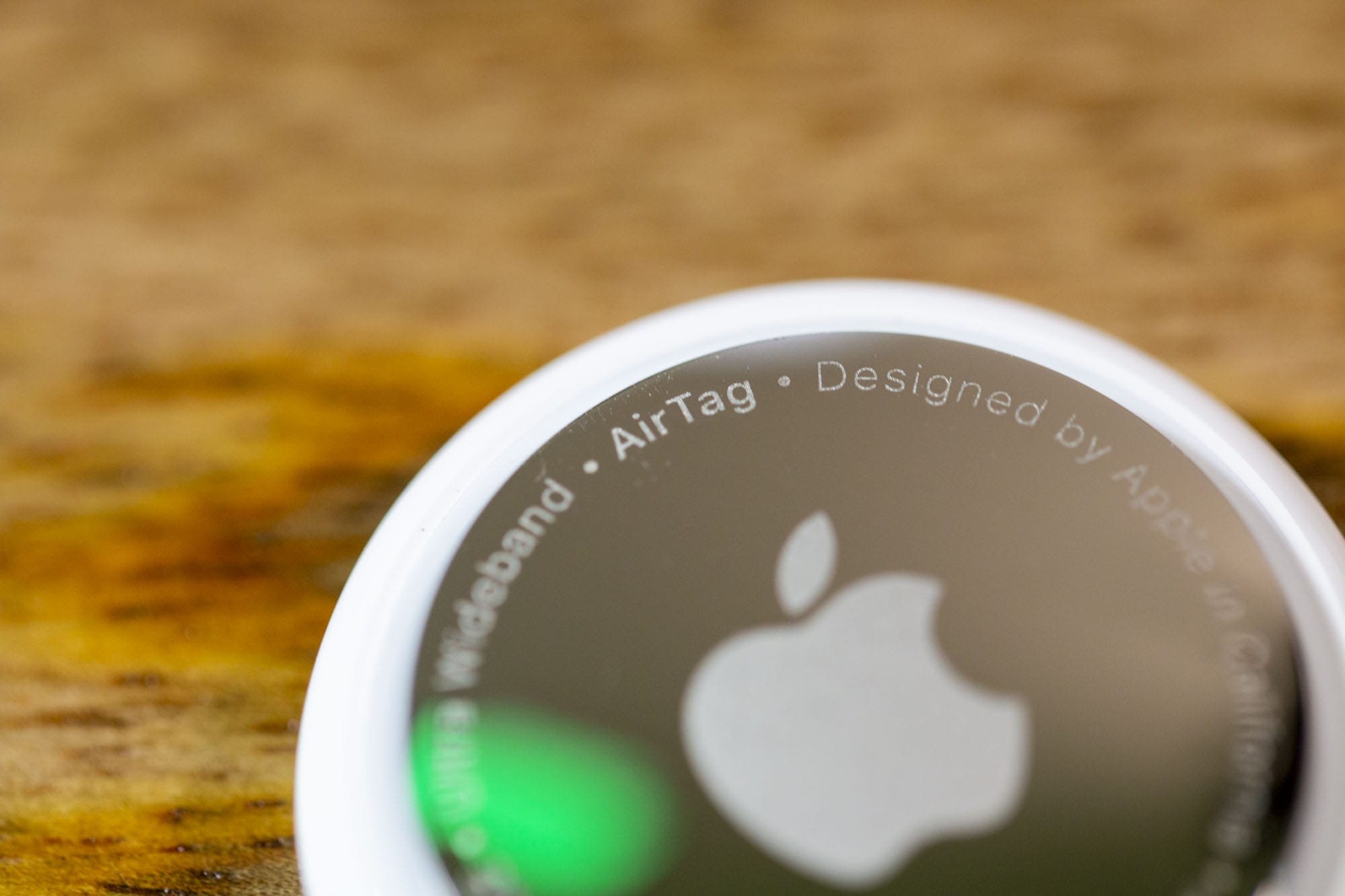
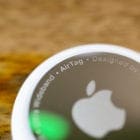
The AirTag is the latest accessory to come out of Cupertino, as it was unveiled at Apple’s ‘Spring Loaded’ event back in March of 2021. These little trackers are great if you have a tendency of losing your keys, or want to keep track of where your bag is while on a trip.
When they were released, the AirTag carried a firmware version of 1.0.276. But Apple is pushing a new firmware update out with version 1.0.291 and a build number of 1A291e. Since this is just a basic firmware upgrade, there’s no telling exactly what Apple is including as there are no official release notes to go off of.
Because of the fact that Apple does not make it possible to manually update AirTag, you just have to simply play the waiting game. While it may be a bit frustrating, the only way to properly ensure that you receive the update is to place your AirTag near your iPhone. It’s the same process that you likely are familiar with from the AirPods.
How To Check What Firmware Is on AirTag
From time to time, we’ll are able to surmise that a new firmware version is rolling out. What you need to do is to double check the current firmware version on your AirTag. This is a simple process with a little hidden twist at the end. But here’s how you can check the firmware version of your AirTag:
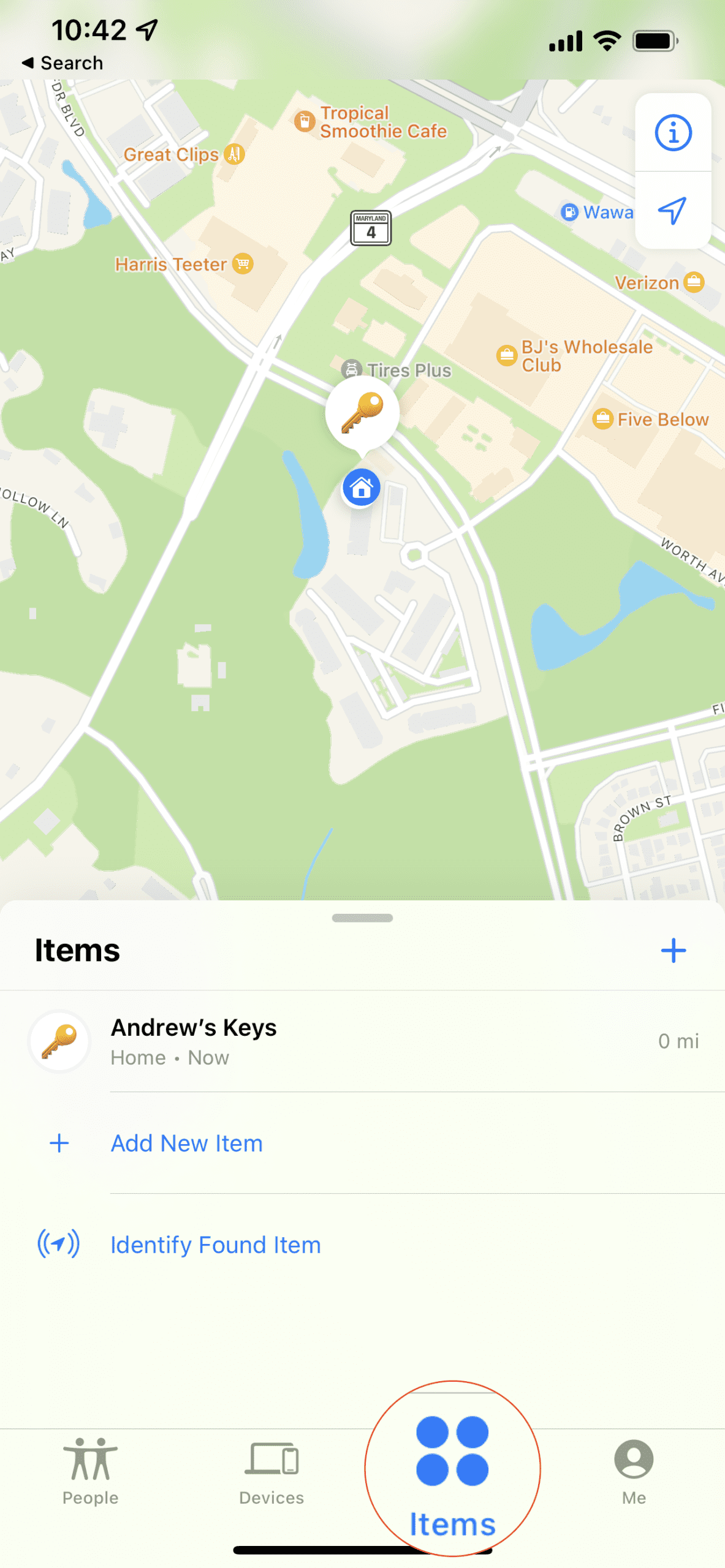
Open the Find My application on your iPhone or iPad.
Tap the Items tab in the bottom toolbar.
Select your AirTag from the list of devices.
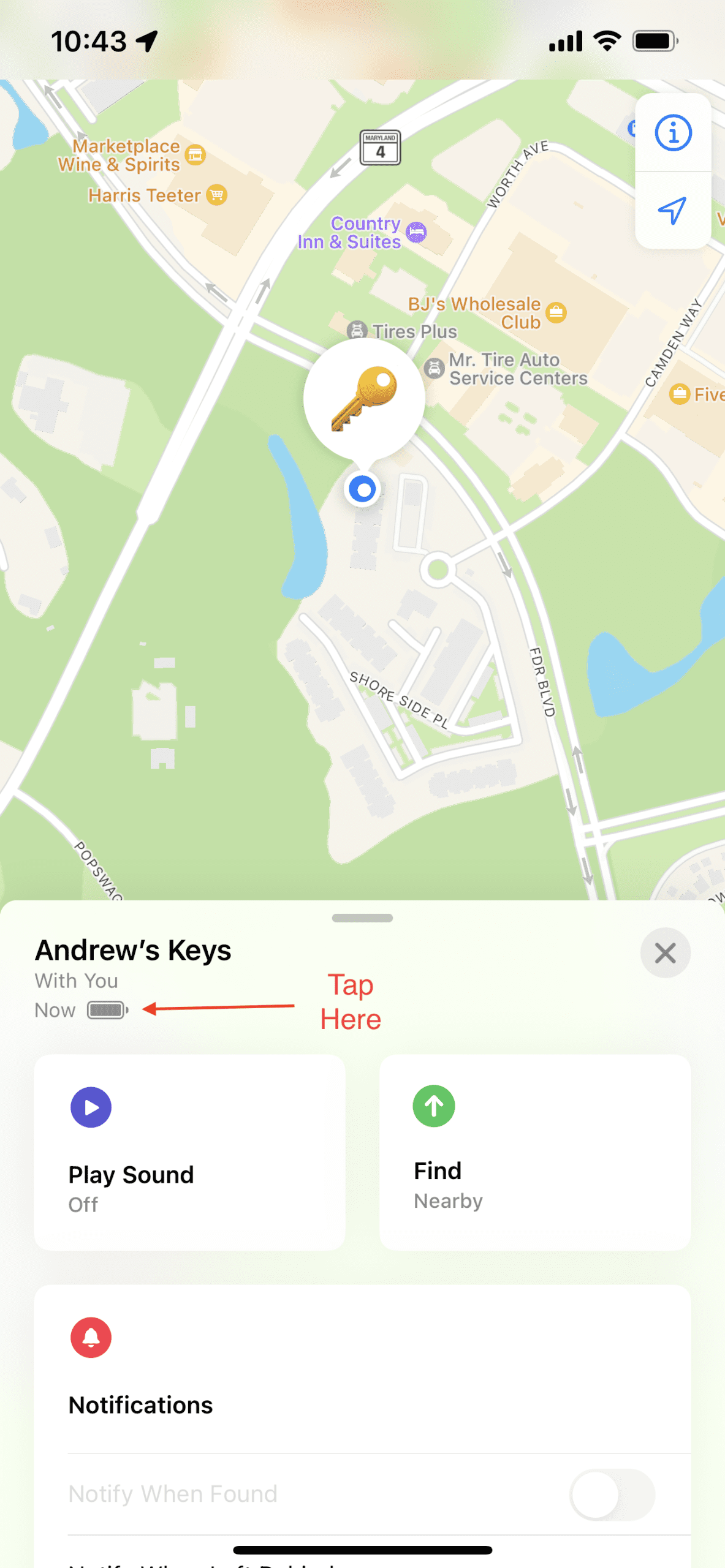
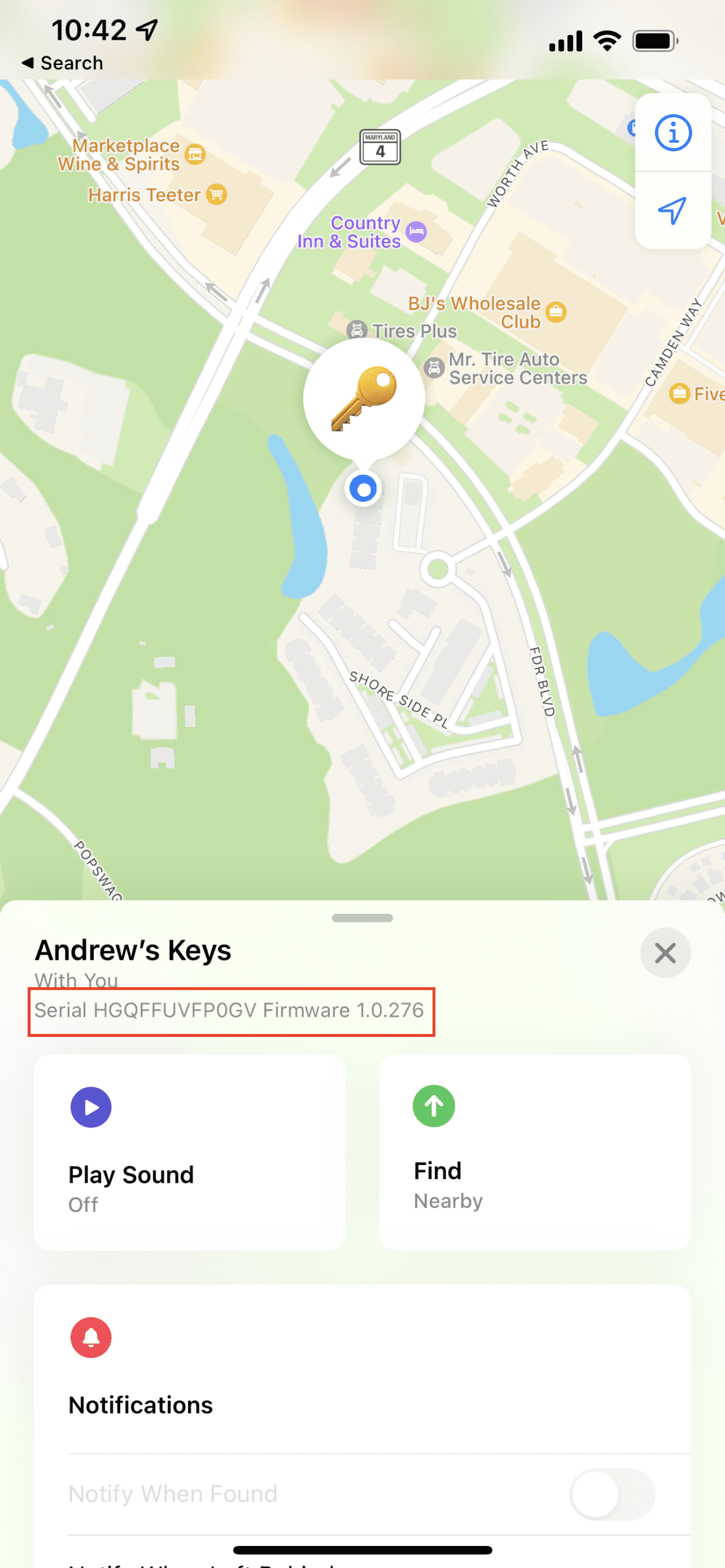
Tap the battery icon underneath the name of the AirTag.
After tapping the battery icon, you are presented with both the serial number and the firmware version for whatever AirTag you are checking. As you can see from the screenshots above, my AirTag has not received this latest update just yet. So instead, I’ll just have to keep waiting until it magically appears and my AirTag is updated.
Change the Process
For all of Apple’s major devices, the update process is simply, straight forward, and easy. However, when new features arrive for the likes of the AirPods or AirTags, it’s frustrating. With so many new AirPods features coming with iOS 15, you might not want to wait around for Apple to push the update.
This is one of those decisions that we wish Apple would change in the future. Maybe it could start bundling AirPods updates with iOS updates, so you just can install everything at once. Apple releases plenty of smaller “point” software updates to the iPhone, so it would make sense to package everything together. However, that’s unlikely to happen, but I’m keeping my fingers crossed for a “check for update” button in the Find My app or in Settings.
Andrew Myrick is a freelance writer based on the East Coast of the US. He enjoys everything to do with technology, including tablets, smartphones, and everything in between. Perhaps his favorite past-time is having a never-ending supply of different keyboards and gaming handhelds that end up collecting more dust than the consoles that are being emulated.








Write a Comment