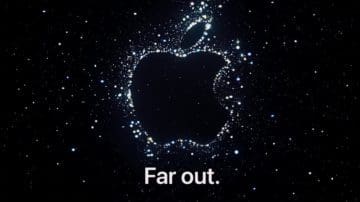
It’s that time of the year everyone. Apple has officially announced its next event which is being dubbed as “Far Out”. The accompanying animation starts out as a mish-mash of stars in the night sky before coming together to reveal the Apple logo outlined in stars. While none of Apple’s marketing explicitly states this is for the iPhone 14, it’s a pretty safe bet that’s the case. And if you want to follow along, you can watch Apple’s iPhone 14 announcement event from the comfort of your own home.
As is the case with every Apple event in recent years, there are a few different ways that you can follow along. The first of which is to head over to Apple’s website, as the event is live-streamed from the Events page. In fact, if you head over to the Apple Events page now, there’s even a convenient “Add to your calendar” button. When clicked, this will open the Calendar app on your phone and automatically put in the necessary information.
Another method, that is likely even easier for many, is to head over to the official Apple YouTube channel. Apple began also live-streaming its events through YouTube, which was a necessary and obvious decision. YouTube is still one of the biggest video platforms as it is, and is capable of handling thousands of simultaneous streams at the same time.
Just like is the case when going through Apple’s website, you can set a reminder for when the March 8th event will take place. Here’s how to do so from your iPhone:
Click here to be taken to the live stream page on YouTube.
Tap the Set Reminder button in the bottom right corner.
That’s it!
The box that you just tapped will change to read “Reminder on”, and you’ll receive a notification from the YouTube app as soon as the event goes live.
What Time Is The iPhone 14 Announcement Event?
Apple’s next event in 2022 takes place on September 7 at 10 a.m. PDT. For those in different time zones, here’s a list of what time you can expect the event to begin:
New York (EDT) – 9/14 @ 1 p.m.
Dallas (CDT) – 9/14 @ 12 p.m.
Hawaii (HST) – 9/14 @ 7 a.m.
London, England – 9/14 @ 5 p.m.
Sydney, Australia – 9/15 @ 3 a.m.
Tokyo, Japan – 9/15 @ 2 a.m.
Beijing, China – 9/15 @ 1 a.m.
As for how long you can expect the event to take, there’s really no telling until the event is over. However, if you go through and add the event to your Calendar through the Apple website, the length defaults to two hours. So plan to block off plenty of time if you plan on following along.
What Are We Expecting?
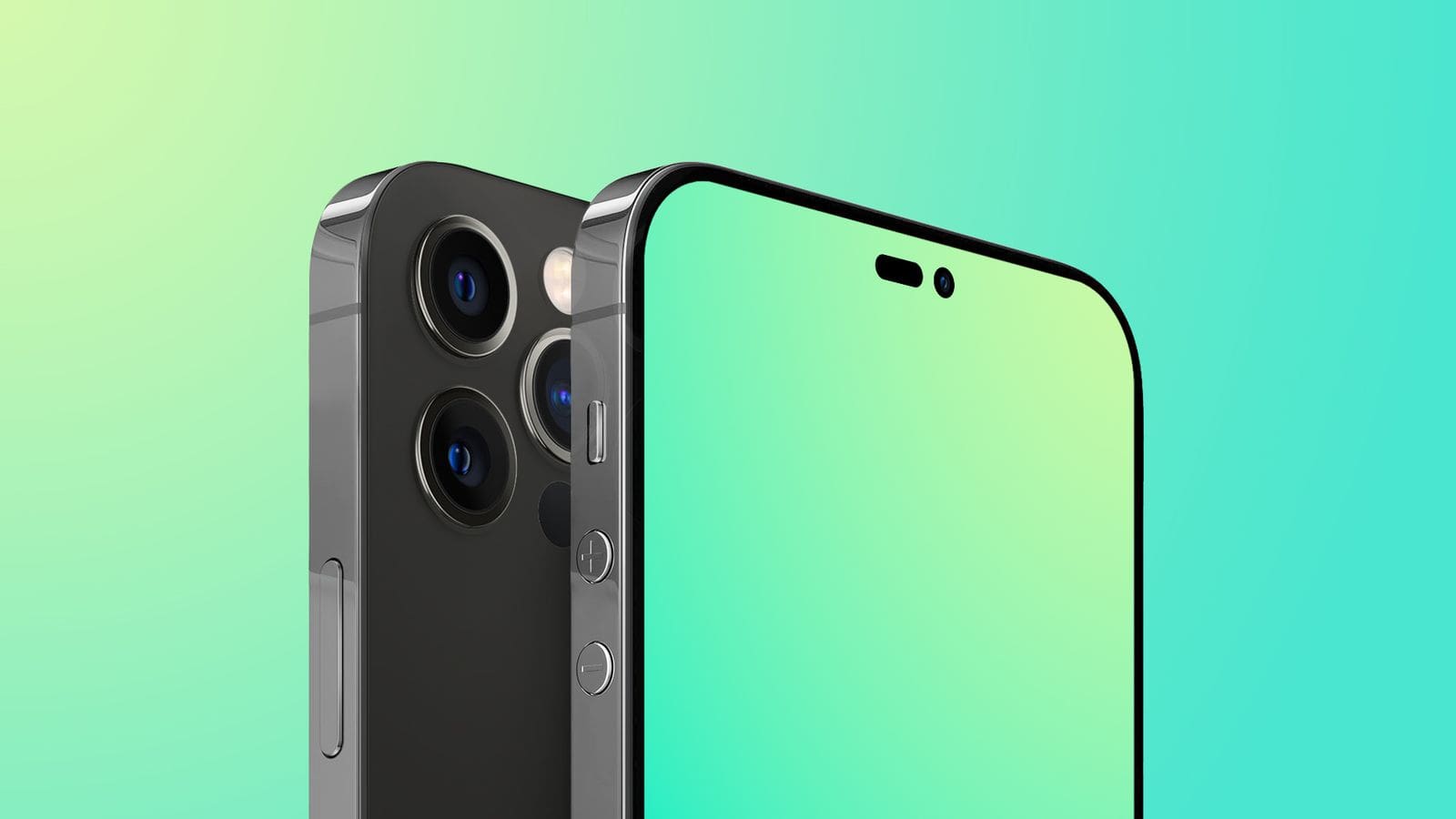
Image credit: MacRumors
Apple is expected to unveil four new iPhone models with the iPhone 14 lineup. However, this time around, it seems as though some major changes are in store. Previous rumors and reports claim that Apple will be ditching the “Mini” in favor of a new “Max” model, which leaves the iPhone 14 lineup looking like this:
iPhone 14
iPhone 14 Max
iPhone 14 Pro
iPhone 14 Pro Max
The iPhone 14 Pro and Pro Max are going to be the beneficiaries of the most upgrades, as these two models might finally ditch the notch altogether in favor of a two-hole selfie camera cutout. Meanwhile, the iPhone 14 and 14 Max will retain the notch, giving Apple a differentiating design feature to help tell the difference between the devices. Rumors also suggest that the non-Pro models will stick with the same Apple A15 Bionic chip found in the iPhone 13 series. Meanwhile, the iPhone 14 Pro and Pro Max variants will be upgraded with new camera hardware and the unannounced Apple A16 Bionic.
While the iPhone 14 is likely the star of the show (get it?), that’s not all Apple is likely to unveil on September 7. Following last year’s incremental Apple Watch upgrade, the Apple Watch Series 8 could get an upgraded processor, along with an onboard body temperature sensor. Considering that Apple’s competition in the smartwatch space already has this, it would make sense for the Watch Series 8 to bring it along.
Perhaps even more exciting are the potential rumors about an Apple Watch Pro model. This could be the most durable and robust Apple Watch that we’ve ever seen, but details are scarce about what the Watch Pro will look like. Under the hood, we expect it to carry the same processing power and health tracking features. And with a potentially larger design, this could finally open the door for true multi-day battery life on an Apple Watch.
There are some rumors suggesting that Apple could also debut its AirPods Pro 2 model at the iPhone 14 event. However, while many analysts agree that these will be arriving in 2022, there’s no clear indication that Apple won’t just hold off until its next event. Considering that the original AirPods Pro were introduced through a blog post on Apple’s website, that’s also something to consider here.
Andrew Myrick is a freelance writer based on the East Coast of the US. He enjoys everything to do with technology, including tablets, smartphones, and everything in between. Perhaps his favorite past-time is having a never-ending supply of different keyboards and gaming handhelds that end up collecting more dust than the consoles that are being emulated.









Write a Comment