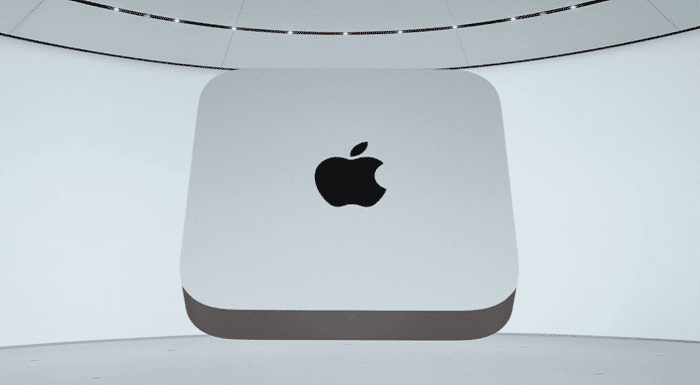
If you were to just look at the M1 Mac Mini vs Mac Studio, it would be difficult to say that these were two different product families. The Mac Mini has been a staple in Apple’s desktop lineup, offering a low-cost barrier of entry to get into the macOS ecosystem.
Meanwhile, the Mac Studio is Apple’s latest addition to the lineup, offering a much larger footprint and design. But it’s also one of the more expensive options in Apple’s lineup, with configurations starting at either $1,999 or $3,999, depending on which processor you choose.
The biggest and most obvious reason why you would want to pick the Mac Mini over the Studio is cost. With Apple’s M1 chip, the Mac Mini starts at just $699 in its base configuration. But it’s also regularly found on sale for much less from the likes of Amazon, Best Buy, or Micro Center.
With its smaller footprint, the M1 Mac Mini is also easier to place pretty much anywhere in your setup. Whether you use it to control your media library through something like Plex, or as a desktop computer. The small footprint simply can’t be beaten, and it offers an incredible amount of power in such a small form factor.
For those reasons, the Mac Mini is perfect as a “family” computer, but you can upgrade it with more RAM and storage if something with a bit more oomph.
M1 Mac Mini vs Mac Studio: Picking the Studio
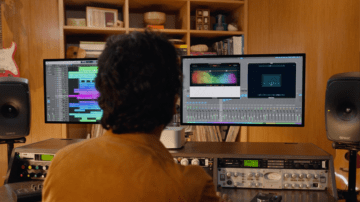
During Apple’s introduction of the Mac Studio, it was pretty obvious that this computer is not designed for everyone. There were numerous images and clips that show the Studio in, well, a studio. Many of the limitations found with the older M1 chipsets have been resolved with the Studio, and it actually comes in two different configurations.
The entry-level Mac Studio is equipped with Apple’s M1 Max processor, the same one found in the 14-inch and 16-inch 2021 MacBook Pro models. But if you want as much power as possible, then the M1 Ultra-equipped Mac Studio is the way to go.
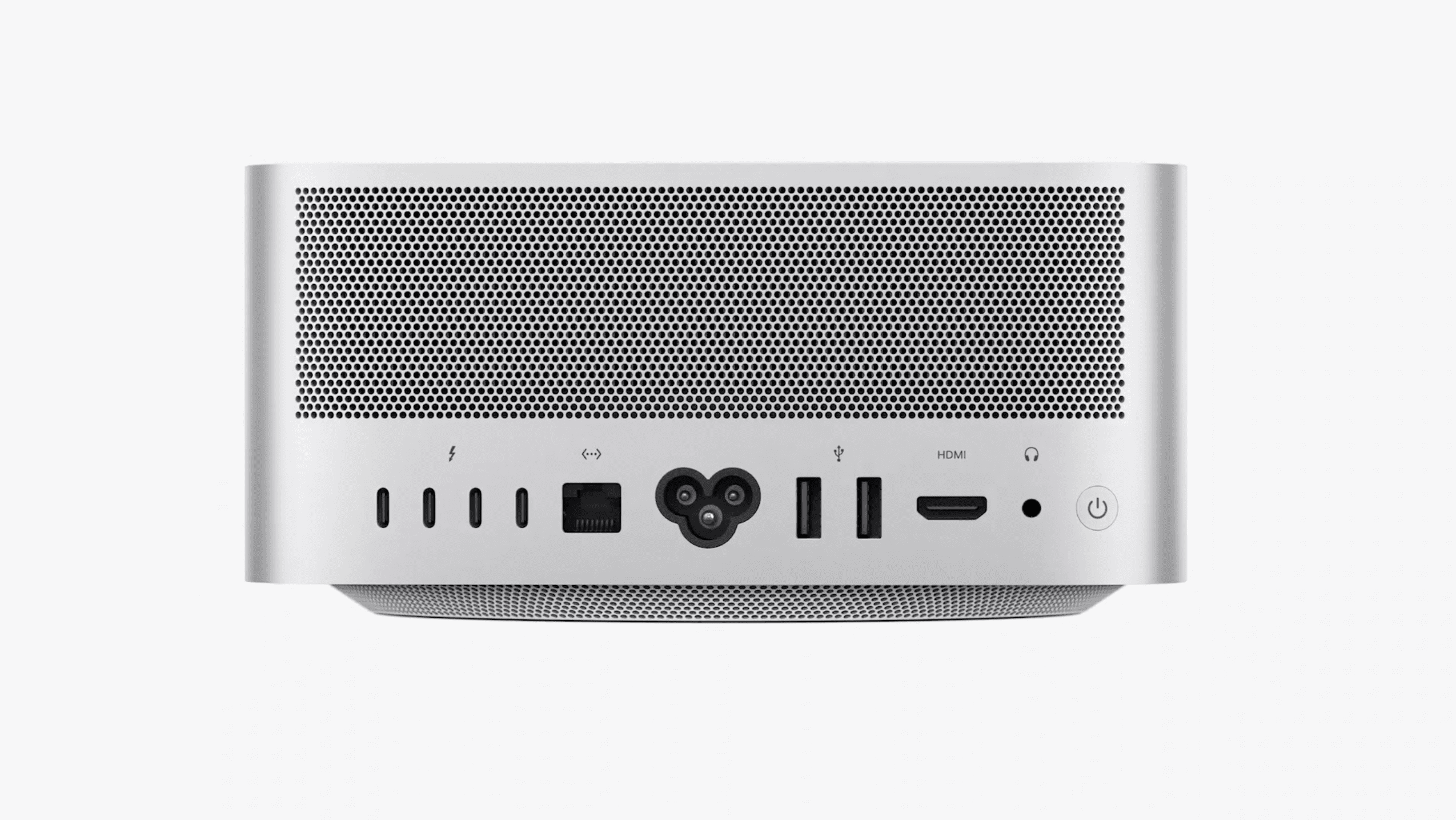
Without diving too much into the power and capabilities, the Mac Studio has another advantage. Port selection. On the Studio, you’ll find two Thunderbolt 4 ports on the front, along with an SDXC UHS-II card slot. Those who opt for the M1 Max version will have two USB-C ports as opposed to the TB4 ports. But on the back, here are all of the ports that are available with the Studio:
3.5mm Headphone Jack
4x Thunderbolt 4
1x 10Gb Ethernet
2x USB-A
1x HDMI
For comparison, here’s what you’ll find on the Mac Mini:
3.5mm Headphone Jack
2x Thunderbolt 4
1x Gigabit Ethernet
2x USB-A
1x HDMI
It may not seem like much of a difference but the two additional Thunderbolt 4 ports, along with faster Ethernet and I/O on the front can make a world of difference.
Conclusion
The answer to the question of “which should you buy” is pretty obvious. It all comes down to the type of work that you are, and plan on, doing with your next desktop Mac. Those who want as much power as possible will want to spring for the M1 Ultra-powered Mac Studio. But this is overkill for many of us, and really isn’t all that necessary.
In most instances, the M1 Mac Mini will be more than capable of handling your workload. Even if you were to max out the RAM and storage, the price would still come in way below that of the Mac Studio.
Andrew Myrick is a freelance writer based on the East Coast of the US. He enjoys everything to do with technology, including tablets, smartphones, and everything in between. Perhaps his favorite past-time is having a never-ending supply of different keyboards and gaming handhelds that end up collecting more dust than the consoles that are being emulated.











Write a Comment