Digital playlists are a great way to listen to all your favorite jams without juggling binders full of CDs, like the good old days. However, the tricky part of digital playlists is that they can feel glued to the platform they exist on. You purchased the music, but without the ability to move it into the platform you want, is it even really your music? Luckily, you can move music from Spotify into Amazon Music. Below we’ll explore how.
Moving Playlists from Spotify to Amazon Music Using FreeYourMusic
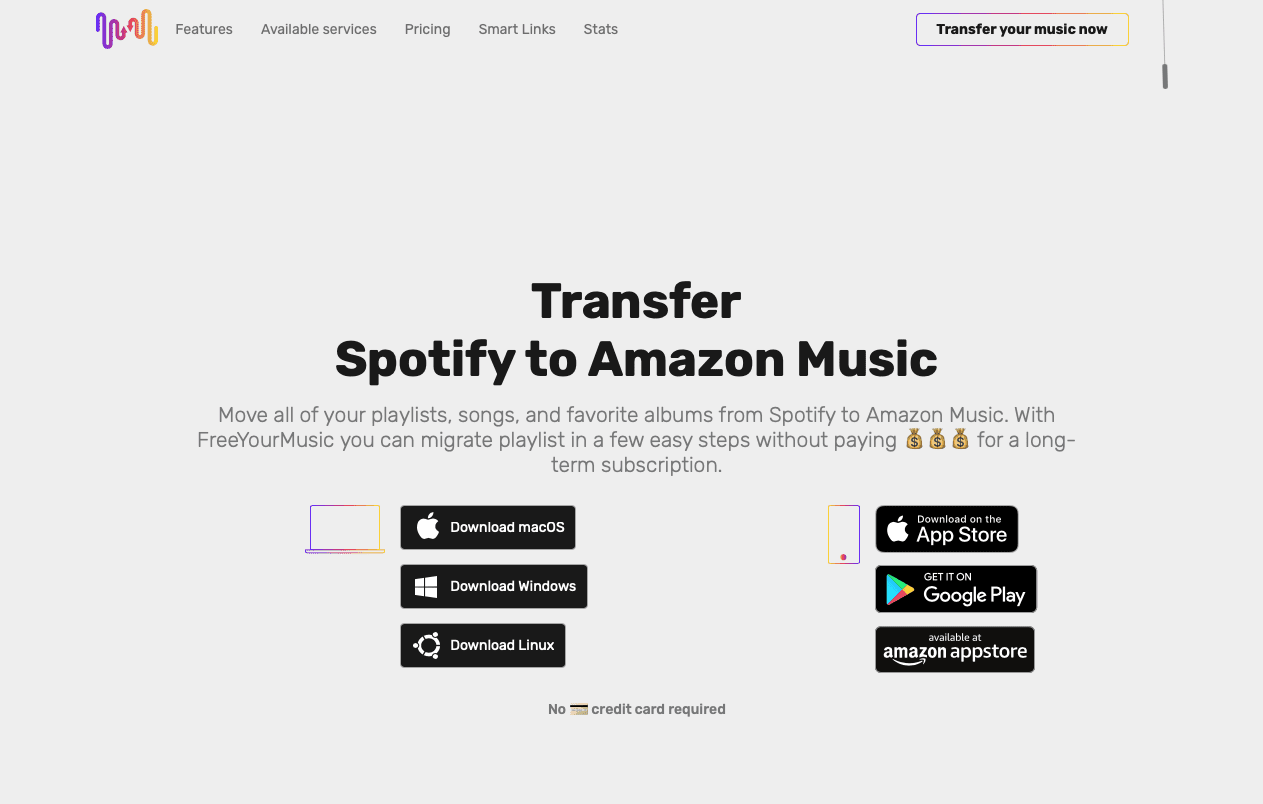
In order to move music from your Spotify account to Amazon Music, you need to use a third-party app. FreeYourMusic specializes in moving Spotify playlists to Amazon Music. Here’s what the website looks like:
You would simply download this app from the browser. As you can see, you can get it both on a macOS and the App Store for the iPhone. Searching the App Store directly does not turn up FreeYourMusic.
After you install the program, it’s easy to use. According to the FreeYourMusic website, you select Spotify as a source from a list of platforms:
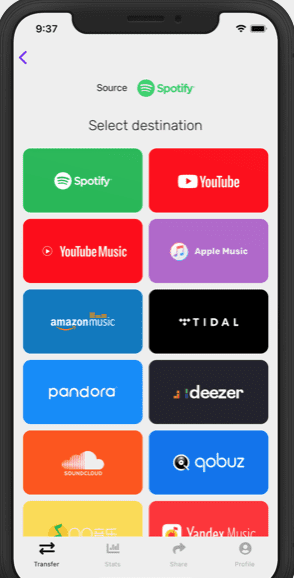
Then it has you select a destination, so you’d select Apple Music:
Then you can select the playlists, tracks and albums you want to transfer. After that, you would confirm your action and the app transfers your music.
You can find other third-party apps that help you transfer music and work in much the same way. Examples include SongShift, Soundiiz and Tune My Music.
But Do Apps Transfer All the Songs?
It’s worth noting that people do have issues at times transferring all their music. Sometimes you end up with data loss and don’t get all your music. You might have to try multiple services or different services to get all your music transferred. You might also want to pay for premium, subscription or pro versions for the best customization and functionality.
A Reddit user mentioned having issues going the other way, trying to get their music to go from Apple Music to Spotify. FreeYourMusic continually syncs between services, so when the user let their Apple Music subscription lapse, the app decided there was no music available at Apple Music and then proceeded to delete the Spotify list.
So you’d have to be careful to disconnect from FreeYourMusic or another app after your playlists are transferred if you do not want the two lists continually synching. Then you can safely let whichever service you do not wish to use anymore lapse, if you plan on completely ditching one music service over the other.










Write a Comment