It’s been a whirlwind couple of weeks for Apple, as the company is not only gearing up for WWDC 2022, but we’re also getting new software updates. Earlier in the week, the final version of iOS 15.5, iPadOS 15.5, and macOS 12.4 were released to non-beta users. Now, we’re already getting our first look at what the next version has to offer with the iOS and iPadOS 15.6 Developer Beta.
It should come as no surprise with WWDC 2022 set to kick off in less than a month. Apple is pretty good at keeping its changelogs pretty bare when it comes to revealing what’s to come. Here’s the official changelog for iOS 15.6:
Wallet now enables Apple Cash customers to send and request money from their Apple Cash card
Apple Podcasts includes a new setting to limit episodes stored on your iPhone and automatically delete older ones
Fixes an issue where home automations, triggered by people arriving or leaving, may fail
Fixes an issue that may cause iPhone SE (3rd gen) to unexpectedly shutdown
Xcode 13.4 is unable to prepare iOS 15.6 beta devices for development. (93452791)
Workaround: Use Xcode 13.3.1.
Suffice it to say, there’s not much going on, but this is just Apple getting things in place. Most of the time with these “point” releases, Apple is implementing bug fixes and begin laying the groundwork for upcoming changes. As for the iPad, there are no official changelog notes to speak of, at the time of this writing.
How To Install iOS 15.6 and iPadOS 15.6
If you like the idea of living on the cutting edge, then you might want to get your devices enrolled in the Developer Beta. Unfortunately, there is not yet a Public Beta available, but we expect it to arrive within the next few days, if not sooner.
Those who want to join the beta program can follow these steps:
Follow the on-screen instructions to download the Beta profile.
Once downloaded, open the Settings app.
Tap General.
Select VPN & Device Management.
Tap the beta profile and enable it.
After the profile is enabled, your iPhone or iPad will restart.
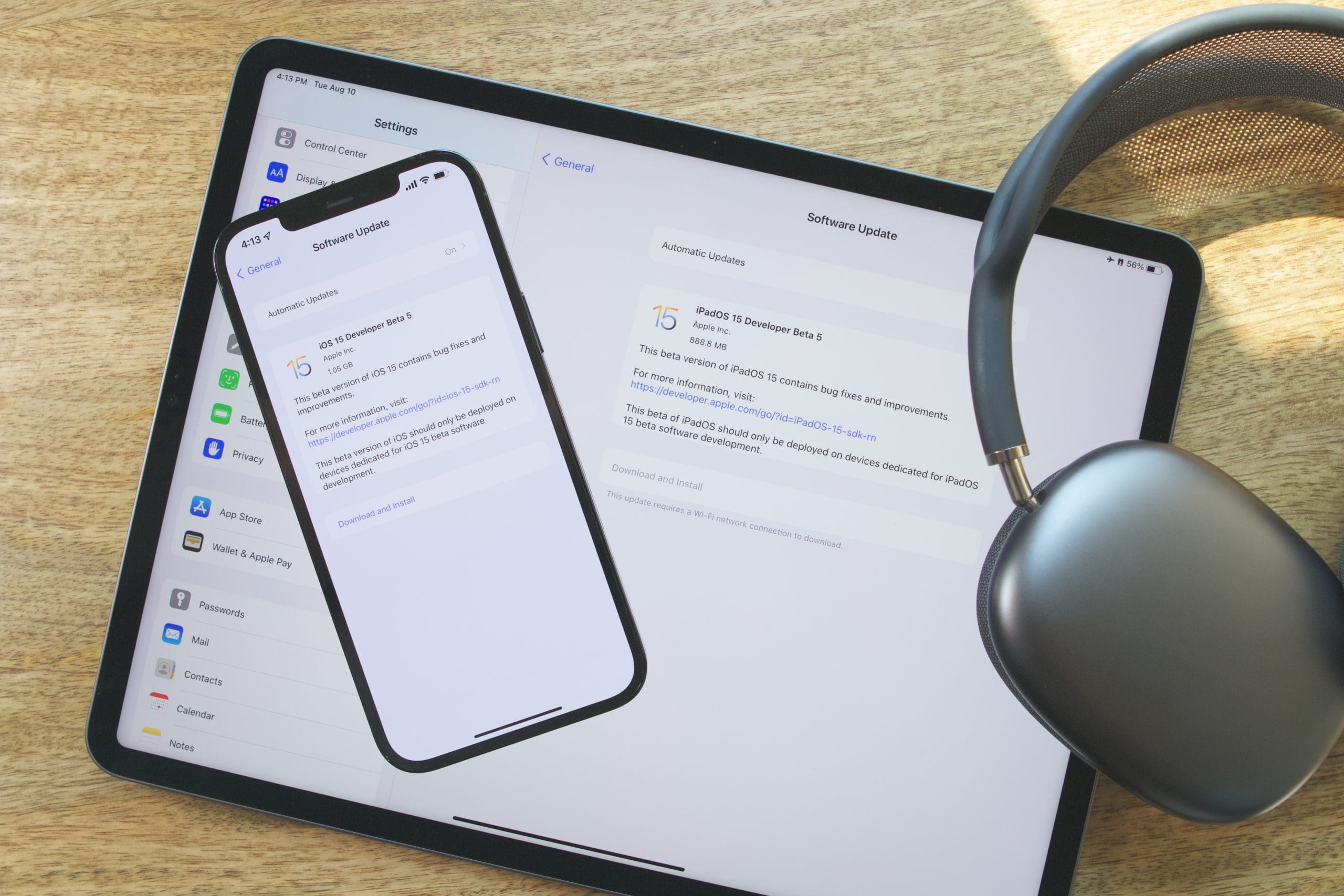
Once your iPhone is finished restarting, you can head into the Settings app and install the update just like you would any other software update. Then, you’ll be able to enjoy iOS 15.6 on your iPhone and iPadOS 15.6 on your iPad!
When Will iOS 15.6 and iPadOS 15.6 Be Released?
One might hope that Apple would give users some indication as to when the next version of iOS will be released. Unfortunately, that’s really not Apple’s style so it’s pretty much just a guessing game. Apple will go through and release a few beta versions of iOS 15.6 and iPadOS 15.6 before making them available to the public.
When you consider the fact that the WWDC 2022 Keynote commences on June 6th, it’s a bit strange to see another version of iOS and iPadOS released. Perhaps this is an indication that iOS 16 is going to be a dramatic change and Apple’s plans to allow users to stick to a previous version may actually come to fruition. That being said, we wouldn’t be surprised if the final version is available on the day of the Keynote.
Andrew Myrick is a freelance writer based on the East Coast of the US. He enjoys everything to do with technology, including tablets, smartphones, and everything in between. Perhaps his favorite past-time is having a never-ending supply of different keyboards and gaming handhelds that end up collecting more dust than the consoles that are being emulated.







How to change Font style and size? I have a X Max IPhone. It got smaller and a different style font since downloading 15.6 update.
get rid of that nasty split screen. Let me disable it. not good at doing the slide thing
On my iPad 9th Gen, It’s not charging after I update 15.6. I tried every solution which on google&youtube. But it’s not working ☹️