Within the Apple ecosystem, there are few better, easier, and faster ways to transfer files than AirDrop. Outside of it, though, things become trickier, but not impossible. If you’re looking for the best AirDrop alternatives, particularly for Mac to Windows transfer, then you’ve stopped at the right place.
This article will look at a few methods of sending and receiving files.
There’s no shortage of ways to transfer files out there, regardless of operating system. You have your choice of file-sharing apps, cloud transfer services, or file transfer services.
All are effective in their own way, and have particular benefits in certain situations, particularly when sending over a distance. However, we’re looking for something as close to the AirDrop experience as possible, so file-sharing apps will always win the day.
The Best Airdrop Alternatives
Let’s take a look at some of the best AirDrop alternatives for Windows and Mac transfers.
LocalSend
If we had to stop this list after only one option, this would be it. LocalSend is the closest thing to AirDrop you’re going to get, providing nearly instantaneous transfers of data files to nearby devices, regardless of operating system or model. PC, smart device, LocalSend works for everything.
And did we mention it’s free? Yes, the app is open-source, powered by donations, and can be downloaded from the App Store for your Mac device. While it isn’t widely known to be available on the Microsoft Store, you can easily download it from their website. Just ensure you have it installed on all devices you want to send between, and that both are connected to a local network, and you’re good to go.
SnapDrop
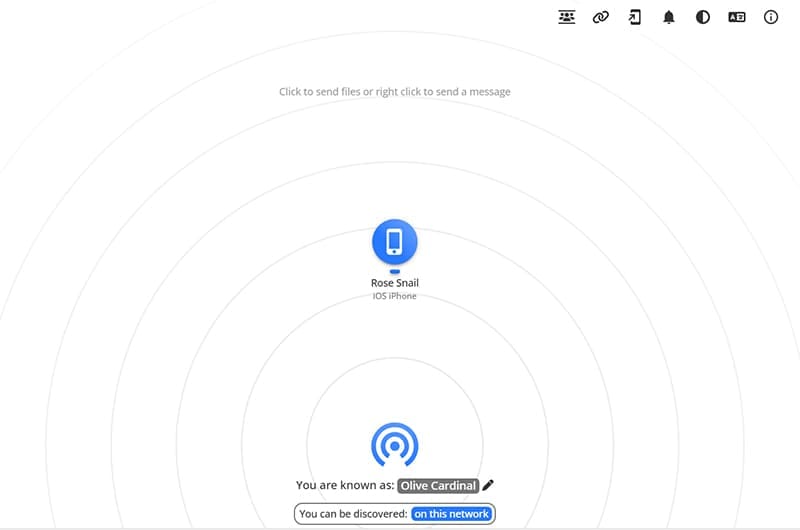
SnapDrop is another amazing free and open-source file-sharing tool that functions just like AirDrop. It’s different from LocalSend in how it operates. While the former is an app, SnapDrop instead is browser-based, requiring two devices to open their browsers to the site to transfer files across a local network, and all transfers are encrypted.
You don’t have to download anything, but simply upload a file or folder on one device and download it on another. Simple as that.
KDE Connect
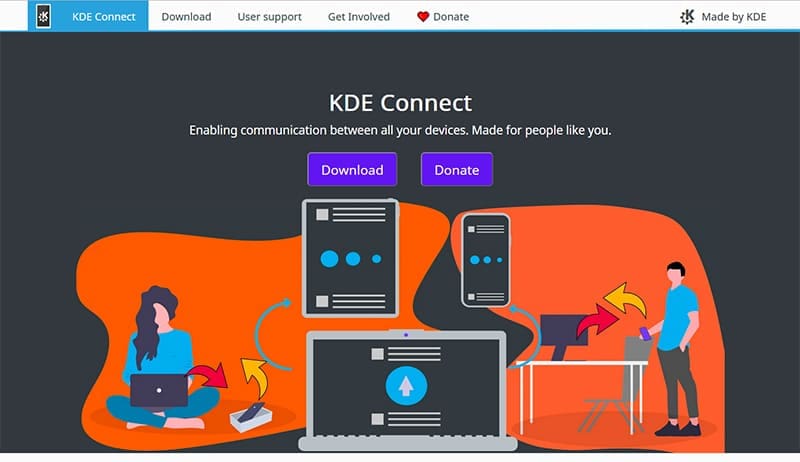
Here’s yet another free way to transfer files back and forth without much hassle. KDE Connect is an open-source and free way to transfer files between Windows and Mac, not to mention Linux and Android. It runs as an app and will need to be downloaded to both devices during the transfer.
It might not be as polished as the other items on this list, and is limited by the need for both devices on a shared local network, but it’s still an effective way to transfer large files and large amounts very quickly.
Other Alternatives
We’d be remiss if we didn’t mention some other ways to share files that might not be as fast, but are still very effective:
Dropbox – This cloud-based storage and file-sharing service has been making transferring a breeze for years now and is free to use with up to 2GB of storage, provided you create an account.
WeTransfer – For files big and small, you can easily send data to other devices without the need for a shared account with this service. Files over 2GB will require a subscription to transfer.
Google Drive – Another cloud-based storage service that works on both Mac and Windows and is free up to 15GB. All you need is your account open on both devices, and you can easily transfer using the cloud.
As an avid gamer, I’ve run into my fair share of error codes and weird faults that have forced me to find fixes to problems I never anticipated. That gave me a passion for sharing those fixes with others so we can all game without feeling like our hardware is rebelling against us.













Write a Comment