While the Apple TV isn’t flying off the shelves like AirPods or the Apple Watch, it’s still a great product. This is especially true with the release of Apple’s TV+ streaming services as more try to “cut the cord”.
Another great aspect of TV+ comes into play for those who live the “smart home” lifestyle. With options like Logitech’s Harmony system, you don’t need to keep track of the Siri Remote and can even use Android to control the Apple TV.
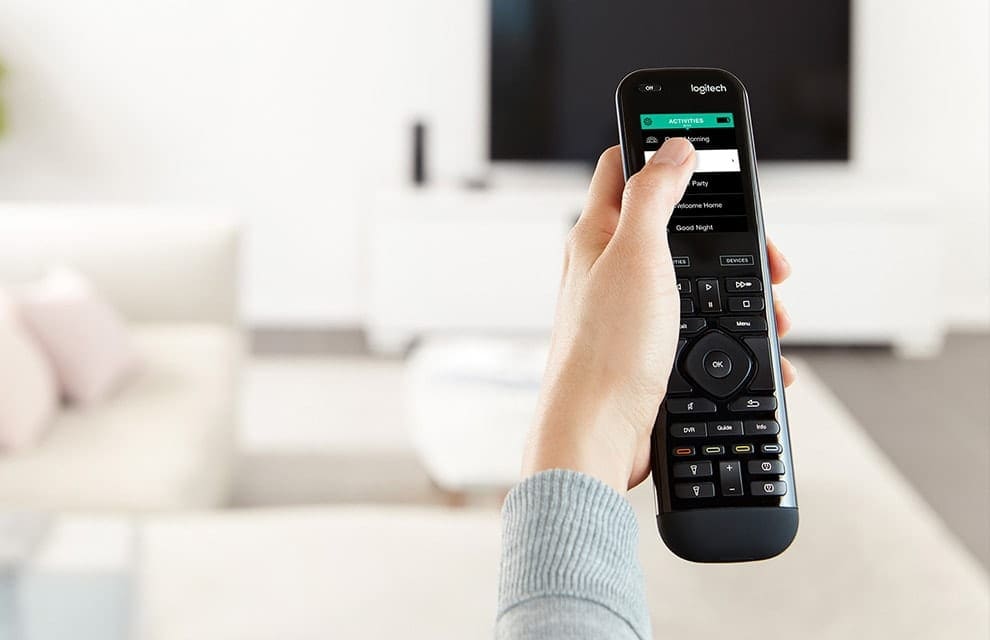
The Harmony Remote and Hub system comes from Logitech and adds additional features to your pre-existing system. After various devices have been added, they can then be controlled by a single remote or with your phone.
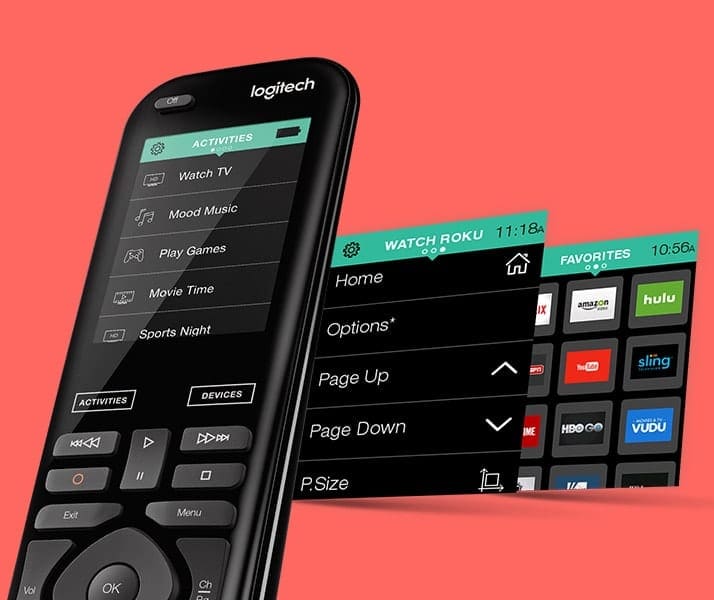
Currently, there are several different options available, ranging from the Harmony Elite (top of the line), to the Harmony 350 and 665. These remotes offer smart functionality of their own, with a few of them including LCD displays.
Pair Harmony IR Remote with Apple TV
There are two different options for pairing Logitech’s Harmony remotes with the Apple TV.
The first, and most common, is to take advantage of the IR sensors on the remote and TV.
Open the Harmony app from your iPhone
Select the Harmony remote and tap on Devices > Add device
Enter Apple under manufacturer and Apple TV under the model
Tap the Sync icon in the top right-hand corner
Select Sync Now
After a few moments, the Harmony remote will pair with your Apple TV. This gives you control over many aspects without waiting for Bluetooth to be paired and connected after sleep.
Pair the Harmony Hub with the Apple TV using Bluetooth
Some folks have been stating that when paired to Harmony via the IR blaster, you cannot control certain aspects. In this case, you will want to switch to Bluetooth pairing instead.
Here’s how you can do so:
Open the Harmony app on your iPhone
Select Enable Text Entry and choose Watch Apple TV Activity
From your Apple TV, navigate to Settings > General > Bluetooth
This puts both the Harmony Hub and Apple TV in Bluetooth pairing mode. Within a few moments, the two will automatically connect, giving you control over your ATV via Bluetooth instead of through the IR blaster.
After connected, you can use the Harmony app to enter text, control the TV itself, and use swipe gestures during video/music playback.
In fact, you can even use this method to power the ATV on and off, as users have found issues when using IR. Everything else would work fine, but when trying to turn the system off, the Apple TV would be the final product turned on.
Try the beta and make sure the software is updated
tvOS 13 has been out for a few months now, but that doesn’t mean that things aren’t still “broken”. Especially when it comes to those using a Harmony system, you will want to do one of the following:
Enroll in the tvOS Beta cycle:
Open the Settings app on your Apple TV
Select System
Tap on Software Updates
Scroll down and click on Get Beta Updates
Follow on-screen instructions
From there, the beta software will download and install itself, so do not turn the Apple TV off during this time.
Check for a software update
Update to the latest version of tvOS.
Open the Settings app on your Apple TV
Select System
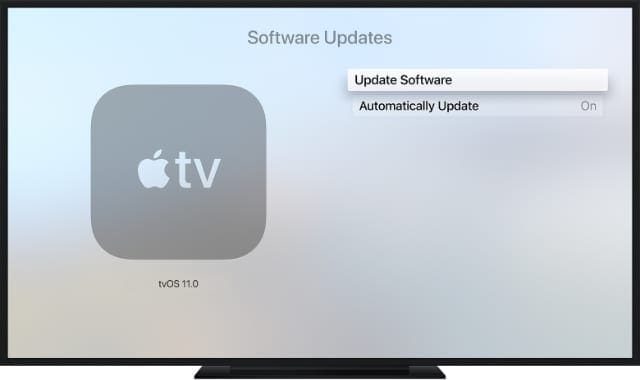
Tap on Software Updates
Click on Update Software
If a software update is available, you will need to follow the on-screen instructions in order to update your Apple TV.
Can you use this with an Android phone to control your Apple TV?
The short answer here is yes and no. After setting up the Harmony app on your Android device and pairing it with the Apple TV, there’s a bit of a catch. For the time being, it seems that the Android Harmony app is lagging behind a bit, without actually providing “remote” access.
Use Harmony to “control” your Apple TV
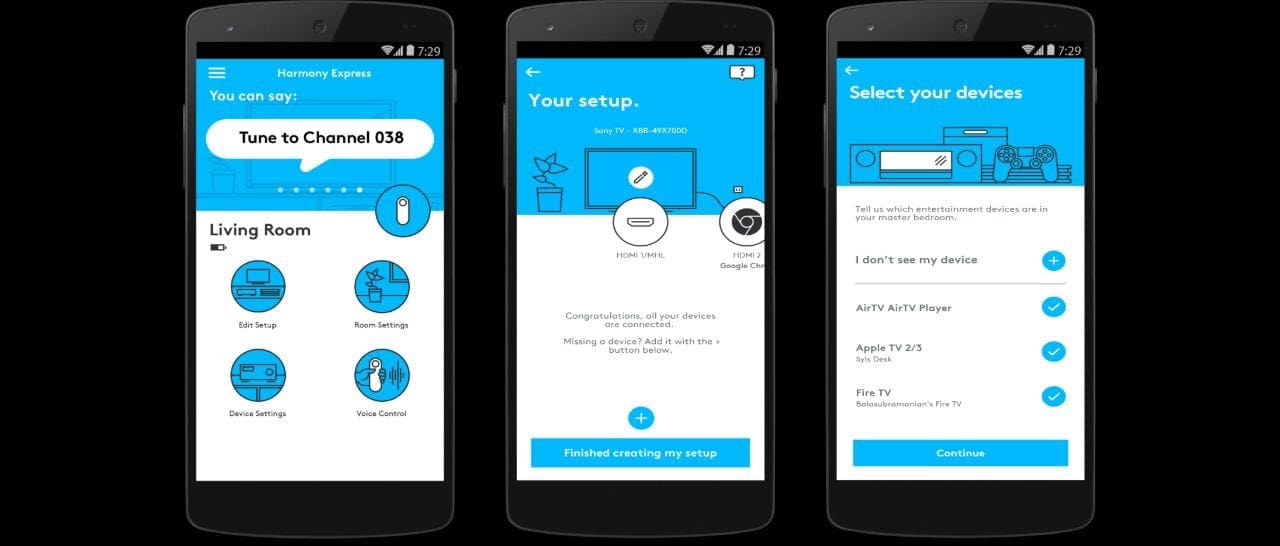
Open the Harmony app from your Android phone
Select the Harmony remote and tap on Devices > Add device
Enter Apple under manufacturer and Apple TV under the model
Tap the Sync icon in the top right-hand corner
Select Sync Now
However, you can still use your Android phone for text input in a pinch. The obvious benefit to this is to be able to type entries better/faster than relying on the Harmony remote or the Siri Remote.
Instead, we would recommend finding an old iPod Touch or even iPhone 5 (or iPhone SE) to act as the remote. This will make the experience much smoother, and the iPod or old iPhone will serve as the dedicated remote for your Harmony/Apple TV system.
Conclusion
We are grateful that Apple makes it possible to use these different products with TV. This is especially true for those looking to get involved in the smart home lifestyle.
If you continue having issues with the Apple TV and Harmony system, let us know in the comments and we’ll be happy to help!
Andrew Myrick is a freelance writer based on the East Coast of the US. He enjoys everything to do with technology, including tablets, smartphones, and everything in between. Perhaps his favorite past-time is having a never-ending supply of different keyboards and gaming handhelds that end up collecting more dust than the consoles that are being emulated.
I have been using the Harmony remote, via its app on iPhone, for several months. I have configured it to work with home theater system as well. However, recently I am facing an issue with the sound. When I start watching any app, say Netflix, the sound does not come on for several minutes. If I restart the Apple TV, it helps most of the time. This has become a big irritant. Can someone please help?
My Harmony Elite stopped working with my ATV 4K I learned today. I hadn’t;t used them together for a couple of weeks, but they have worked well in the past. Here’s what I’ve done so far: 1) I deleted the ATV and deleted the Watch Apple TV activity. I asked Harmony to search for the ATV which it found and rebuilt the Watch Apple TV activity. I even added a “Menu” step in the start sequence hoping that would wake up the ATV.
So when i turn on the activity, the TV and Receiver behave as prescribed, but the Elite arrow keys on the Harmony do not function. I’ve also tried the Bluetooth pairing and that doesn’t work either.









I can’t figure out how to set my harmony remote up to close apps on my ATV4. Help please.
I have been using the Harmony remote, via its app on iPhone, for several months. I have configured it to work with home theater system as well. However, recently I am facing an issue with the sound. When I start watching any app, say Netflix, the sound does not come on for several minutes. If I restart the Apple TV, it helps most of the time. This has become a big irritant. Can someone please help?
My Harmony Elite stopped working with my ATV 4K I learned today. I hadn’t;t used them together for a couple of weeks, but they have worked well in the past. Here’s what I’ve done so far: 1) I deleted the ATV and deleted the Watch Apple TV activity. I asked Harmony to search for the ATV which it found and rebuilt the Watch Apple TV activity. I even added a “Menu” step in the start sequence hoping that would wake up the ATV.
So when i turn on the activity, the TV and Receiver behave as prescribed, but the Elite arrow keys on the Harmony do not function. I’ve also tried the Bluetooth pairing and that doesn’t work either.
Any other suggestions?