Back in the heyday of application development, there were more apps than we could keep count of. However, as time passed and different platforms matured, the need for different apps just fell to the wayside. But in the case of Twitter, something else entirely is going on, as the social media giant removed the ability for third-party clients to access the API, rendering apps like TweetBot and Twitterrific useless.
As more and more people leave Twitter in search of a replacement, Mastodon has turned into the ultimate “renaissance” for new and exciting iPhone, iPad, and Mac apps. Today, we’re taking a look at the best Mastodon apps for iPhone, iPad, and Mac, but it’s important to remember that many of these apps are still in active development, meaning new features could arrive at any time, or even unknown apps could appear out of nowhere that take the App Store by storm.
Mastodon is a social network similar to the likes of Twitter and Facebook. The platform has been around since its inception in February of 2017, but following Elon Musk’s acquisition of Twitter, more users have been flocking to Mastodon.
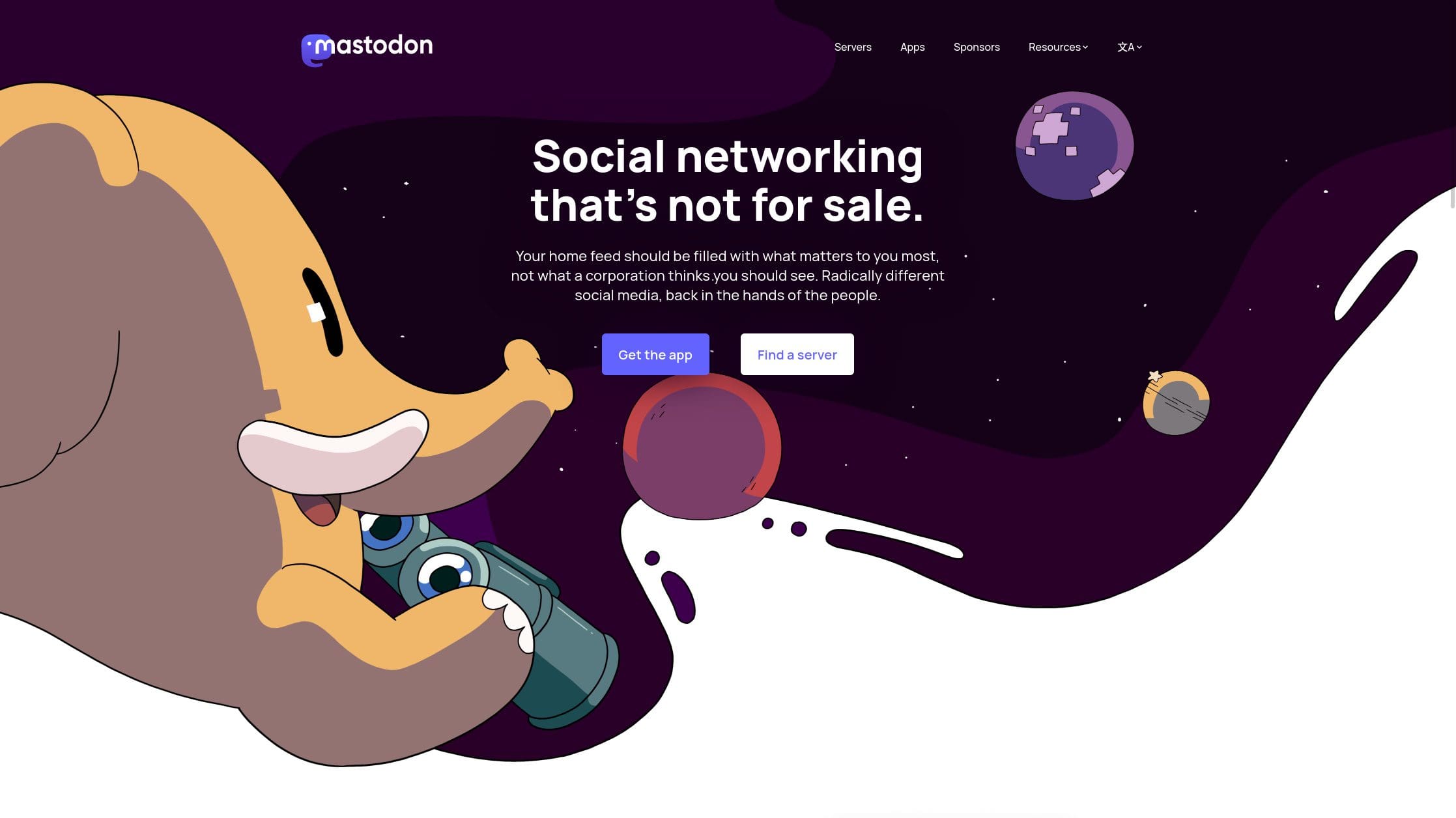
The premise of Mastodon, as noted on its home page, is to provide a decentralized alternative to Twitter. Where Twitter is essentially a “bucket” of users that can all interact with one another, Mastodon relies on instances or servers you need to join or apply for to use the platform.
Mastodon is built with a focus on privacy and safety. Decide whether your posts are shared with your followers, just the people you mention, or the whole world. Content warnings let you hide posts containing sensitive or triggering material until you’re ready to engage with them. Each community has its own guidelines and moderators to keep its members safe, and robust blocking and reporting tools help prevent abuse.
Best Mastodon Apps for iPhone, iPad, and Mac
Ivory for Mastodon by Tapbots
Ivory is a brand new app that brings over a dozen years of experience building the award-winning Tweetbot for Twitter, over to the Mastodon network. We obsess over every detail and put good design and experience first. Download and experience it for yourself. If you liked Tweetbot, you’ll love Ivory!
We also want to point out that Ivory is still in “Early Access” meaning that there are still features that aren’t available just yet. Some of these include things like being able to edit your profile or edit posts after they have been published. However, Tapbots has published a roadmap of what’s to come, and while there isn’t a Mac app available just yet, it’s expected to arrive in the near future.
IceCubesApp is an open source application for accessing the decentralized social network Mastodon! It’s built entirely in SwiftUI, making it fast, lightweight, and easy to use. You can connect to any Mastodon instance and browse your timeline, interact with other users, and post updates and media.
What helps to make Ice Cubes so interesting is that instead of a traditional website to learn more about the app, you can find out everything you need to know right from the GitHub page. This includes seeing what features are being worked on, along with reporting on any bugs that you might find while using the app. And if you have some experience with developing applications, you can even help out or create a forked version of the app yourself!
Re: Toot turns Mastodon posts into images that are suitable for quote posts. Images are accompanied by attribution to the original author and an alternative text. Images created by Re: Toot can also be shared to other social networks and messaging services.
The app was created by Simon B. Støvring who is the same developer in charge of the popular Scriptable, Runestone, and Data Jar apps. Re: Toot is free to download, and if you want to unlock all of the features, you won’t have to worry about subscriptions as there’s just a one-time purchase for $2.99.
Tusker is a free and flexible client for the Mastodon social network and other compatible services. Some of the many features of Tusker include notification grouping, timeline sync, the ability to customize your timeline, and a “wide variety of preferences to help you manage how you use social media, including by turning infinite scrolling off or showing all images in grayscale.” And if you have multiple accounts on Mastodon, Tusker makes it easy to login and switch between them.
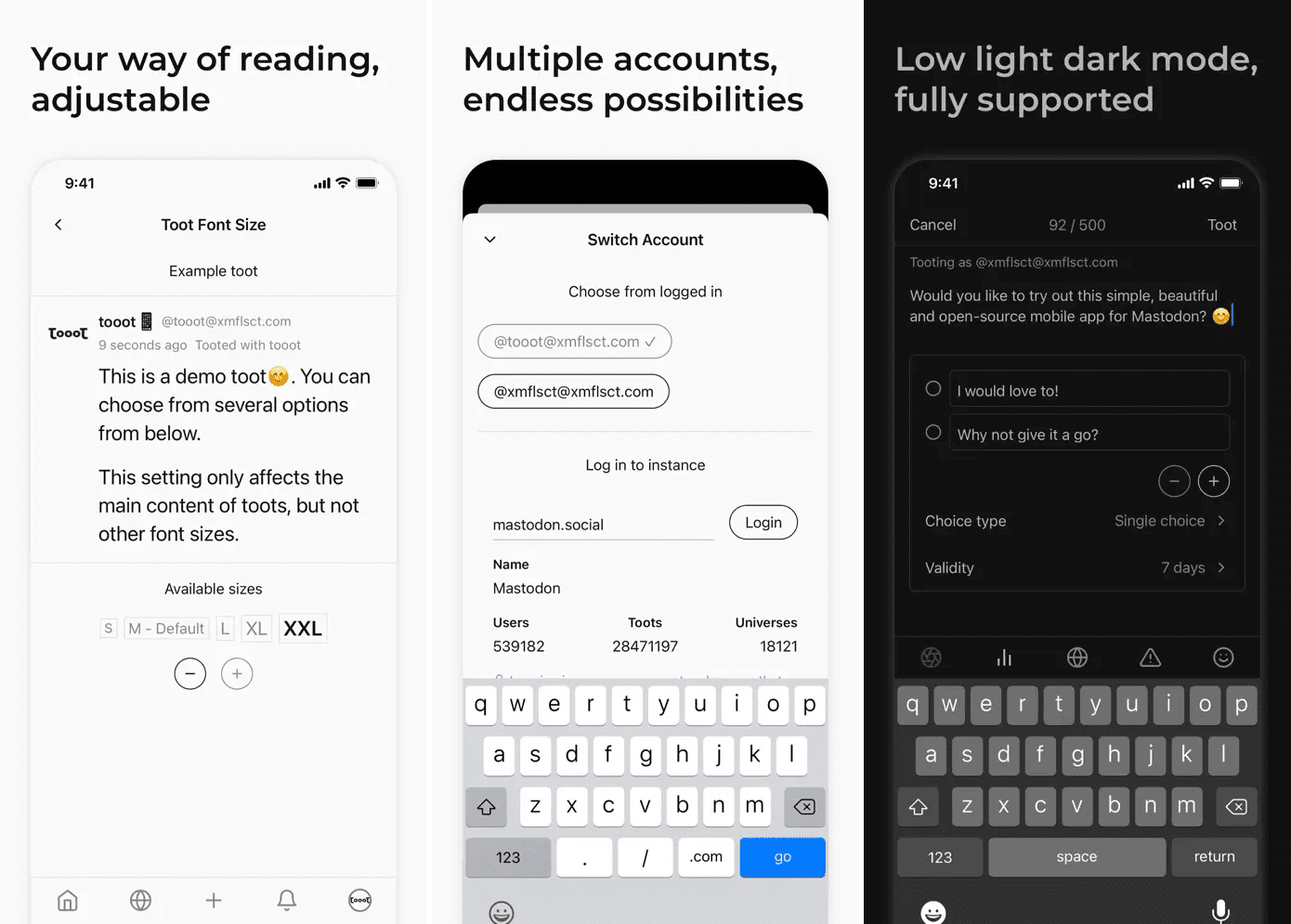
tooot is an open-source, simple yet elegant Mastodon mobile client. It includes support for the iPhone, iPad, and the Mac, along with multiple accounts, the ability to send push notifications, and more. While it might not be as feature-rich as some of the other best Mastodon apps, that’s really just fine if you want something a bit more basic. The most recent update also makes it possible to “follow a user with other logged in accounts”, which is a bit of a sticking point when it comes to trying to use Mastodon.
Mastoot is another basic Mastodon client, much like tooot, as it doesn’t try to overwhelm users with any “earth-shattering” features. Instead it just focused on the basics, such as giving you the option to switch between a local and “federated timeline.” But there are some other nifty features for those who want to use Mastoot, including the ability to view favorites and bookmarks. Perhaps the best part of Mastoot is that the app is free to download and works on both the iPhone and the iPad.
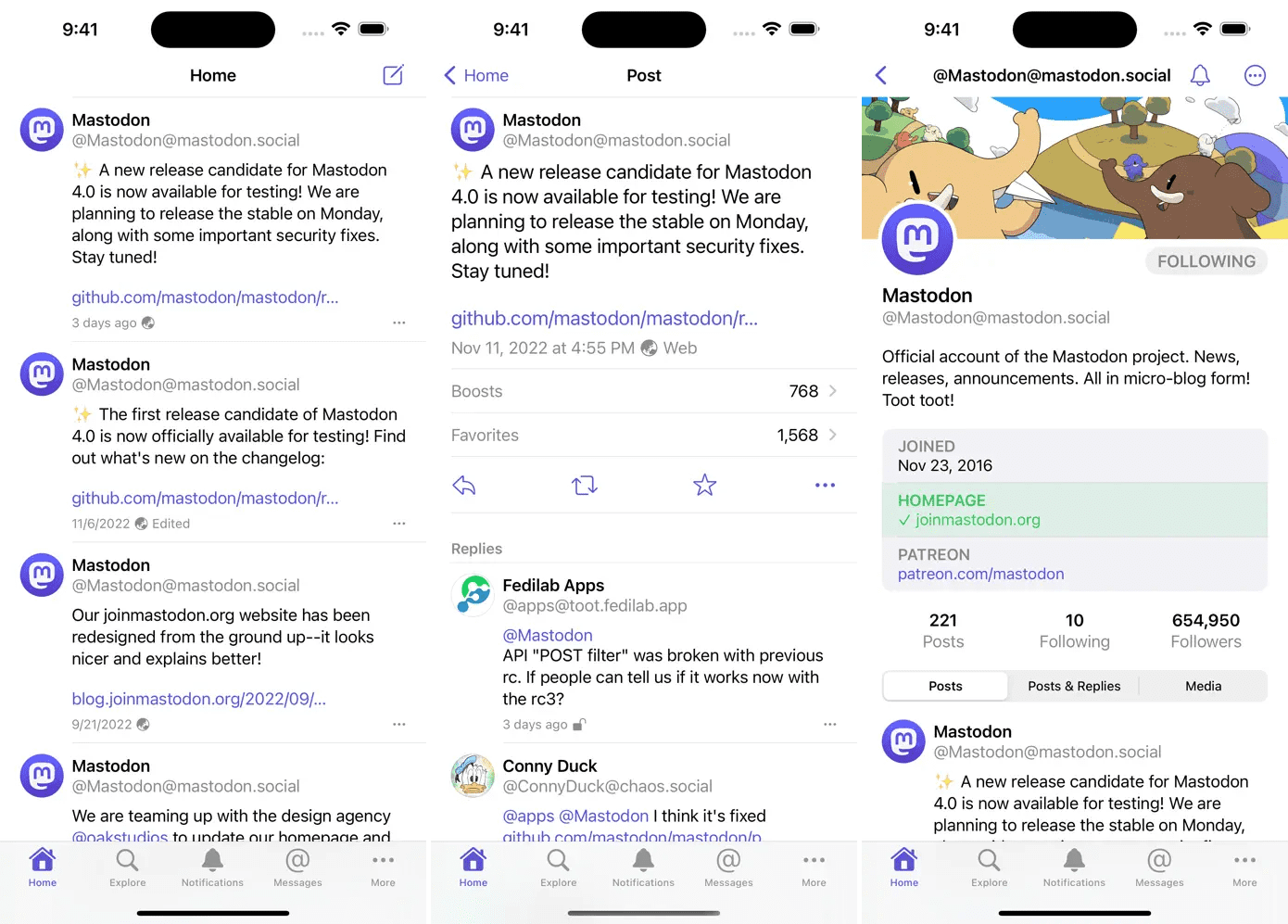
We have to admit that it would definitely be a bit weird if there wasn’t an official “first-party” Mastodon client, but thankfully, that’s not something you need to worry about. There’s an official Mastodon client for both Android and iOS, and as you might expect from a social media platform like this, you can head over to the appropriate Github page to view the entire repository. Or, you can just download the Mastodon for iOS app right from the App Store on your iPhone or iPad.
Andrew Myrick is a freelance writer based on the East Coast of the US. He enjoys everything to do with technology, including tablets, smartphones, and everything in between. Perhaps his favorite past-time is having a never-ending supply of different keyboards and gaming handhelds that end up collecting more dust than the consoles that are being emulated.















Write a Comment