Nowadays, the majority of the world relies on Wi-Fi connections, even if they are using a laptop as their primary computer. Wi-Fi network speeds have improved so greatly that it’s not nearly as necessary to use a hard-wired connection between your computer and router.
But there are still times when a wired connection may be more useful, especially when it comes to downloading large files or playing online multiplayer games. In those instances, you might be greeted with an icon in your Menu Bar that says “No PPPoE configurations were found”. Today, we’re going to take a look at how you can get rid of those pesky and annoying messages.
What is PPPoE?
Unless you dive into the System Preferences of your Mac, you may not know that PPPoE has something to do with your internet connection. As you might expect, PPPoE is an acronym that stands for Point-to-Point Protocol over Ethernet. It’s a type of networking protocol that is derived from the older version known as Point-to-Point Protocol. This was designed to help manage how data is transmitted using a single Ethernet cable but is very rarely used any longer.
Get Rid of ‘No PPPoE configurations were found’ Message
For one reason or another, you may boot up your Mac one day and see a new icon that has appeared in the Menu Bar. There doesn’t seem to be any rhyme or reason why it appears, especially for those who have never even set up and used their Mac with an Ethernet connection.
However, despite the fact that it is not used very frequently, it still can “magically” appear, causing a bit of confusion. Luckily, there are a couple of easy ways that you can go through and remove the icon from clogging up your Menu Bar unnecessarily.
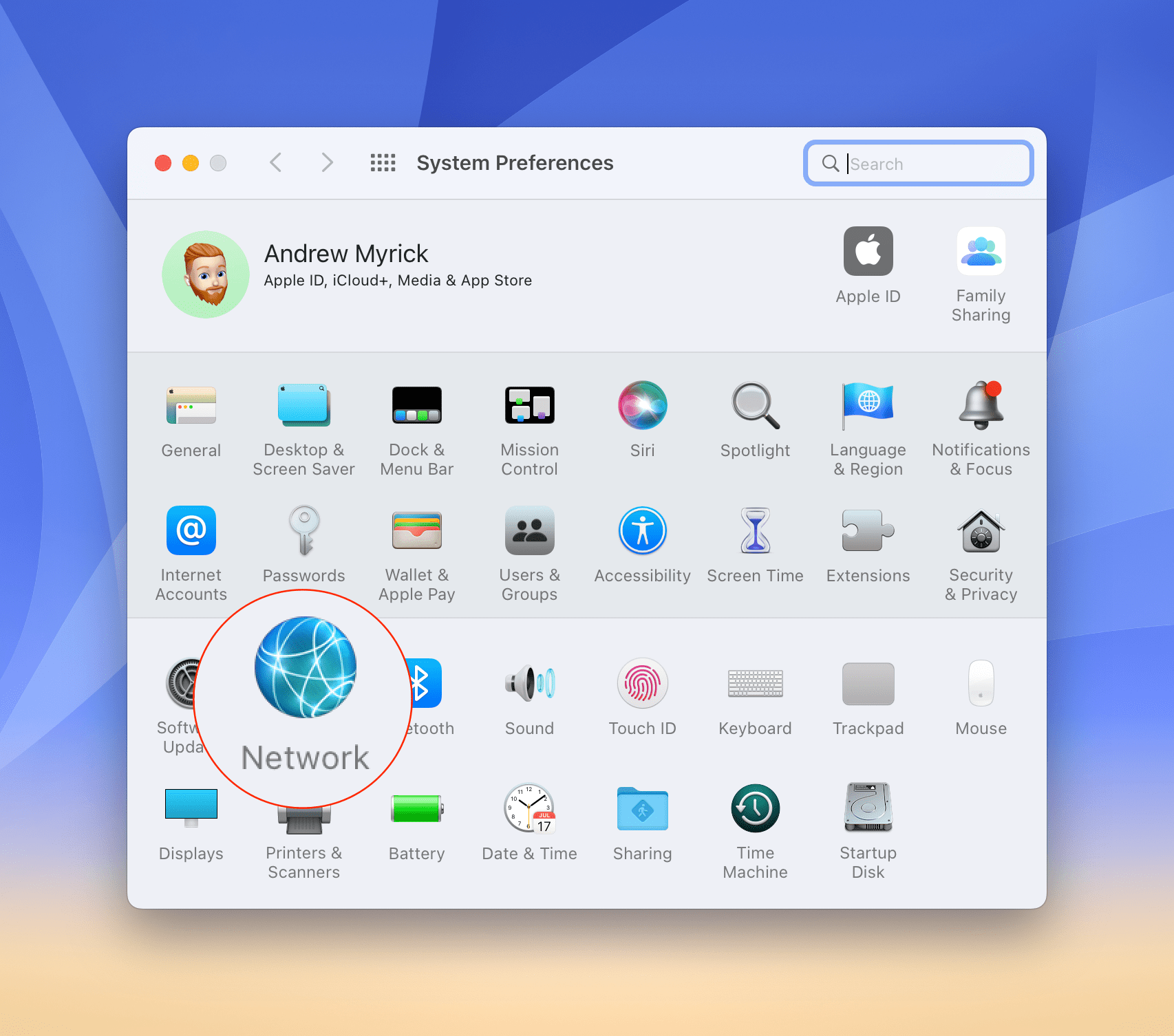
Open the System Preferences app on your Mac.
Click Networks.
If PPPoE is in the sidebar, click on the option to select it.
On the right side at the bottom, click the checkbox next to Show PPPoE status in menu bar.
In the event that the icon is still there in your status bar, there’s another method for removing the icon from the menu bar. All you need to do is press down on the Command (CMD) key on your keyboard. Then, click and drag the icon out of the menu bar and release both the cursor and the CMD key after the icon is away from the menu bar.
Once complete, you might want to restart your Mac just to make sure that the changes remain. This will help to ensure that any changes that you made to the network preferences and menu bar remain intact in the future.
If you don’t use a PPPoE connection, and never have, you can also remove it from the sidebar in your Mac’s network preferences.
Open the System Preferences app on your Mac.
Click Networks.
Select PPPoE in the sidebar by simply clicking it.
At the bottom of the sidebar, click the – icon to delete it.
You may be asked to confirm the removal of the PPPoE connection. Just click the appropriate buttons to remove the connection from your Network Preferences.
Andrew Myrick is a freelance writer based on the East Coast of the US. He enjoys everything to do with technology, including tablets, smartphones, and everything in between. Perhaps his favorite past-time is having a never-ending supply of different keyboards and gaming handhelds that end up collecting more dust than the consoles that are being emulated.












Write a Comment