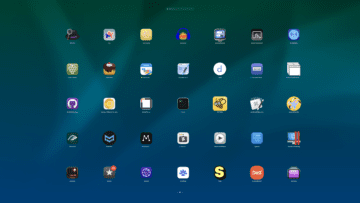
If you’re like us, chances are you have a bunch of apps installed on your Mac. There are several different ways to access and organize those apps, but the built-in macOS LaunchPad continues to be one of the more popular options out there.
Unfortunately, organization options within LaunchPad are pretty limited. You can create folders and manually rearrange apps, but it’s a really strenuous and tedious process overall. It also doesn’t account for new apps that you install which automatically appear within LaunchPad. Thankfully, there’s a solution to your organization woes courtesy of LaunchPadder which was shared on the r/macapps subreddit.
How to Sort Apps in Launchpad on Mac With LaunchPadder
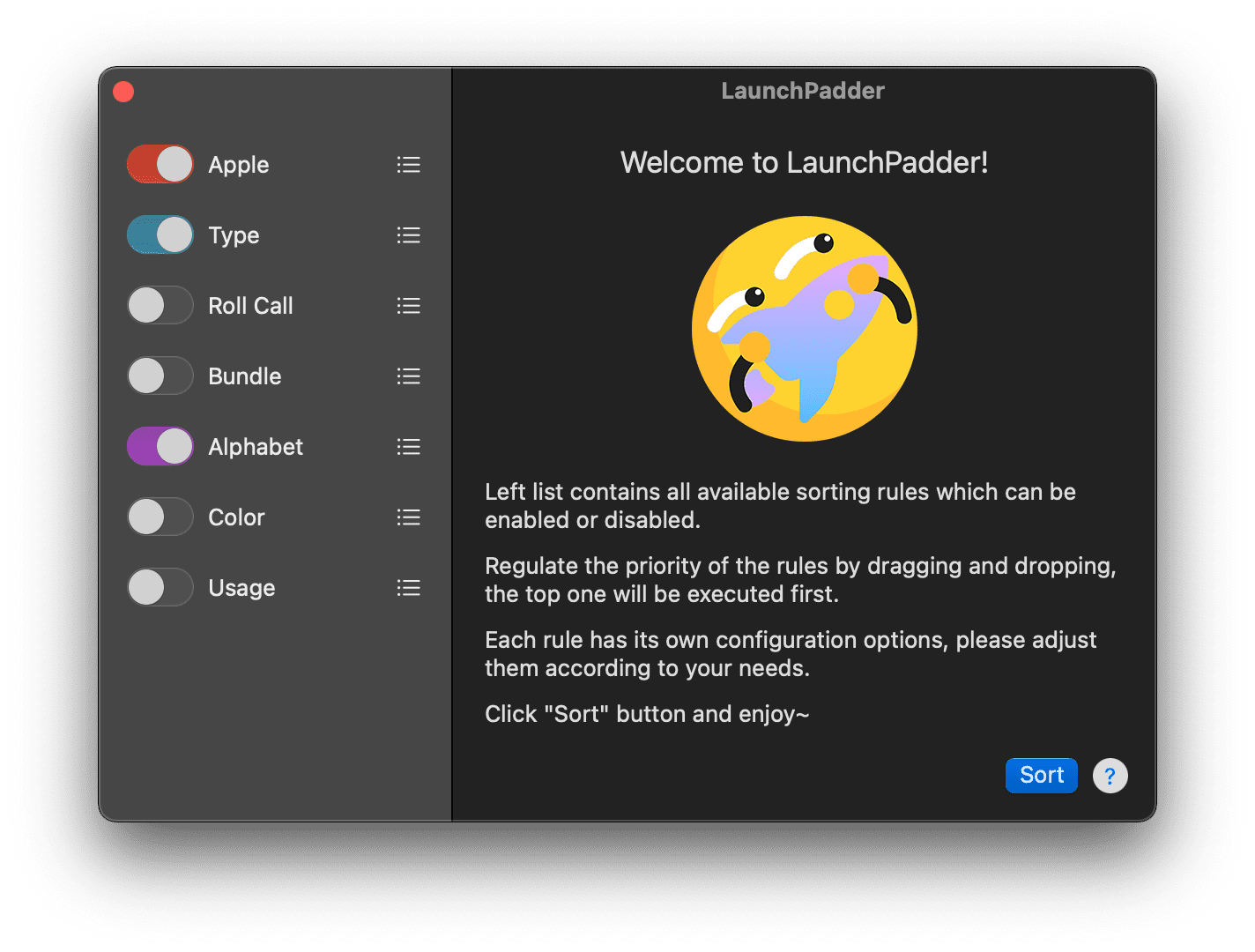
LaunchPadder is a free app that can be downloaded directly from GitHub, or through the developer’s dedicated website for the app. Once you’ve downloaded and installed LaunchPadder, you’ll be presented with the following categories along with a “welcome screen”.
Apple
Keep all Apple applications on top.
Type
How to treat applications and folders
How to treat folders
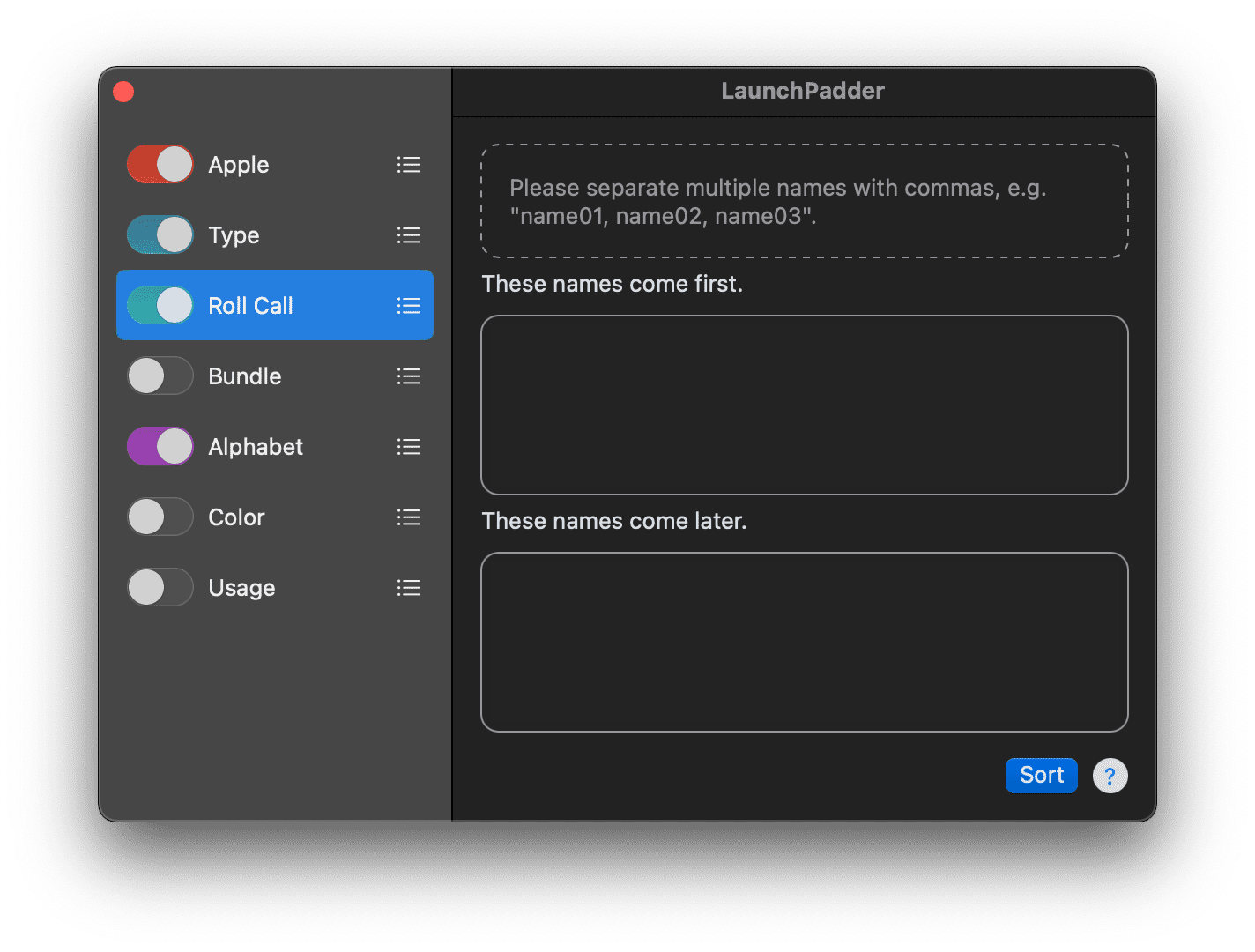
Roll Call
These names come first.
These names come later.
Bundle
How to treat bundle ids (Ascending or Descending)
Category
How to treat categories (Ascending or Descending).
How to treat unknown category apps
Alphabet
How to treat names (Ascending or Descending).
Perform localized sorting for non-Latin characters, e.g. Chinese.
Color
How to treat application icon colors (Hue Ascending or Hue Descending)
How to treat grey colors.
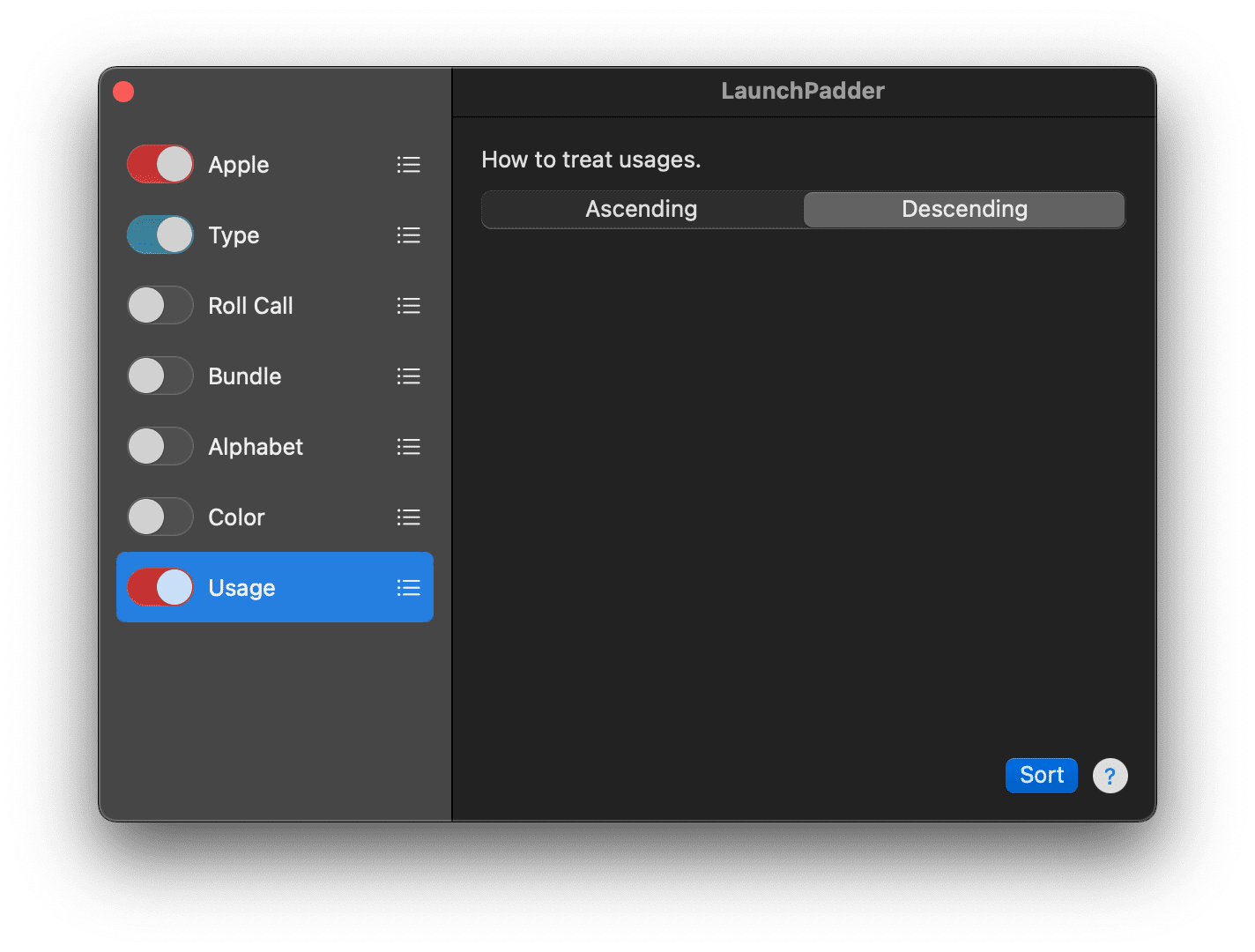
Usage
How to treat usages.
When you’re going through and setting up the different sort rules within LaunchPadder, you’ll see a Sort button in the bottom right corner. After you’ve made your changes for each rule, make sure you hit that button in order to save the preferences.
In the sidebar on the left, you’ll also see that there are three vertical lines next to each sorting option. This allows you to change the priority of the rules, for those who want to sort apps in LaunchPad on Mac.
Additionally, toggles are available for each sorting option within LaunchPadder. As you would suspect, these toggles simply turn the various sorting options on or off, depending on whether you want to play around with the layout of LaunchPad.
About LaunchPadder
According to the LaunchPadder website, version 1.0 of the app was released in April of 2022. Since then, there have been several updates made to the app, providing new features, optimizations, and bug fixes. At the time of this writing, the most recent release is version 1.4.
In terms of compatibility, LaunchPadder originally was released requiring at least macOS 11 (Big Sur). However, a later update reduced that OS requirement to macOS 10.15 (Catalina). And if you’re someone who owns either an M1 or M2 Mac, then you’ll be happy to learn that this app supports both Intel and Apple Silicon-powered Mac computers.
As we noted earlier, LaunchPadder is free to download, allowing you to properly sort LaunchPad apps on Mac with ease.
Andrew Myrick is a freelance writer based on the East Coast of the US. He enjoys everything to do with technology, including tablets, smartphones, and everything in between. Perhaps his favorite past-time is having a never-ending supply of different keyboards and gaming handhelds that end up collecting more dust than the consoles that are being emulated.









Excellent little app. Thanks for sharing. Still not sure why Apple didn’t figure this out!!!