Ever since the rumors of an ARM-based Mac started up, an obvious question arose. Would this transition finally make it possible for your Mac to run iOS apps in addition to your standard applications? Apple has been rumored to be working on its own processor for the Mac lineup for some time now.
In that time, not only have we seen the likes of the iPad Pro completely obliterate most Macs in terms of performance, but the App Store continues to grow. It was clear when macOS Big Sur was introduced that Apple is working on creating a unified experience across its devices, just from the design changes that were introduced.
When Tim Cook added “One More Thing” at the end of WWDC ’20, Apple fans jumped for joy. This was all about the Mac, a line that hasn’t really seen much love, outside of the updated Mac Pro released almost a year ago. It should come as no surprise that Apple has not been exactly thrilled with Intel’s lack of innovation, and stagnation in its processors.
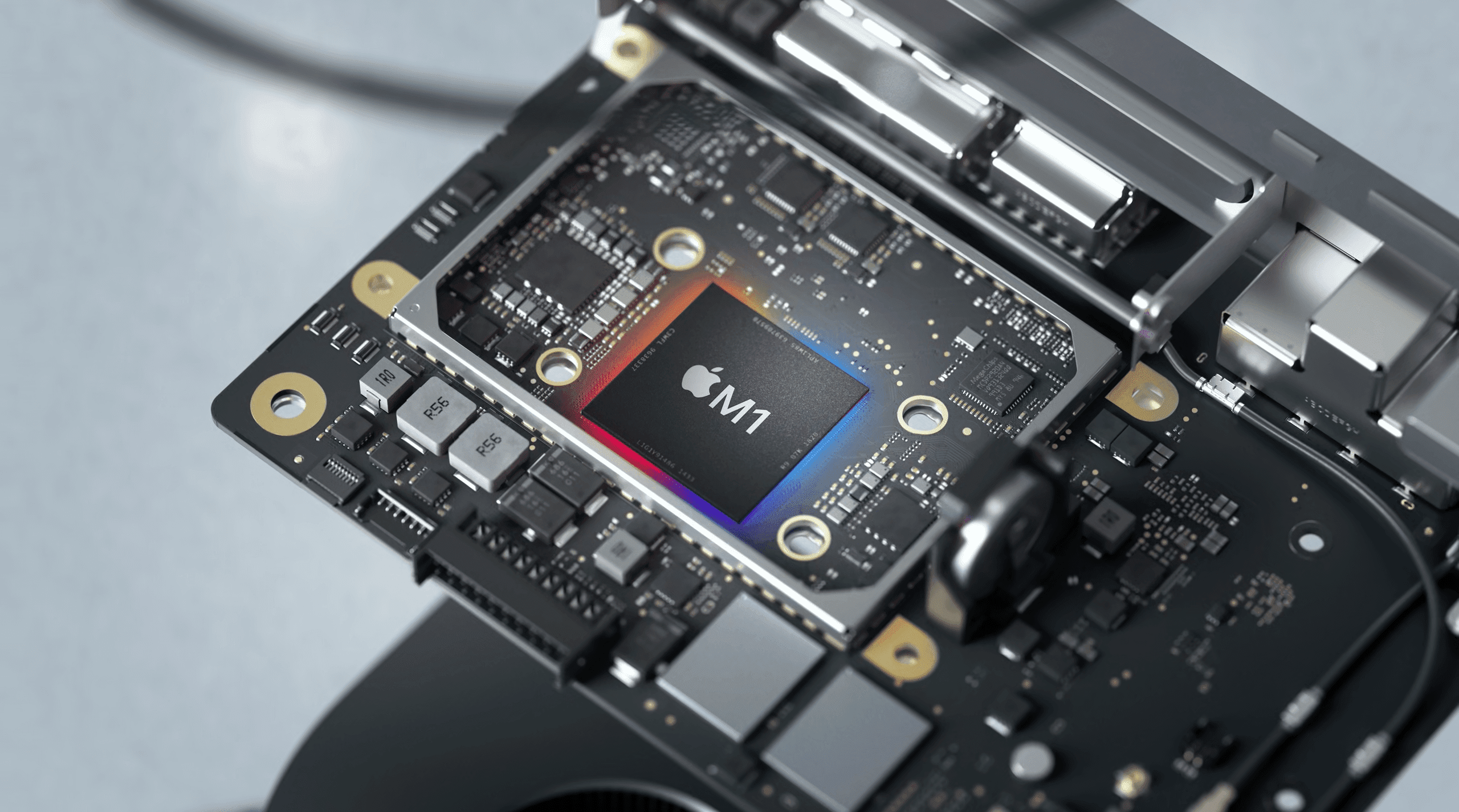
So instead of waiting for Intel to right the ship, Apple took matters into its own hands with the release of the M1 processor. This new chipset is built on the same architecture as the newly-launched A14 Bionic found in the iPhone 12 lineup.
Thanks to using the same architecture, this has opened the door for the iOS App Store to make its way to the Mac. What’s incredible about this is that many of your favorite apps can or will be able to run seamlessly on your Mac, just as they do on your iPhone or iPad. But of course this means that you can only download these apps on an M1-powered Mac, such as the recently-launched MacBook Air, Pro, or Mac mini.
There is one catch, however, as the developer needs to “opt into” or “out of” the program. Meaning, if Google doesn’t want it’s iOS/iPadOS app to be run on the Mac, then it can make that conscious decision. On the whole, it seems that many other developers are excited to jump on the train, putting their apps into the hands of more people.
How to download iOS apps on Mac
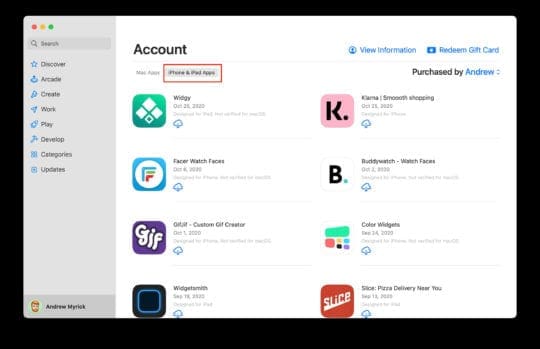
Downloading iOS apps onto your Mac is just as simple you might expect, and there are two different ways to do so. The first method makes it possible for you to download compatible apps that are attached to your Apple ID after being downloaded on iOS or iPadOS.
Open the App Store.
In the sidebar, click your name and profile image.
Under Account, select iPhone & iPad Apps.
Download the apps you wish to add to your Mac.
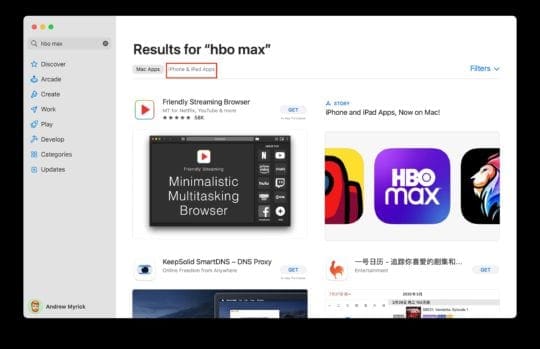
The next method is more “natural” for many, as you can just search for them in the App Store. Apple has added a new filter that makes it possible for you to see apps of the same name designed for the Mac, or those that were only available on the iPhone and iPad.
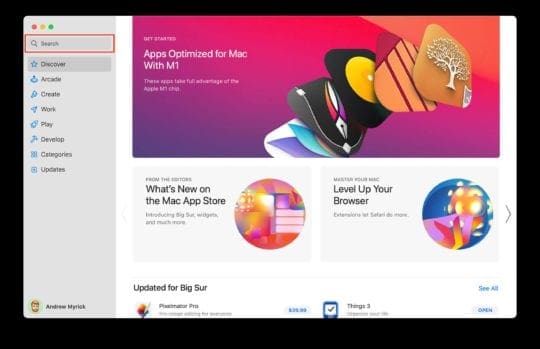
Open the App Store.
Click the Search box in the sidebar.
Search for the app you are trying to find.
Under “Results for…”, click on iPhone & iPad Apps.
Download the app.
It’s important to note that not every app will work and function as you might expect. Some apps cannot be resized, and there are still some growing pains for apps that previously focused on only having touch controls. That means you may run into some growing pains when trying to use a mouse and keyboard.
Best iOS Apps (so far)
As we mentioned before, there are some apps that may be working, but aren’t fully optimized to be used with a mouse and keyboard. Plus, developers can pull their apps from appearing on the Mac App Store for one reason or another. Nevertheless, there are still some great apps that can be used on iOS, iPadOS and macOS Big Sur. Here are just a few of our favorites.
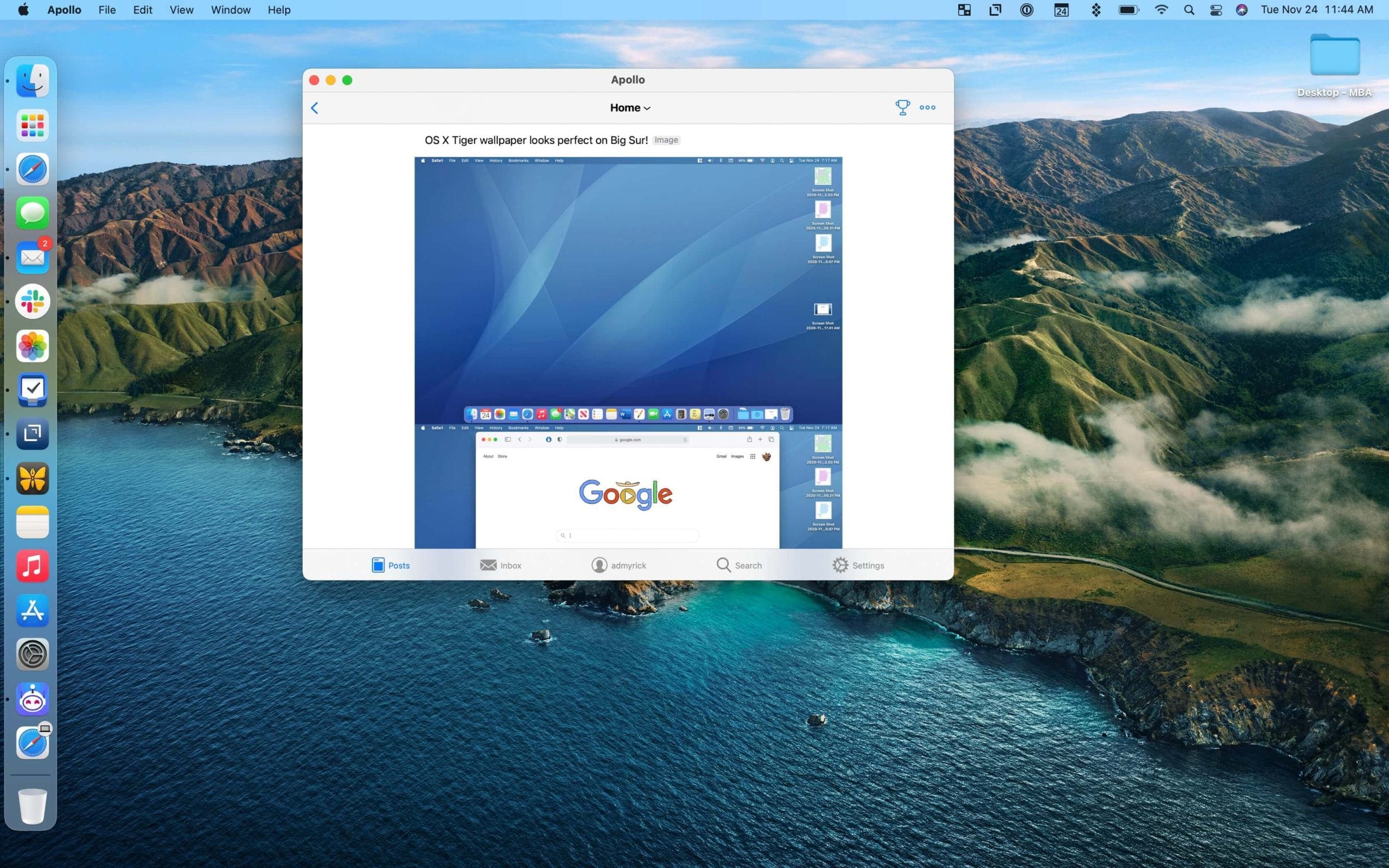
Apollo for Reddit
Apollo is already one of the best apps for iOS and iPadOS, as it’s the most beautiful and easiest way to browse Reddit. The app works just as advertised, with the only exception being that you can’t change the stock icon to something more fun.
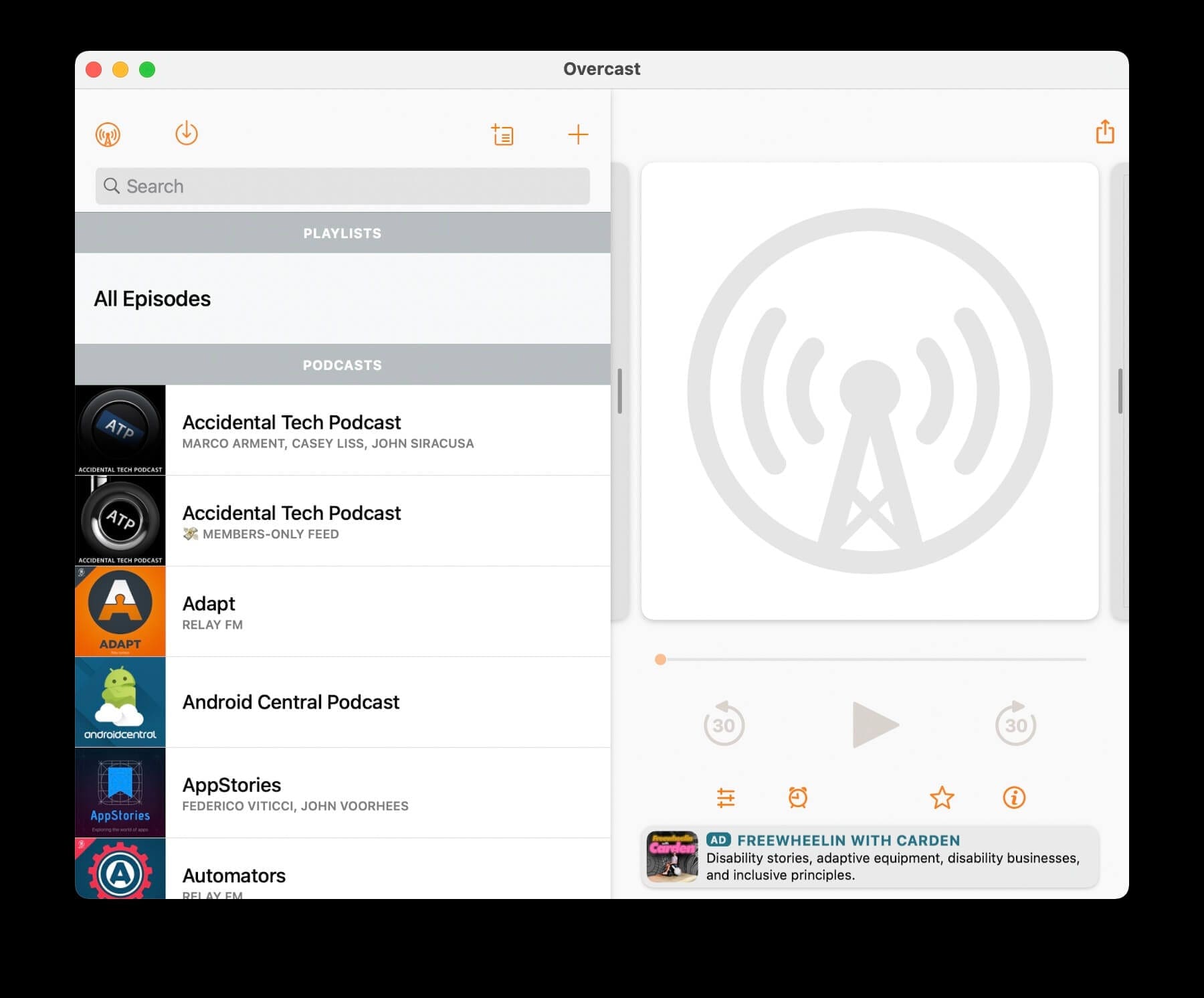
Overcast
Having tried just about every other podcast app on the App Store, I have to admit that I’m thoroughly excited for Overcast on the Mac. Previously, Marco Arment (the developer), stated that he wouldn’t be porting this podcast app to the Mac. Thanks to Big Sur and the M1 chip, he doesn’t have to, as it works on the Mac just as well as it does on the iPhone and iPad.
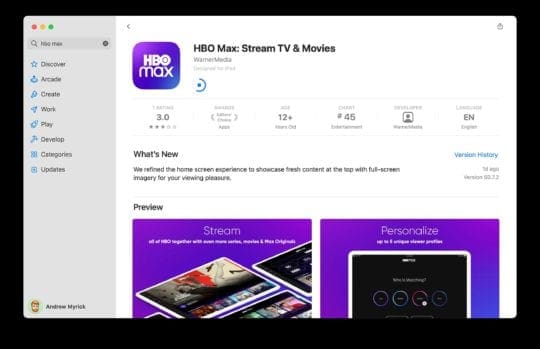
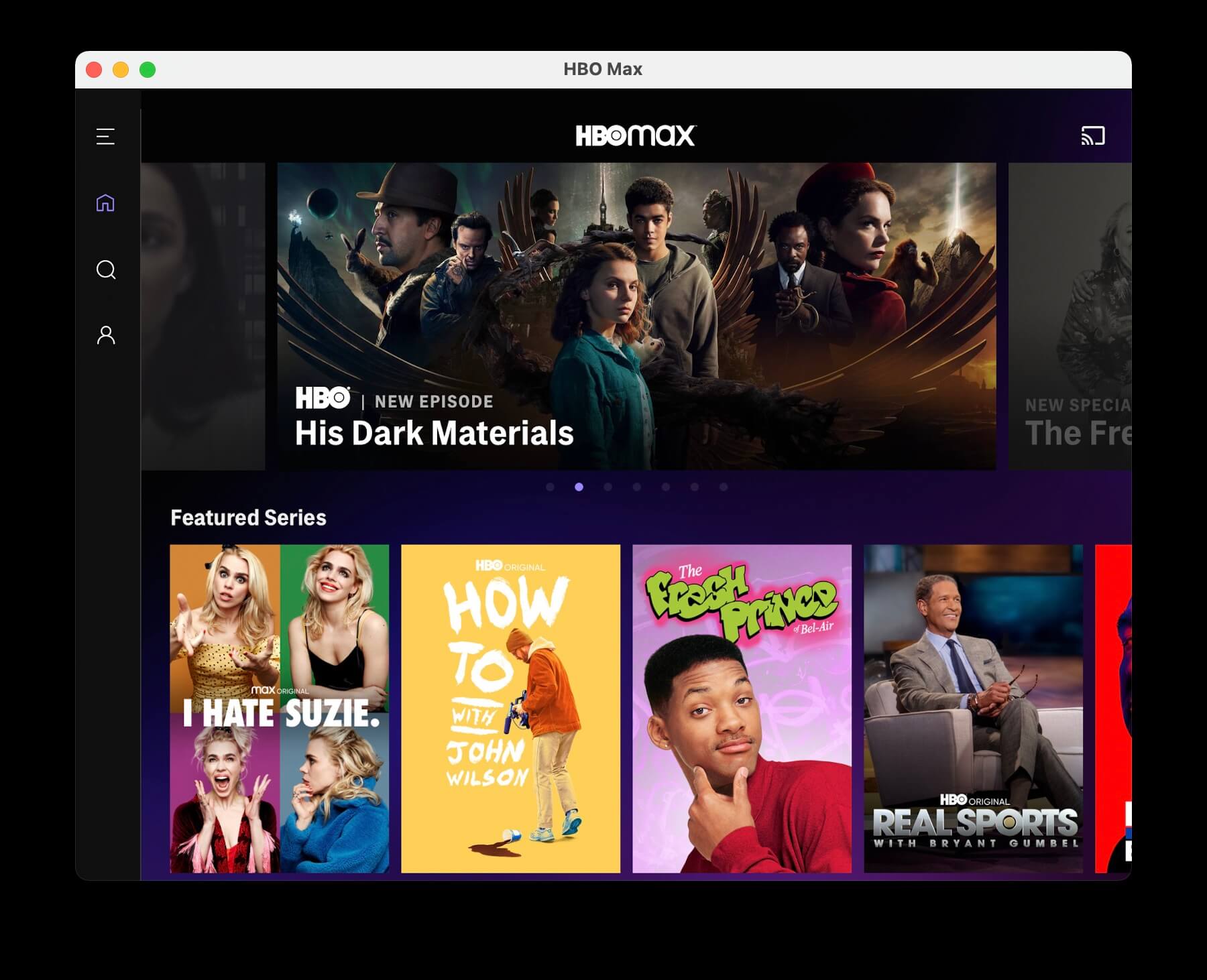
HBO Max
If you want to be able to stream your favorite shows or movies from HBO, the HBO Max apps work almost perfectly. The only hangup here is that you cannot resize the window to your liking. This is more than likely a bug for the time being, but we expect to see an update sooner rather than later.
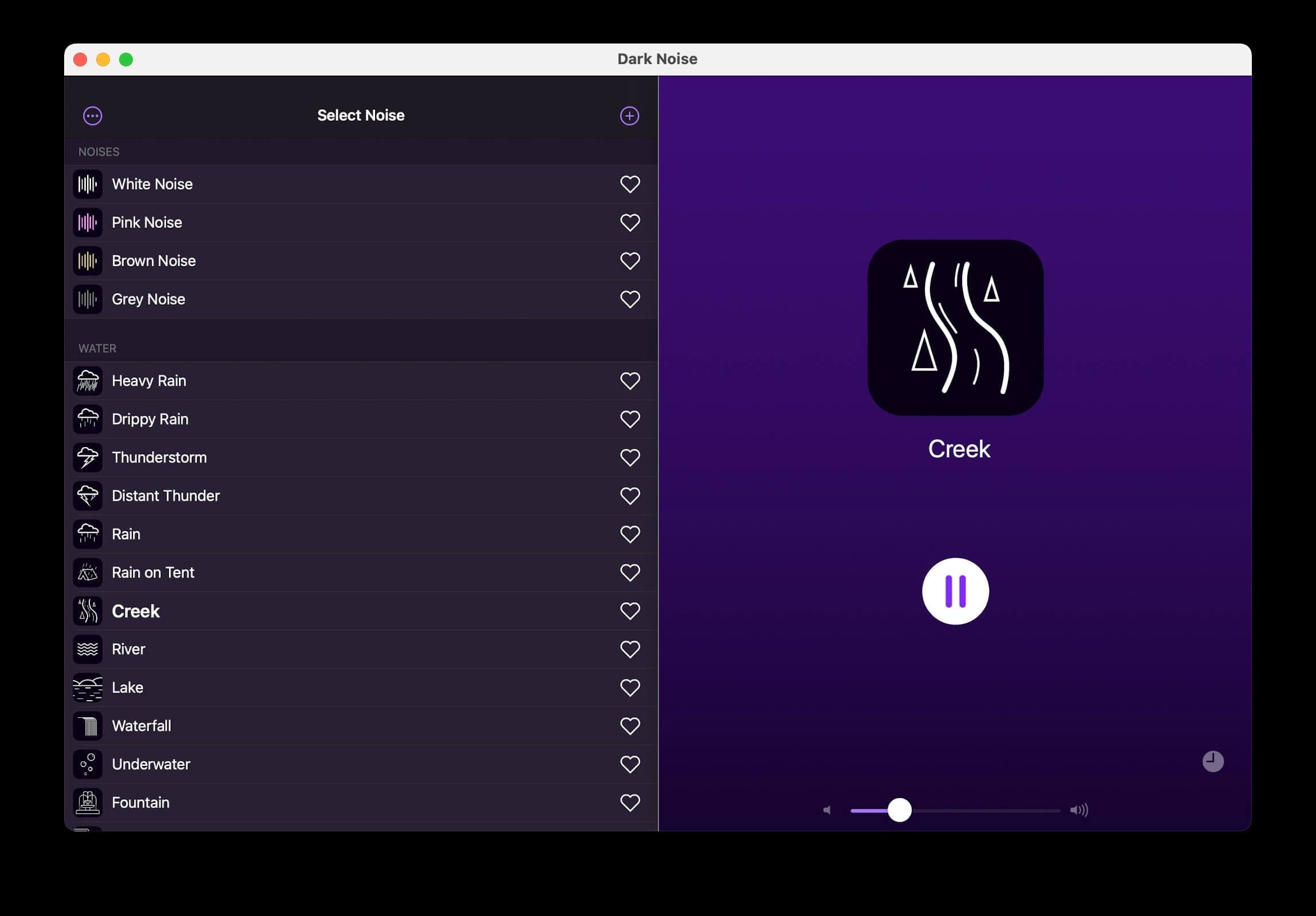
Dark Noise
When it’s time to sit down and get some work done, having an app like Dark Noise on your iPhone or iPad is extremely helpful. There are a myriad of different sounds to choose from, ranging from standard White Noise to Heavy Rain, or even a coffee shop. The Dark Noise app works without a hitch on the Mac, so you can get work done regardless of what device you’re using.
Among Us
img
Among Us is the new “hotness” when it comes to gaming, as it’s available on every platform and is cross-platform compatible. Meaning that you can fire up a game on your iPhone and play with your buddies who are using a PC. With the M1 chip and Big Sur, you can now simply download the iOS version right to your MacBook Air, Pro, or Mac mini.
Andrew Myrick is a freelance writer based on the East Coast of the US. He enjoys everything to do with technology, including tablets, smartphones, and everything in between. Perhaps his favorite past-time is having a never-ending supply of different keyboards and gaming handhelds that end up collecting more dust than the consoles that are being emulated.














Write a Comment