It’s almost time. WWDC ’22 is upon us and with it, we’re expecting to see some big things announced at Apple’s yearly developer conference. There are rumors aplenty about a potential MacBook Air refresh, and it’s also likely that we see the M1 chip make its way into the Mac Pro. But being a developer conference, this is also where we all learn about the new features coming to iPhone, iPad, Mac, and every other Apple device.
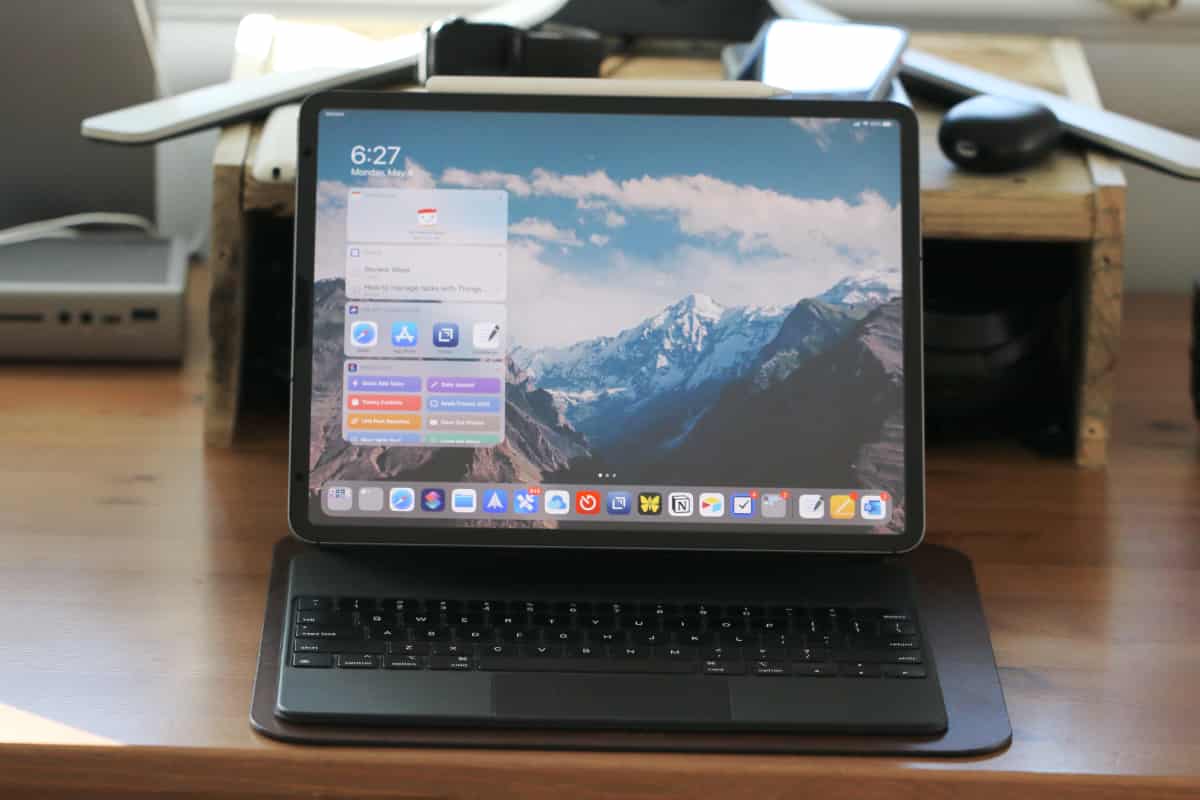
Aside from a few changes here and there, iPadOS is in need of a long-overdue revamp. There’s so much power built into the iPad Pro with the M1 chip, but it continues to feel like a second-class device because of the software. In the days leading up to the WWDC ’22 Keynote, the rumor mill is working overtime, suggesting that big changes are finally on the way.
One of the primary frustrations with iPadOS in its current state is the fact that we are still stuck with using just one or two apps. Multi-tasking was slightly updated with iPadOS 15, with better controls and an improved SlideOver experience. But those who really want to work with multiple windows might as well just reach for their Mac or Windows computer instead.
For the past few months, there have been rumblings about Apple potentially introducing app windowing, along with floating windows. A recent report from Mark Gurman at Bloomberg claims that this will be introduced at WWDC ’22.
“The iPad’s next major software update, iPadOS 16, will have a redesigned multitasking interface that makes it easier to see what apps are open and switch between tasks, said the people, who asked not to be identified because the changes aren’t yet public. It also will let users resize app windows and offer new ways for users to handle multiple apps at once.“
Even earlier this year, new additions to Apple’s WebKit infrastructure brought support for a “multitasking mode” on iPadOS. This is not the same mode that you can use on your iPad today, as it also allows for freely resizable windows across the operating system. The changes to WebKit also suggest that Apple will be implementing a system-wide toggle in the Settings app to turn this feature on or off.
iPadOS 16: Pro-level Applications
Something else that iPad users, and specifically those with the iPad Pro, have been asking for is access to Apple’s Pro applications. This includes the likes of Final Cut Pro, as it would only make sense to bring the best apps to the iPad Pro powered by the M1 chip. According to a leak from iDropNews, this will finally happen at WWDC ’22.
“For starters, there’s something that professionals have been clamoring for for years – xCode, Logic Pro, and Final Cut Pro will finally be coming to the iPad. I understand these programs will only be available on M1 devices.“
It shouldn’t come as too much of a surprise that Pro apps would only come to M1-powered iPad models. This is the same chip as the one that started Apple’s incredible return to the Mac, and with 16GB of RAM available on higher-end models, there’s no reason why this shouldn’t be possible. Until now, the differences between 8GB and 16GB models have been scarce, but this could all change at WWDC ’22 with the announcement of iPadOS 16.
iPadOS 16: Widgets everywhere
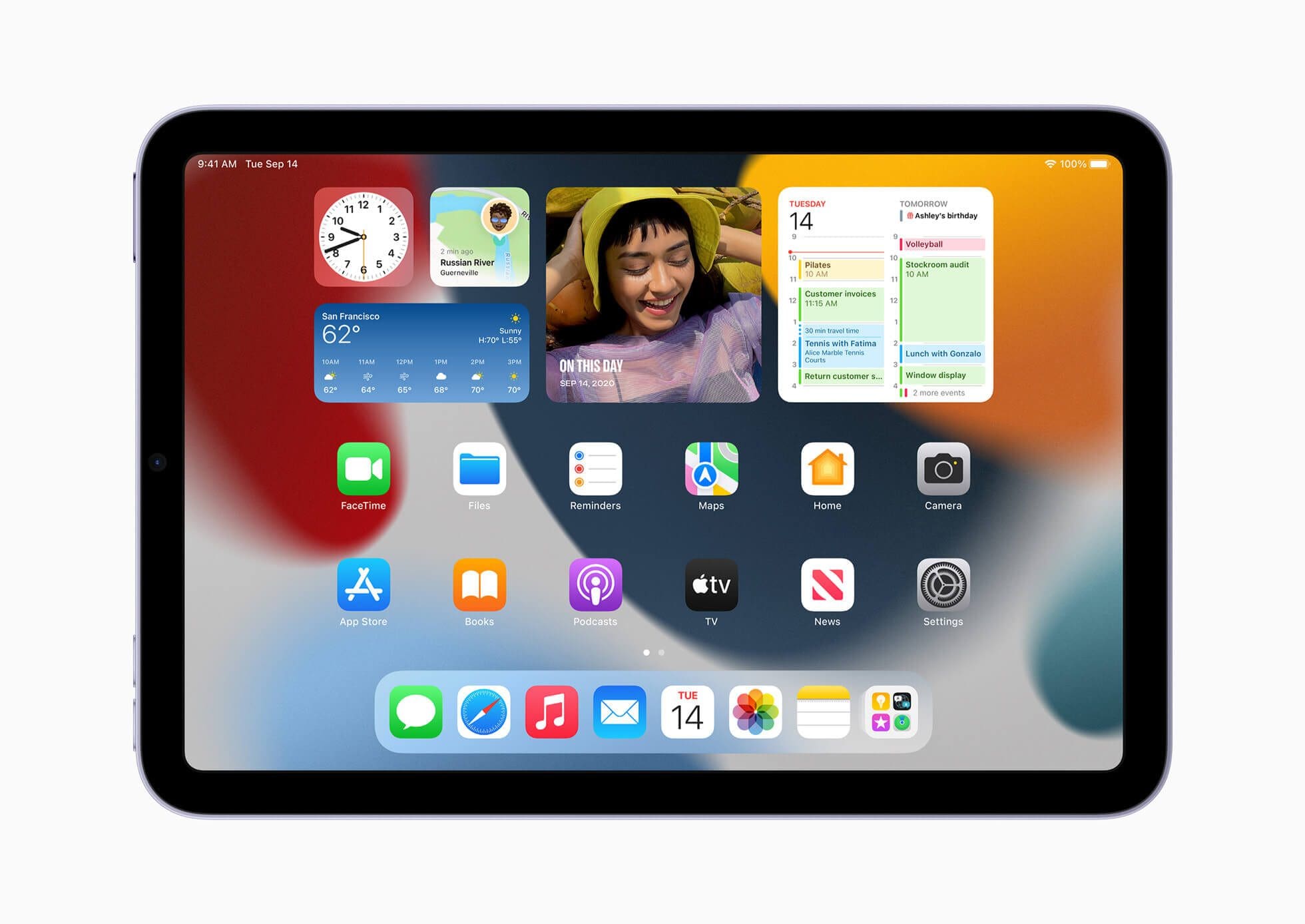
One feature that is expected to come to both iOS 16 and iPadOS 16 is an improved widget experience. Currently, widgets are not exactly interactive and are fairly limited in functionality. They also can only be placed on your Home Screen, but a big change is said to be in the cards.
It’s been a while since Apple revamped the Lock Screen, and it seems that new changes are being announced at WWDC ’22. These include interactive widgets, using an internal name of “InfoShack”. In a leak from @LeaksApplePro, widgets show music playback controls, toggles for the Remote app, and Flashlight, along with a timer widget complete with “Start” and “Lap” buttons.
We’re hoping that the continued improvement on widgets will also bring this “InfoShack” to the Mac, allowing users to place widgets on their Home Screen. It’s likely that a new API will be introduced which allows developers to create fun, unique, and useful widgets for our various devices.
Supported Devices
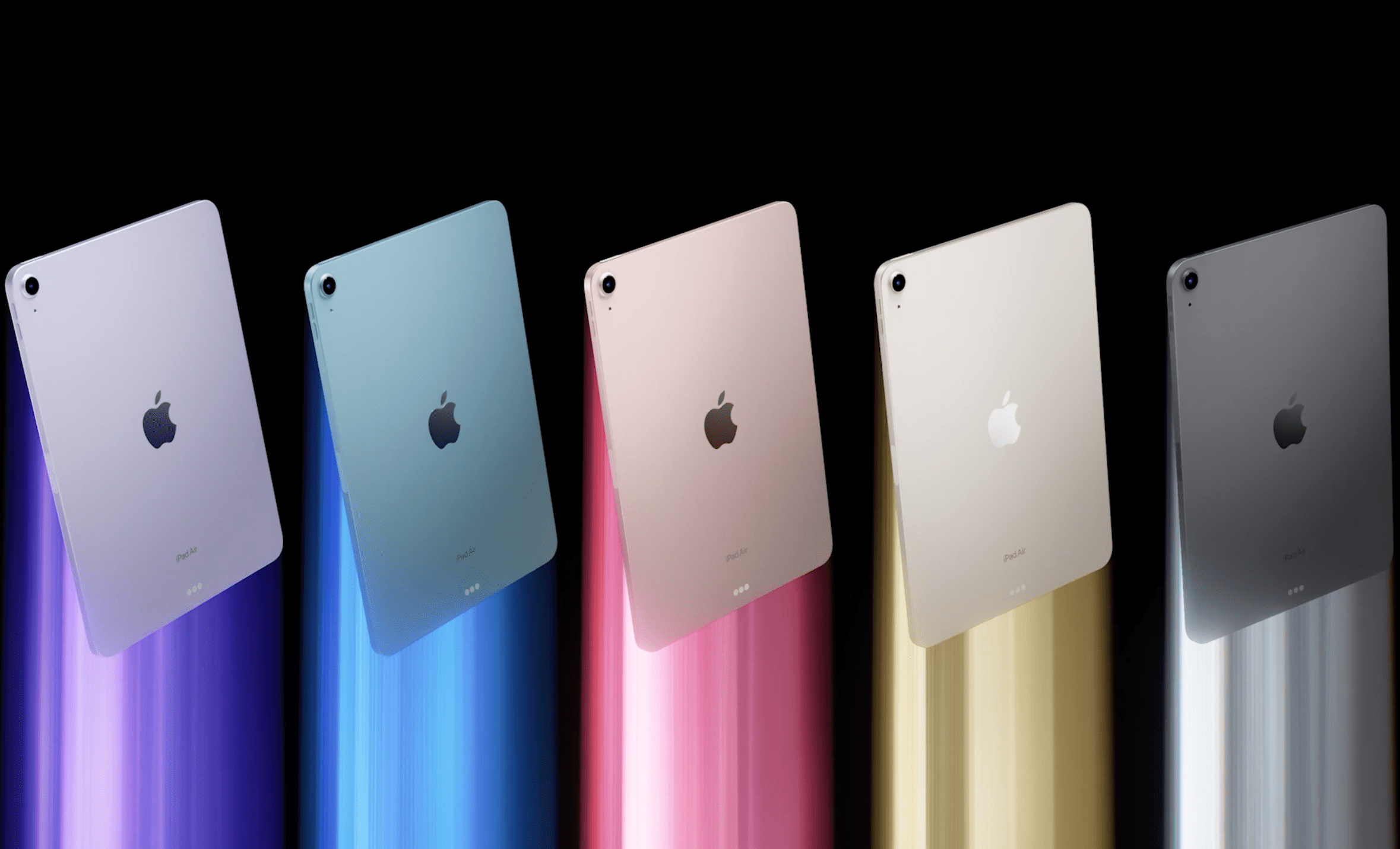
When it comes to software support in the smartphone and tablet space, Apple is alone at the top of the mountain. Other companies are trying to close the gap, but it’s obvious how big of a lead Apple has when you see that the iPad Air 2 from 2014 is still supported by iPadOS 15. To get an idea of what iPad models could support iPadOS 16, here’s the list of currently-updated iPads:
iPad Pro 12.9 (5th gen)
iPad Pro 11 (3rd gen)
iPad Pro 12.9 (4th gen)
iPad Pro 11 (2nd gen)
iPad Pro 12.9 (3rd gen)
iPad Pro 11 (1st gen)
iPad Pro 12.9 (2nd gen)
iPad Pro 12.9 (1st gen)
iPad Pro 10.5
iPad Pro 9.7
iPad (9th gen)
iPad (8th gen)
iPad (7th gen)
iPad (6th gen)
iPad (5th gen)
iPad mini (6th gen)
iPad mini (5th gen)
iPad mini (4th gen)
iPad Air (5th gen)
iPad Air (4th gen)
iPad Air (3rd gen)
iPad Air 2
There is a chance that we could see a few iPad models removed from this list, especially following the discontinuation of the iPod Touch. This used the Apple A10 chipset, meaning that this could be the new “cut-off” point for iPadOS 16 devices.
Release Date
If you’re wondering when you’ll be able to get your hands on iPadOS 16, developers will have a head start, as always. Apple is expected to release the first iPadOS 16 Developer Beta after the WWDC ’22 Keynote has been completed. From there, it’s unlikely that we’ll see a Public Beta for at least a month, meaning that non-developers wouldn’t be able to get their hands on the software until sometime in July.
There have been some rumors that the iPadOS 16 Public Beta could be delayed even further. Considering that this could end up being the biggest update to iPadOS in years, internal development is said to have been pushed back as Apple tries to pack in all of the new features.
As for the final release, it’s not going to be all that different from years past. The final version of iPadOS 16 is likely to be released in the Fall, alongside the new iPhone 14 and Apple Watch Series 8.
Andrew Myrick is a freelance writer based on the East Coast of the US. He enjoys everything to do with technology, including tablets, smartphones, and everything in between. Perhaps his favorite past-time is having a never-ending supply of different keyboards and gaming handhelds that end up collecting more dust than the consoles that are being emulated.










Write a Comment