It’s been an interesting few months for Apple and those who jumped on the very first iPadOS 16 beta. On one hand, it’s interesting to see Apple attempt to reinvent the way you multitask and use multiple apps with your iPad. But unfortunately, it hasn’t been a smooth experience, as there have been constant issues and complaints since day one.
If there’s one thing we know about Apple, it’s that the company will continue attempting to fix issues that developers and users come across, or make drastic changes. And with the iPhone 14 launch out of the way, the company can now put even more focus into improving the iPad, as evidenced by the latest iPadOS 16 beta.
Drastic Stage Manager Changes
There are two major changes in the latest iPadOS 16 beta when it comes to Stage Manager. Back when Stage Manager was first introduced, there was quite a bit of outrage from when iPad owners discovered the new multitasking feature would be limited to iPad models powered by Apple’s M1 chip.
In a surprise move, the latest iPadOS beta represents a changing of the guard, as those using older iPad models are now able to use Stage Manager. Unfortunately, it’s not available for all older iPad models, but instead, Stage Manager is now compatible with both the 2018 and 2020 iPad Pro models.
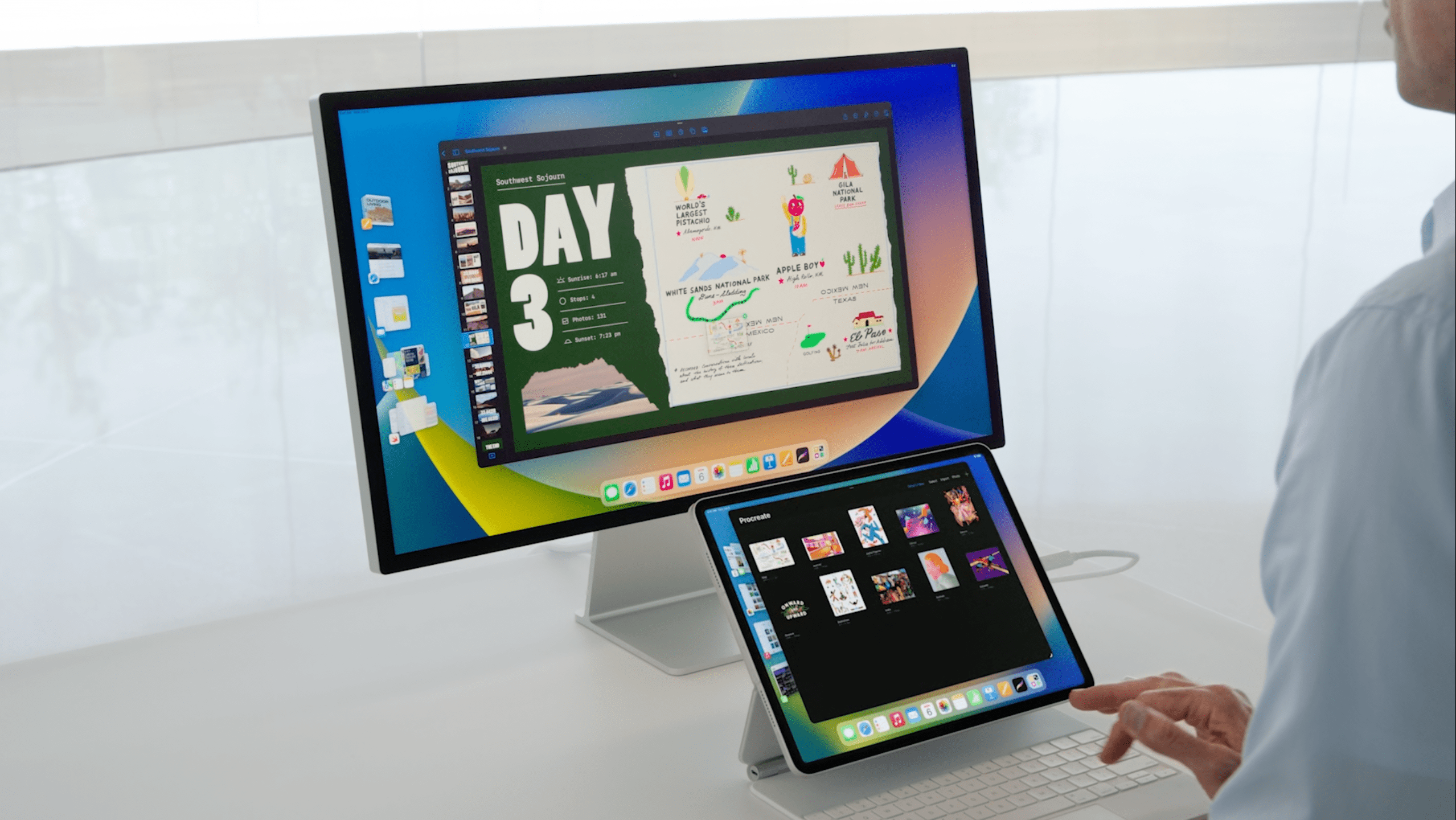
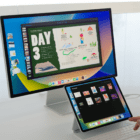
As Apple continues to struggle with the implementation of the defining feature of iPadOS 16, the company has also made another dramatic change. Apple has removed external display support for Stage Manager entirely, and instead will reintroduce the feature in a future update to iPadOS 16. Previously, you would be able to plug your iPad into an external display and show a total of eight app windows, with four on the iPad screen and four on the external display. But for now, the feature has been removed entirely in the latest iPadOS 16 beta.
Here’s the statement that Apple provided to Engadget regarding the future of Stage Manager:
“We introduced Stage Manager as a whole new way to multitask with overlapping, resizable windows on both the iPad display and a separate external display, with the ability to run up to eight live apps on screen at once. Delivering this multi-display support is only possible with the full power of M1-based iPads. Customers with iPad Pro 3rd and 4th generation have expressed strong interest in being able to experience Stage Manager on their iPads. In response, our teams have worked hard to find a way to deliver a single-screen version for these systems, with support for up to four live apps on the iPad screen at once.
External display support for Stage Manager on M1 iPads will be available in a software update later this year.”
When Is iPadOS 16 Being Released?
When Apple announced that it would be delaying iPadOS 16, the company did not provide any further indication as to a date for when we could expect the update to arrive. This remains true even after providing an official statement regarding the latest iPadOS 16 beta release, instead, only stating it would be coming “later this year.”
However, rumors suggest that Apple is planning to release the final version of iPadOS 16 (or iPadOS 16.1) alongside macOS Ventura. This is slated to arrive sometime in October and could coincide with some new product device launches, such as an updated version of the iPad Pro, and perhaps even some new Mac hardware powered by the M2 chip.
Andrew Myrick is a freelance writer based on the East Coast of the US. He enjoys everything to do with technology, including tablets, smartphones, and everything in between. Perhaps his favorite past-time is having a never-ending supply of different keyboards and gaming handhelds that end up collecting more dust than the consoles that are being emulated.








Write a Comment