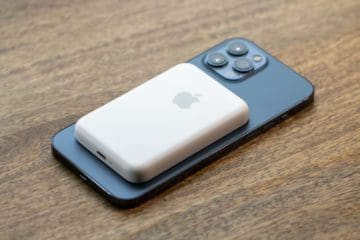
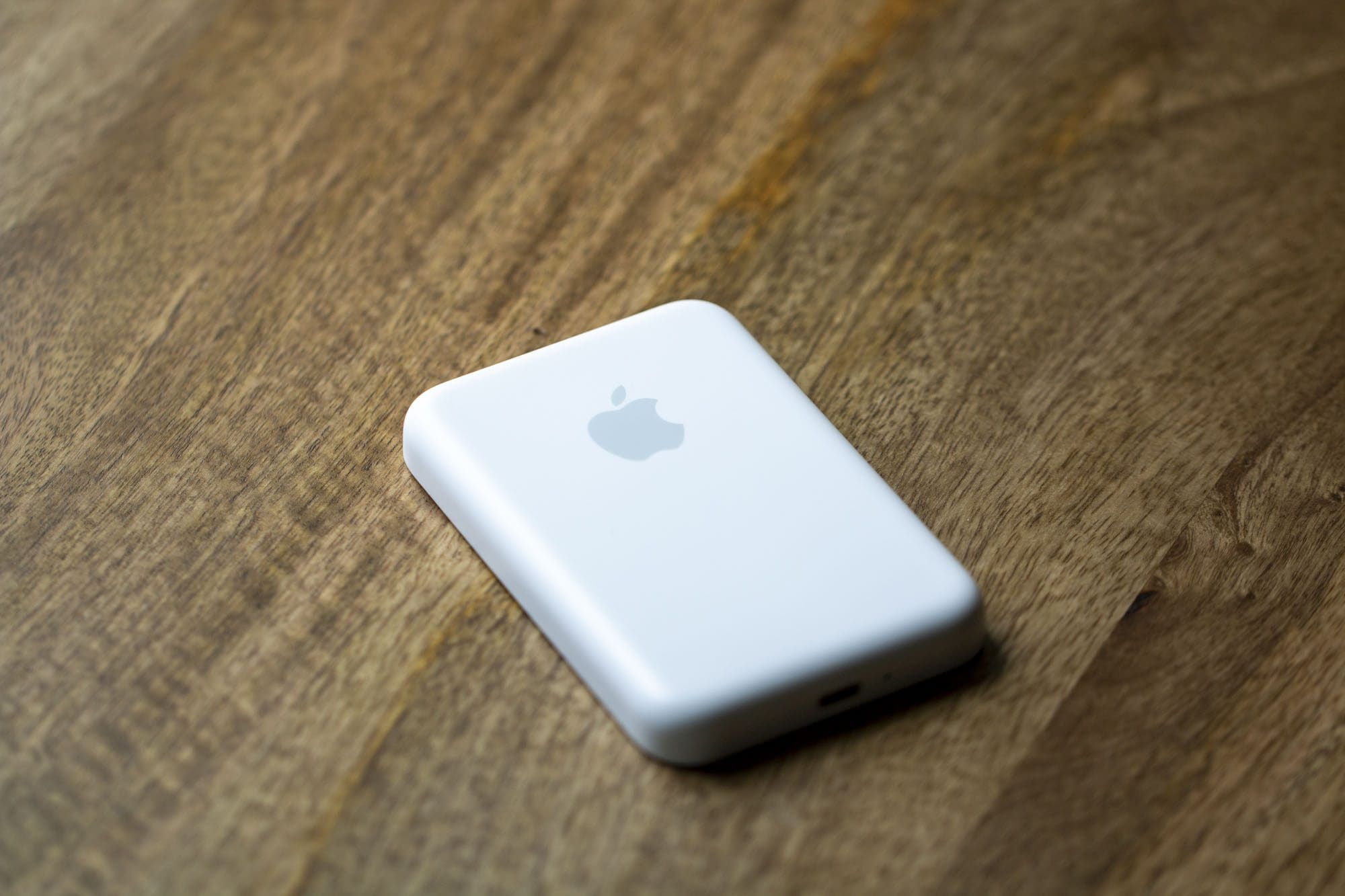
From time to time, Apple has a tendency to actually surprise its users. Whether it’s with an unexpected software update or a product release. The Apple MagSafe Battery Pack falls under both categories, as the portable charger was released midway through the iPhone 12’s release cycle. But now, Apple has released a new firmware update for its MagSafe Battery Pack.
At launch, the MagSafe Battery Pack was limited to reaching up to 5W charging speeds. Admittedly, this is more of a trickle-charge when it comes to the iPhone 13 Pro and 13 Pro Max. But with a new firmware version rolling out, Apple has increased the charging speeds up to 7.5W. It may not seem like much, but it will definitely be noticeable when you need to quickly juice up your iPhone.
Surprisingly, Apple makes it easier to update Apple MagSafe Battery Pack compared to AirPods. There are actually two different methods that you can take in order to get your MagSafe Battery Pack running the latest firmware.
The first method is a bit annoying, as Apple claims it “can take about one week”. With this method, you’ll simply need to attach the Battery Pack to the back of your iPhone. From there, the update will automatically begin, but again, it will take quite a while before you’ll be able to enjoy the faster 7.5W charging speeds.
Luckily, there’s another and much faster update method for those who don’t want to wait for a week. Instead of just attaching your Magsafe Battery Pack to the back of your compatible iPhone, here’s what you’ll need to do:
Plug one end of a Lightning to USB cable into your MagSafe Battery Pack.
Plug the other end of the cable into your iPad or Mac.
Wait up to 10 minutes before removing the cable from the MagSafe Battery Pack.
From there, you should find that your iPhone is now charging a bit faster than what was previously available. If you want to make sure that the update was actually applied, follow these steps:
Attach the MagSafe Battery Pack to the back of your compatible iPhone.
Open the Settings app on your iPhone.
Tap General.
Select About.
Tap MagSafe Battery Pack.
When the update has been properly applied, Apple states that it will feature Firmware Version 2.7. If not, you can try the steps above again in order to try and get the firmware update to properly install. Make sure that your Battery Pack has at least some charge, as it may not be able to install the update if the battery is completely depleted.
MagSafe Battery Alternatives
While Apple’s MagSafe Battery Pack may offer the best compatibility and integration with compatible iPhone models, it’s not the only option. Now that MagSafe has been around for quite a while, we’ve seen more than a few different compatible battery packs released. Here are a few of our favorites.
Anker 622 MagGo
The MagGo 622 features a 5,000mAh battery, which is more than Apple’s own charger. This isn’t enough juice to get the iPhone 13 Pro or Pro Max all the way up to 100%, but it will take up to around 75% before needing to recharge the battery bank.
Keeping track of the remaining battery is a breeze thanks to the five LEDs on the bottom of the 622. Anker also integrated a “power” button, that makes it easy to see how much juice is left in the power bank.
When it comes to ESR, the company’s HaloLock is the perfect place to start if you want an entire lineup of MagSafe-compatible acccessories. As expected, the HaloLock Wireless Power Bank provides a massive 10,000mAh capacity that magnetically attaches to the back of your iPhone. But even if you don’t want to use MagSafe, you can just use it as a regular portable charger with a USB-C to Lightning cable.
The MyCharge Mag-Lock comes in five different colors, while also being available in three different capacities. The colors available match the same color options that Apple released across the iPhone 13 lineup, allowing you to mix and match, or just match, based on your preferences.
Andrew Myrick is a freelance writer based on the East Coast of the US. He enjoys everything to do with technology, including tablets, smartphones, and everything in between. Perhaps his favorite past-time is having a never-ending supply of different keyboards and gaming handhelds that end up collecting more dust than the consoles that are being emulated.









Write a Comment