It’s been a crazy week for Apple, as the company only just released the final version of iOS 16 to the masses, and three of the new iPhone 14 models are due to be released. However, work never stops for the Cupertino-based company, as Apple has just released the iOS 16.1 Beta 1 update for developers. Let’s jump and see what’s coming with Apple’s next software release.
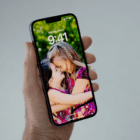
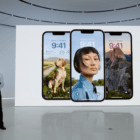
While we’re in love with the changes Apple is implementing with the Lock Screen on iOS 16, there are some frustrations. For one, it’s nowhere near as easy to change the wallpaper on your Home Screen, as the software seems to prioritize your Lock Screen first. iOS 16.1 Beta 1 seems to change this interaction a bit, as you can now choose to edit either the Lock Screen or the Home Screen from the appropriate settings panel. Previously, you would have to first edit your Lock Screen before you could try to make changes to the Home Screen.
New iOS 16.1 feature:
When you tap “Customize” from the Lock Screen, you can choose to edit either the Lock Screen or Home Screen! pic.twitter.com/COGwqWvSOu
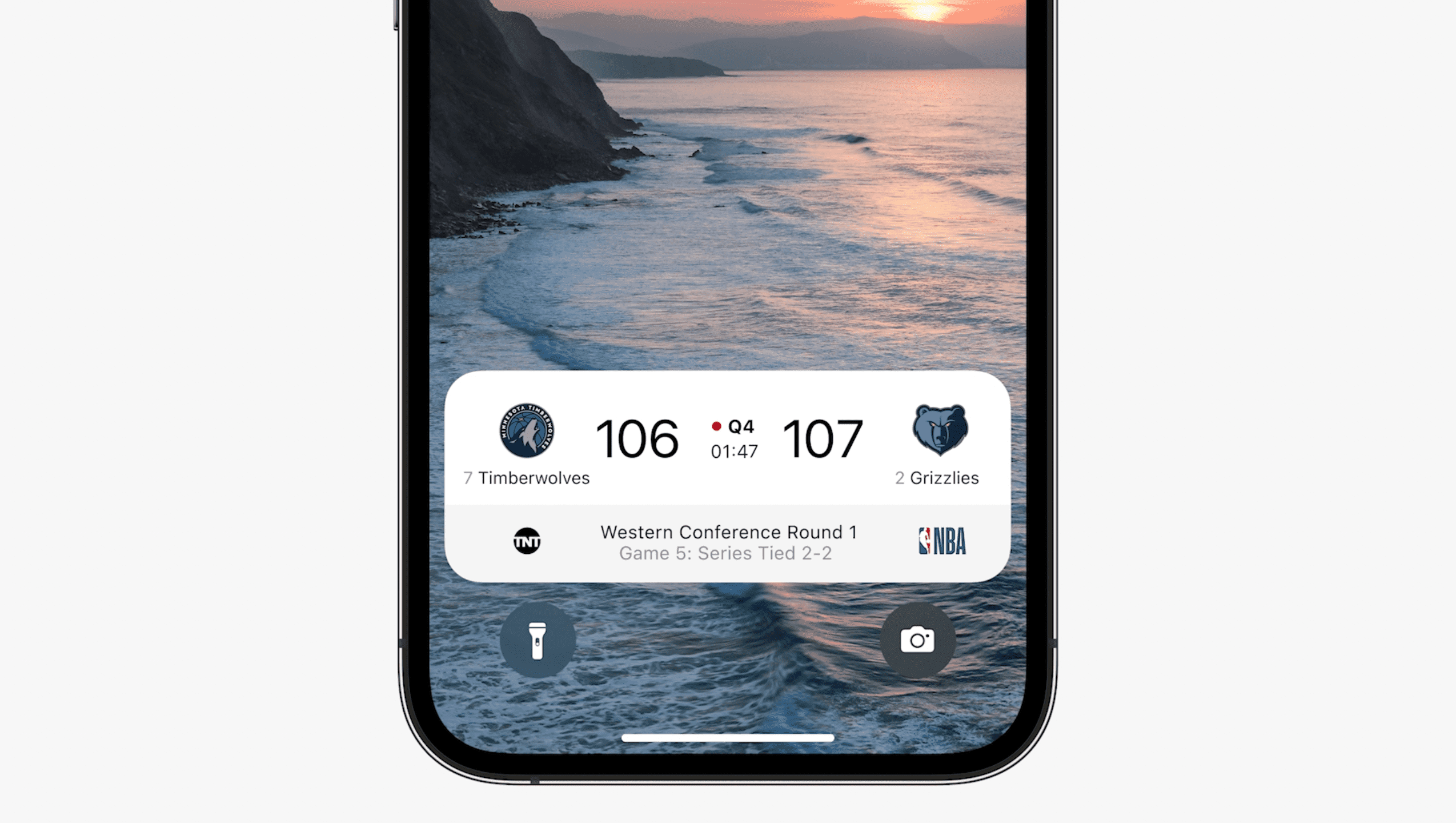
One of the neatest features that was announced alongside iOS 16 is known as Live Activities. Essentially these are a different type of widget that can appear in different areas on your iPhone, such as the Lock Screen and the iPhone 14 Pro’s Dynamic Island. Apple already confirmed the feature wouldn’t be available with the final version of iOS 16, but iOS 16.1 Beta 1 brings back access to the Live Activities API for developers. Apple also provided a bit more context for how Live Activities will work when implemented:
“Live Activities display and update an app’s most current data on the iPhone Lock Screen. This allows people to see live information they care about the most at a glance. To offer Live Activities, add code to your existing widget extension or create a new widget extension if your app doesn’t already include one. Live Activities use WidgetKit functionality and SwiftUI for their user interface on the Lock Screen. ActivityKit’s role is to handle the life cycle of each Live Activity: You use its API to request, update, and end a Live Activity.”
According to Apple, Live Activities will have a few limitations, such as the ability to run for up to eight hours. When that limit is reached, the Live Activity will be stopped, at which point it will continue to appear for up to four hours unless the user manually removes it.
Matter Accessory Controls for Smart Home
While HomeKit is Apple’s ecosystem for handling and controlling smart home devices, there’s another “standard” that has been in development. This new standard is being called “Matter” and includes some of the biggest smart home companies working together to make compatibility across devices and platforms even better. Apple has detailed some of the changes coming when Matter is formally implemented, and iOS 16.1 Beta 1 gives us our first look at that.
As noted by @zollotech on Twitter, there’s a new “Matter Accessories” button found within the General settings. In this screenshot, the button is found on an iPad running iPadOS 16.1 Beta 2, but it is also appearing on the iPhone with iOS 16.1 Beta 1.
Clean Energy Charging
Whenever Apple takes the stage for a product or software announcement, there’s guaranteed to be at least one section detailing how Apple is attempting to reduce its carbon footprint. It’s the company’s explanation for why the iPhone no longer includes a charger in the box, and with iOS 16.1 Beta 1, Apple is bringing a new “Clean Energy Charging” option to its users.
In your region, iPhone will try to reduce your carbon footprint by selectively charging when lower carbon emission electricity is available. iPhone learns from your daily charging routine so it can reach full charge before you need to use it.
According to those who already have iOS 16.1 Beta 1 installed, this Clean Energy Charging toggle is already enabled by default. However, outside the description provided in the Settings app, we aren’t exactly sure how much differently this will perform compared to the “Optimized Battery Charging” option.
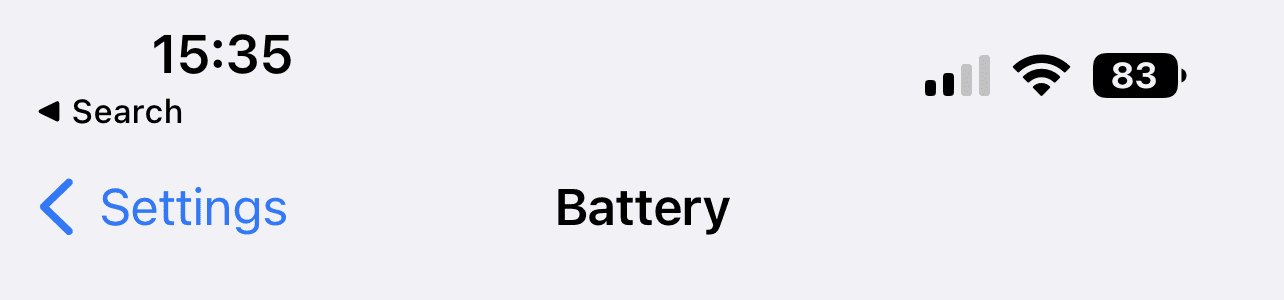
Battery Percentage in Status Bar For More iPhone Models
When Apple released iOS 16 Beta 5, it didn’t take long for Apple sleuths to discover the re-introduction of the battery percentage in the status bar. This puts the remaining battery percentage within the battery indicator in the top right corner of your iPhone’s status bar. However, the feature was limited to select models, with Apple not providing any reason as to why this was the case. Thankfully, Apple is reversed course and is bringing the status bar battery indicator to the following iPhone models:
iPhone 13 Mini
iPhone 12 Mini
iPhone XR
iPhone 11
You Can Delete Apple Wallet App
Apple continues to face stiff antitrust complaints and lawsuits when it comes to the company’s own apps and services. It’s part of the reason why you can set an app other than Mail or Safari as the default for email or web browsing. But the latest change comes to Apple Wallet. iPadOS 16.1 Beta revealed code that suggested Apple would be making it possible to delete the Wallet app entirely, but it could not be confirmed.
Now that iOS 16.1 Beta 1 has been released, you actually can delete the Apple Wallet app from your iPhone. As you might expect, deleting the Wallet app will remove some functionality, such as the ability to use Apple Pay. However, in some instances, users will be prompted to simply re-install the Wallet app from the App Store in order to bring back any “missing” functionality.
When Will iOS 16.1 Be Released?
At the time of this writing, Apple has just released the first iOS 16.1 Developer Beta in the same week as the final version of iOS 16 was released and the iPhone 14 launch. It may seem a bit surprising to see the first beta already available, but Apple has likely been working on this build for weeks. Unfortunately, there’s no indication as to when we could see this released, as we expect to see a few more Developer Beta releases before that happens.
Andrew Myrick is a freelance writer based on the East Coast of the US. He enjoys everything to do with technology, including tablets, smartphones, and everything in between. Perhaps his favorite past-time is having a never-ending supply of different keyboards and gaming handhelds that end up collecting more dust than the consoles that are being emulated.
In iOS 16 it seems that to get the custom Lock Screen features you have to commit to a specific static Home Screen wallpaper. You cannot have revolving custom lock screen backgrounds and also automatically rotate your Home Screen backgrounds. You can rotate screens both via shortcuts but cannot do this if you also want customized lock screens with widgets, fonts, etc.
Does 16.1 untether the Lock Screen and Home Screen? In other words, can I create multiple home screens (either by revolving photos in the Home Screen customization or via a shortcut) without losing a custom Lock Screen?







In iOS 16 it seems that to get the custom Lock Screen features you have to commit to a specific static Home Screen wallpaper. You cannot have revolving custom lock screen backgrounds and also automatically rotate your Home Screen backgrounds. You can rotate screens both via shortcuts but cannot do this if you also want customized lock screens with widgets, fonts, etc.
Does 16.1 untether the Lock Screen and Home Screen? In other words, can I create multiple home screens (either by revolving photos in the Home Screen customization or via a shortcut) without losing a custom Lock Screen?