Gone are the days where you really need to have a boatload of storage on your computer in order to store all of your files. Cloud storage options have become so robust that these are the default methods for many to store their files. Plus, home internet speeds, and the introduction of 5G, have made it incredible fast to backup and sync your files that you just don’t need to overload on storage.
Dropbox is one of the most popular cloud storage options, as the service has been available for years. And by the time that you become frustrated with Dropbox (or other services), it can be a big pain to transfer everything to a new service. But it’s here where companies become complacent and stop prioritizing the needs of the customer over the needs of the company.
This is where Dropbox falls a bit short, as it’s been more than a year since Apple released the M1 processor, and we still have to rely on a non-M1 compatible version. The Dropbox app that you install today runs using Rosetta, and is known for hogging quite a bit of resources on your Mac.
Originally, a request to bring proper Apple Silicon compatibility to the app was requested on the Dropbox Forums back in June of this year. However, a reply from a Dropbox representative stated the following:
This idea is going to need a bit more support before we share your suggestion with our team.
This was obviously met with much disdain and frustration considering just how big of a company Dropbox is and was pretty tone-deaf. Since then, Dropbox has confirmed it is actually working on development of an Apple Silicon version of its app, but it will not be available until the first half of 2022. Needless to say, it might just be time to cut your losses and look elsewhere for your cloud storage needs.
Best Dropbox Alternatives for Mac
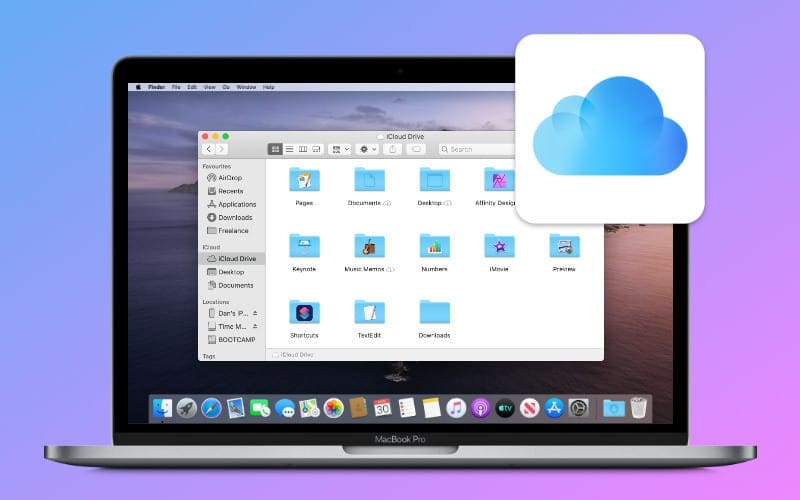
iCloud Drive
The most obvious answer for those looking at cloud storage options is to just switch over to iCloud Drive. If you have an ecosystem of Apple devices, this is already available on all of them, and is of course, compatible with Apple Silicon.
By default, every Apple ID is equipped with 5GB of cloud storage. But there are plenty of different storage tiers that you can select from with iCloud+, and here are the options:
50GB – $0.99 per month
200GB – $2.99 per month
2TB – $9.99 per month
You can also sign up for Apple One Premiere (at $29.95 per month) and get access to 2TB of storage along with all of the other Apple services you probably already use.
Microsoft OneDrive
Although it took a little while following the release of Apple’s M1 Mac, Microsoft finally updated its OneDrive app to natively support the new architecture. Back in June of this year, the update began rolling out, and you can now enjoy the native version on your M1, M1 Pro, or M1 Max computers. Pricing is also pretty friendly, and here’s what Microsoft offers:
5GB for Free
100GB for $1.99 per month
1TB (Microsoft 365) for $6.99 per month or $69.99 per year
6TB Total (Microsoft 365 Family) for $9.99 per month or $99.99 per year
Google Drive
If you already back up all of your pictures and videos to Google Photos, you might want to switch over to Google Drive. There is a standalone app that makes it easy to sync your files with Drive, and Google offers an array of different storage tiers without forcing you into unnecessary bundles.
15GB for free
100GB for $1.99 per month ($19.99 per year)
200GB for $2.99 per month ($29.99 per year)
2TB for $9.99 per month ($99.99 per year)
5TB for $24.99 per month ($249.99 per year)
10TB for $49.99 per month
20TB for $99.99 per month
30TB for $149.99 per month
Box
Box is one of those cloud storage options that you may not think of right off the bat. But the accompanying desktop app has already been updated with support for Apple Silicon, and is competitively priced.
10GB for free
100GB for $14 per month (per user)
100GB for $7 per month (per user for Business Starter plan)
Should You Switch?
Whether you decide to move away from Dropbox is completely up to you, and it really depends on how much cloud data you have. For accounts with less than 2TB of data, it’s not that much of a headache to switch over to a different service. Plus, after you install the app, you can just drag and drop files between the Dropbox folder and whatever service you make the change too.
Andrew Myrick is a freelance writer based on the East Coast of the US. He enjoys everything to do with technology, including tablets, smartphones, and everything in between. Perhaps his favorite past-time is having a never-ending supply of different keyboards and gaming handhelds that end up collecting more dust than the consoles that are being emulated.













Write a Comment